3.1.2 Configuring the track guidance system functions
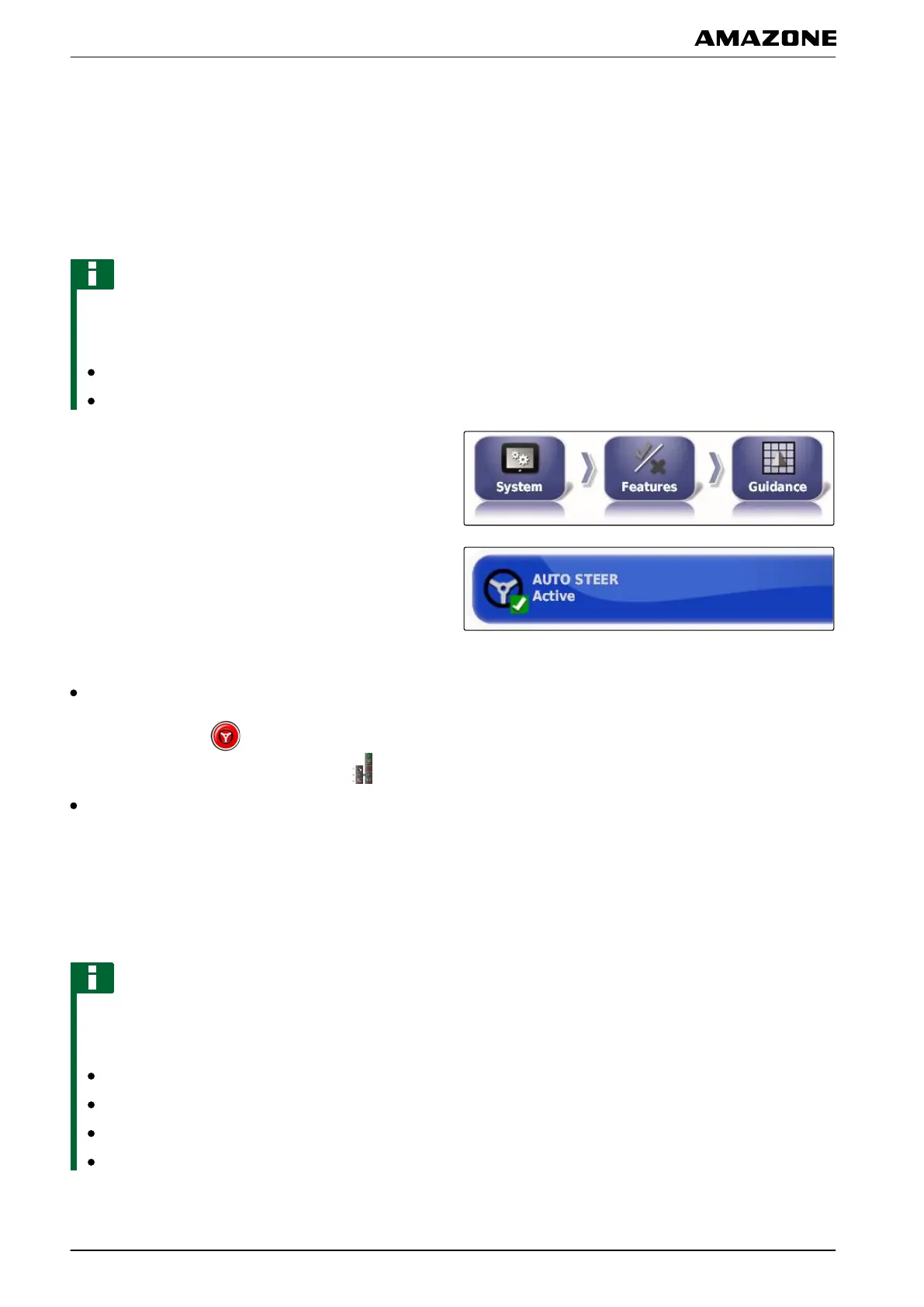
Enabling automatic steering
This function enables or disables the automatic steering
system.
NOTE
This function is only available if one of the following
GPS receivers has been selected, see page 52.
AGI-3
AGI-4
1. In the setup menu, tap on "System" > "Functions" >
"T
rack guidance".
2. Tap on "Automatic steering".
Possible settings:
Enabled: Automatic steering can be used. In the
operating menu, the button for enabling automatic
steering appears: . In the job menu, the button
for the steering options menu is shown:
Disabled: Automatic steering cannot be used.
Enabling reverse detection
This function enables or disables the automatic reverse
detection.
NOTE
This function is only available if one of the following
GPS receivers
has been selected, see page 52:
AGI-1
AGI-2
SGR-1
Other
005370
005387
005363
F | Configuring the AMAPAD | Entering the system settings
MG5574-EN-II | B.1 | 25.10.2016
44



 To Next Page