REQUIREMENTS
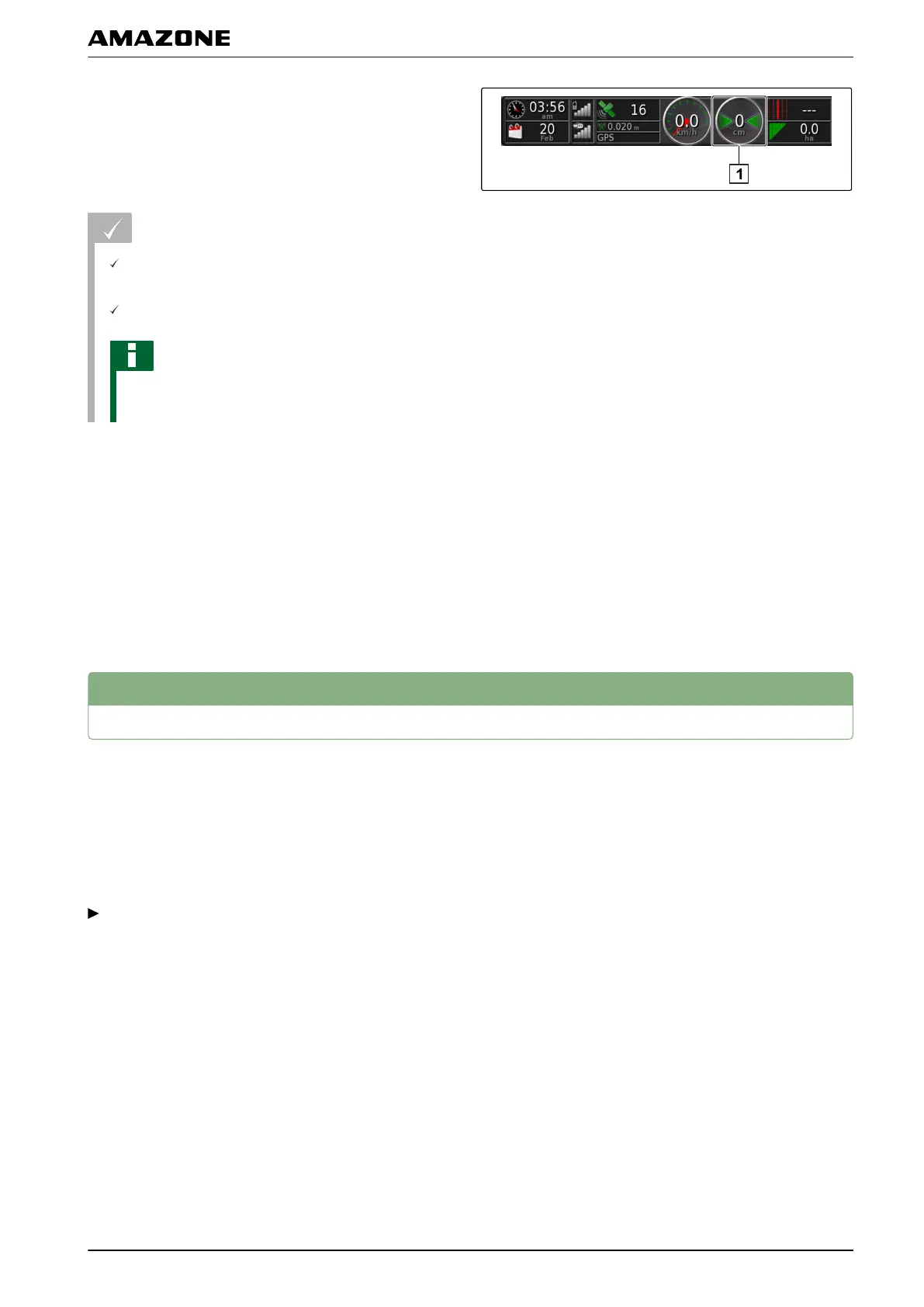
Display for the track deviation is enabled on the
dashboard;
see page 105
LED mode is selected; see page 30
NOTE
The lightbar can remain disabled for the track
deviation
display on the dashboard.
1. When t
he LED mode " Driving to" has been
selected,
steer the vehicle towards the side on which the red
arrow appears.
2. When t
he LED mode "Driving away" has been
selected,
steer the vehicle away from the side on which the
red arrow appears.
4
Correcting the track lines
The course of the track lines can be corrected to
compensate
for deviations. The deviations of the track
lines are caused by GPS drift. When the displayed track
lines no longer match with the real tracks on the field,
the displayed track lines can be manually shifted on the
AMAPAD.
To correct the track lines, see page 161.
005553
K | Using track lines | Correcting the track lines
MG5574-EN-II | B.1 | 25.10.2016
157



 To Next Page