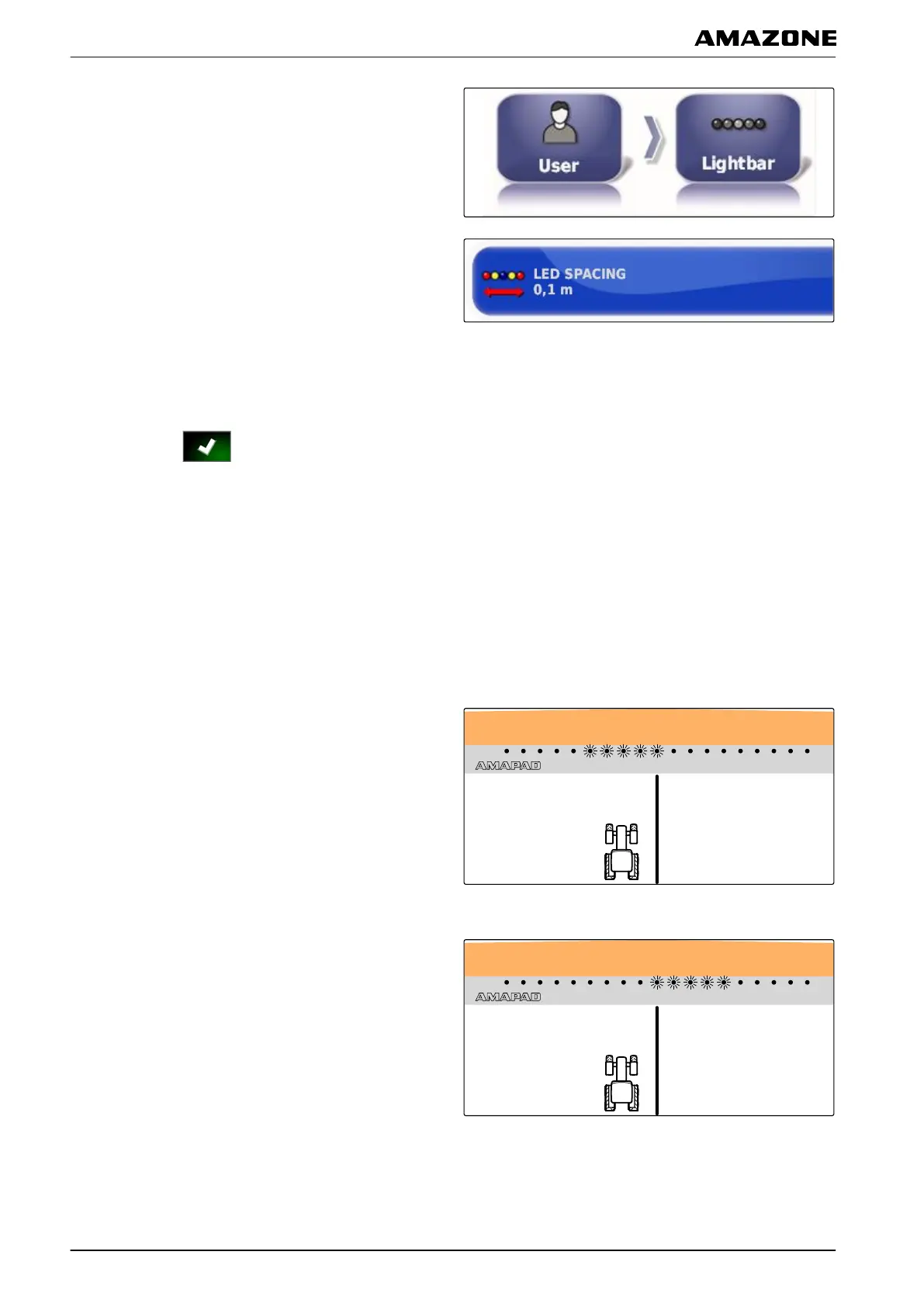
1. In the setup menu, tap on "User" > "Lightbar".
2. Tap on "LED spacing".
Setting range: 0.001 m to 2 m
3. Enter the distance.
4. Confirm with .
Defining the LED mode
The LED mode is used to define the side of the lightbar
on which
the LEDs start lighting up when the vehicle
deviates from the track line.
Possible settings:
Driving away
The LEDs on the lightbar start lighting up on the side
towards
which the vehicle is moving.
Driving to
The LEDs on the lightbar start lighting up on the side
from which the vehicle
is moving away.
005334
F | Configuring the AMAPAD | Entering the user settings
MG5574-EN-II | B.1 | 25.10.2016
30



 To Next Page