11
Editing job data
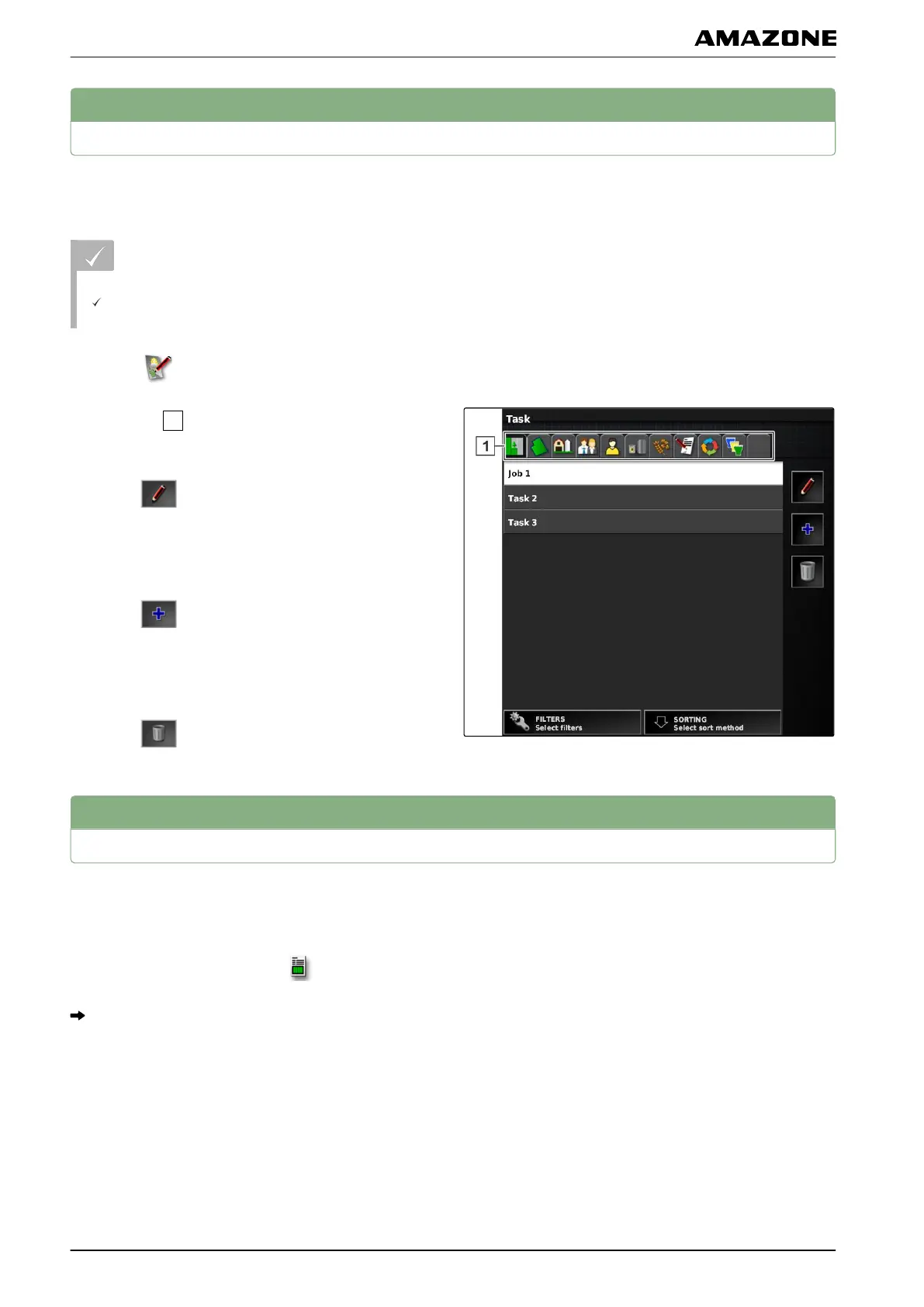
The job data manager is used to manage job data and
master data.
REQUIREMENTS
"Manage job data" is enabled in the user controls;
see page
41
1. Select
in the function menu.
2. Using the
, call up the tab for the desired data.
3. T
o edit master data,
select
.
or
T
o add new master data,
select
.
or
T
o delete master data,
select
.
12
Calling up job information
The information on the current job can be called up in
the function menu.
1. In the function menu, tap on .
The miniature view of the job information will be
shown.
060592
002564
I | Managing jobs | Editing job data
MG5574-EN-II | B.1 | 25.10.2016
124



 To Next Page