2.4 Configuring the map
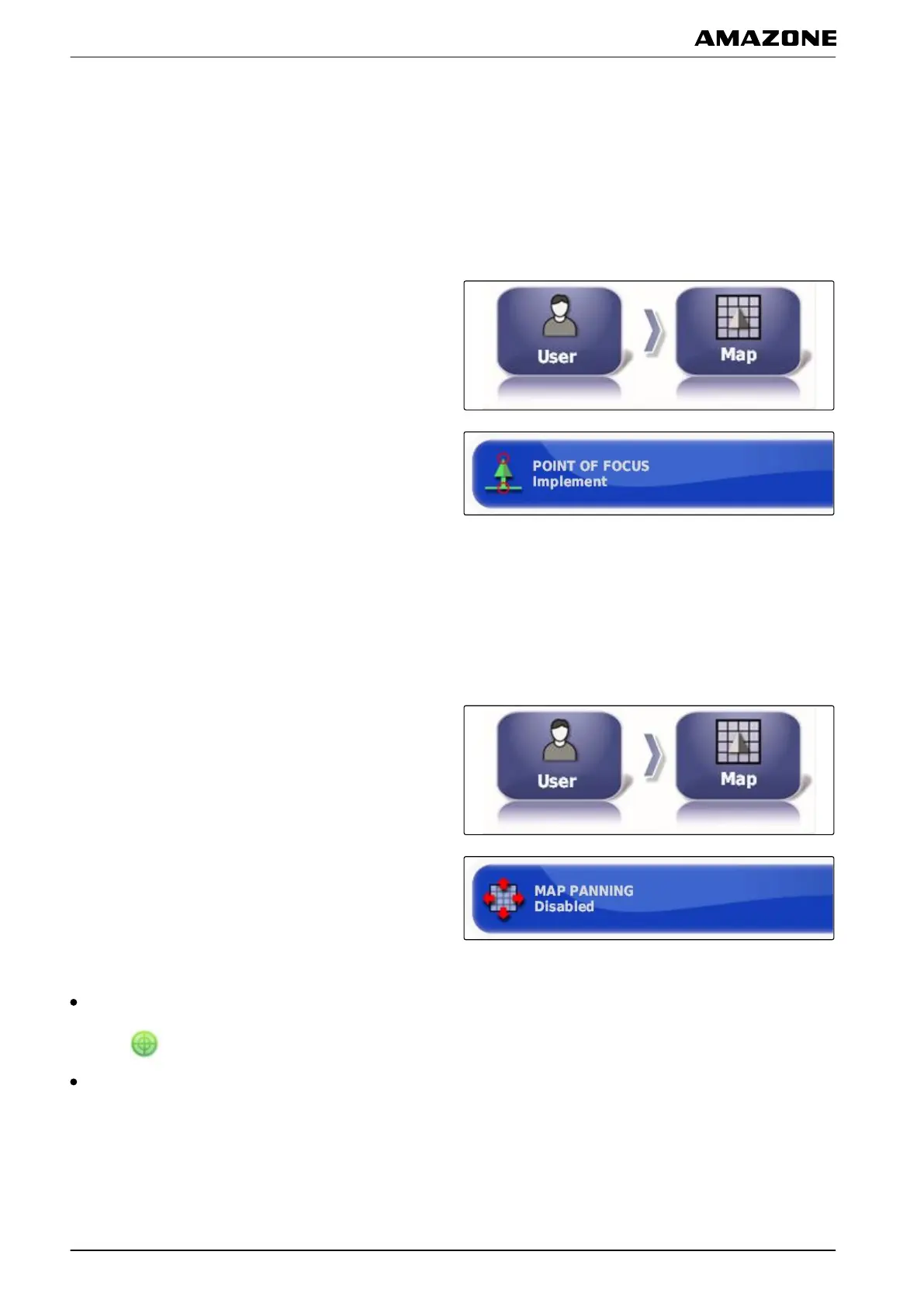
Defining the point of focus
With the point of focus, you can define whether the
vehicle
symbol or the implement symbol should be
centred on the map.
1. In the setup menu, tap on "User" > "Map".
2. Tap on "Point of focus".
3. Select the symbol.
Enabling map panning
With this setting, you can define whether the map can be
panned
in the map view.
1. In the setup menu, tap on "User" > "Map".
2. Tap on "Map panning".
Possible settings:
Enabled: The map can be moved in the map view.
The symbol for the vehicle focus will be shown on the
map:
Disabled: The map cannot be moved in the map
view
. The symbol for the vehicle focus is not shown.
005350
005337
005346
F | Configuring the AMAPAD | Entering the user settings
MG5574-EN-II | B.1 | 25.10.2016
38



 To Next Page