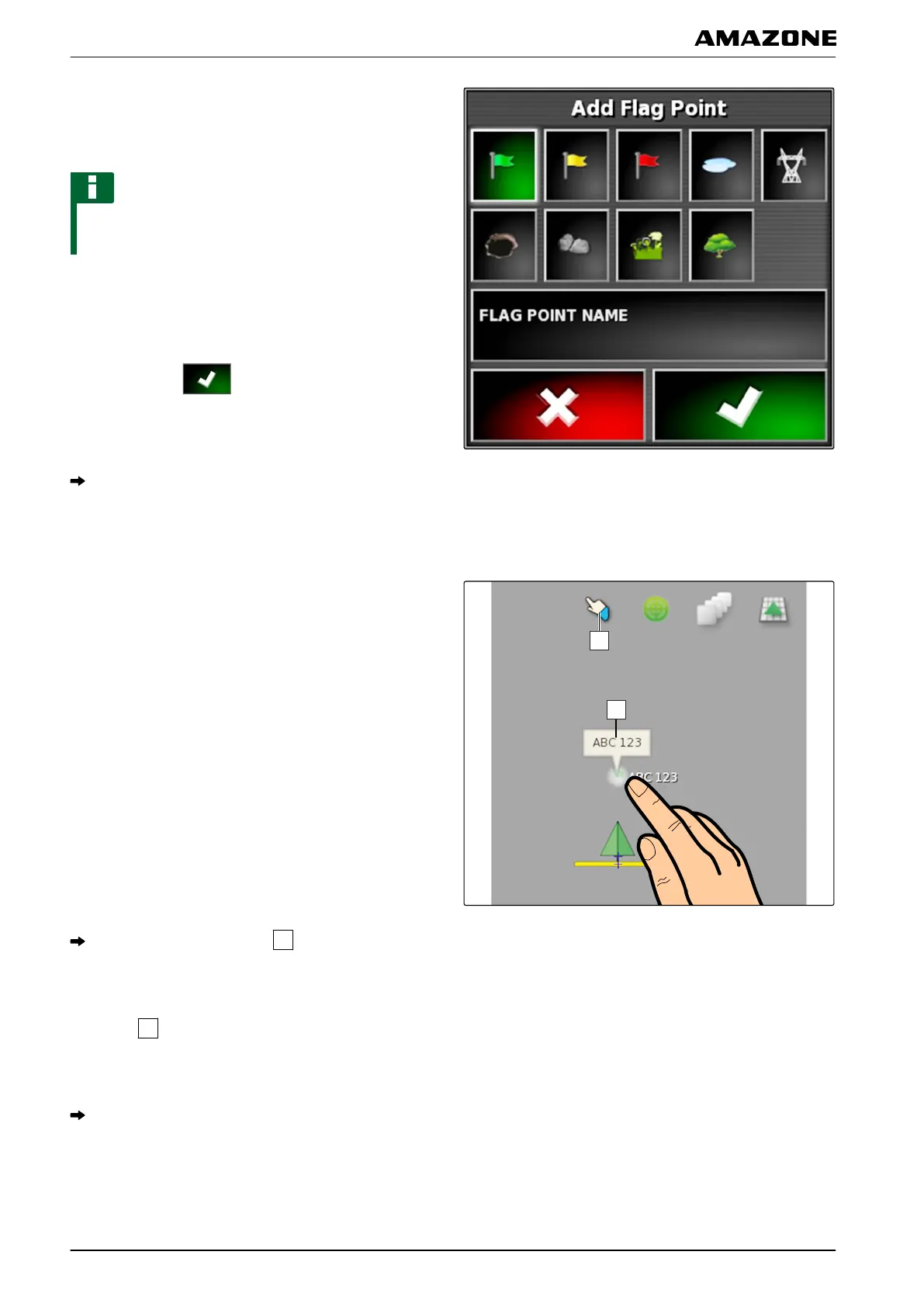
5. Select the desired symbol.
6. Tap on "Flag point name".
NOTE
Enter a sensible name to clearly identify the flag point
as
a reference point.
7. Enter the name.
8.
Select the desired symbol.
9. Confirm with
.
The flag point has been set.
6.3 Editing flag points
1. Place your finger on any point on the map.
The selection confirmation
will be coloured after
half a second.
2. Move your finger on a flag point until the flag point
name
is shown.
3. Take your finger off the map.
The flag point options will be opened.
001787
J | Managing fields | Setting flag point
MG5574-EN-II | B.1 | 25.10.2016
144



 To Next Page