NOTE
Initially, only the recorded curved track line is shown.
The
corresponding curved track line will only be
shown when the vehicle changes to the next row.
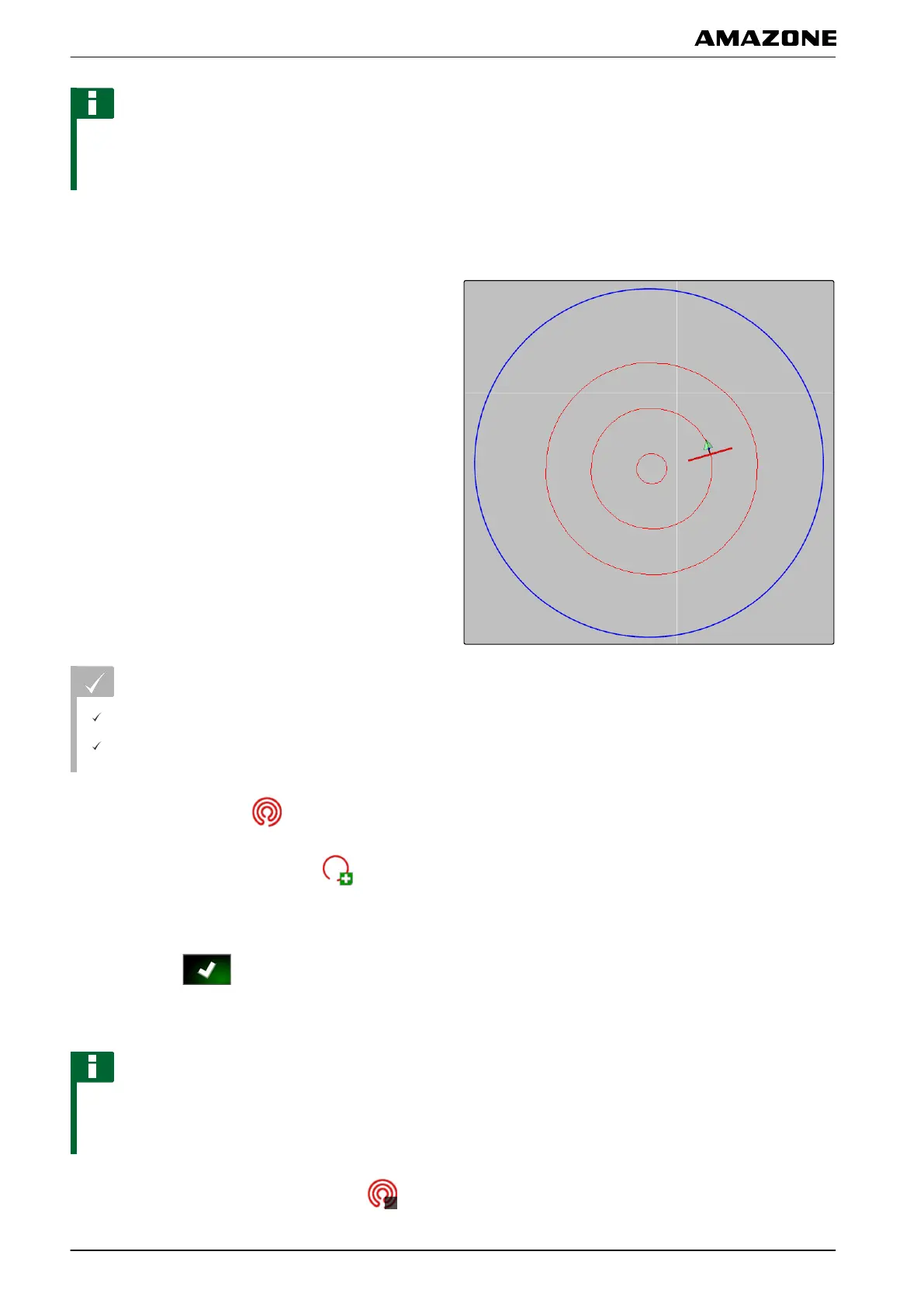
1.4 Creating circular track lines
Circular track lines are suitable for special forms of
management,
where the fields are worked in a circular
pattern around the centre of the field.
REQUIREMENTS
Field is created; see page 127
Track line pattern for circular track lines is
selected; see page
147
1. In the job menu, tap on
.
2. Call up the "New track"
menu with
.
3. Enter the track name.
4. Confirm with
.
5. Drive to the centre of the field.
NOTE
The circular track line will be created around the
centre
of the field. Ensure that there is enough space
available to drive around the centre of the field.
6. Start recording the circular track line with
.
002080
K | Using track lines | Creating track lines
MG5574-EN-II | B.1 | 25.10.2016
152



 To Next Page