3. Tap on "Track line name".
4. Enter the name for the track line.
5. Confirm the entry with .
6. Confirm with
.
The corrected track lines will be saved and assigned
to the current field.
4
Calling up GPS information
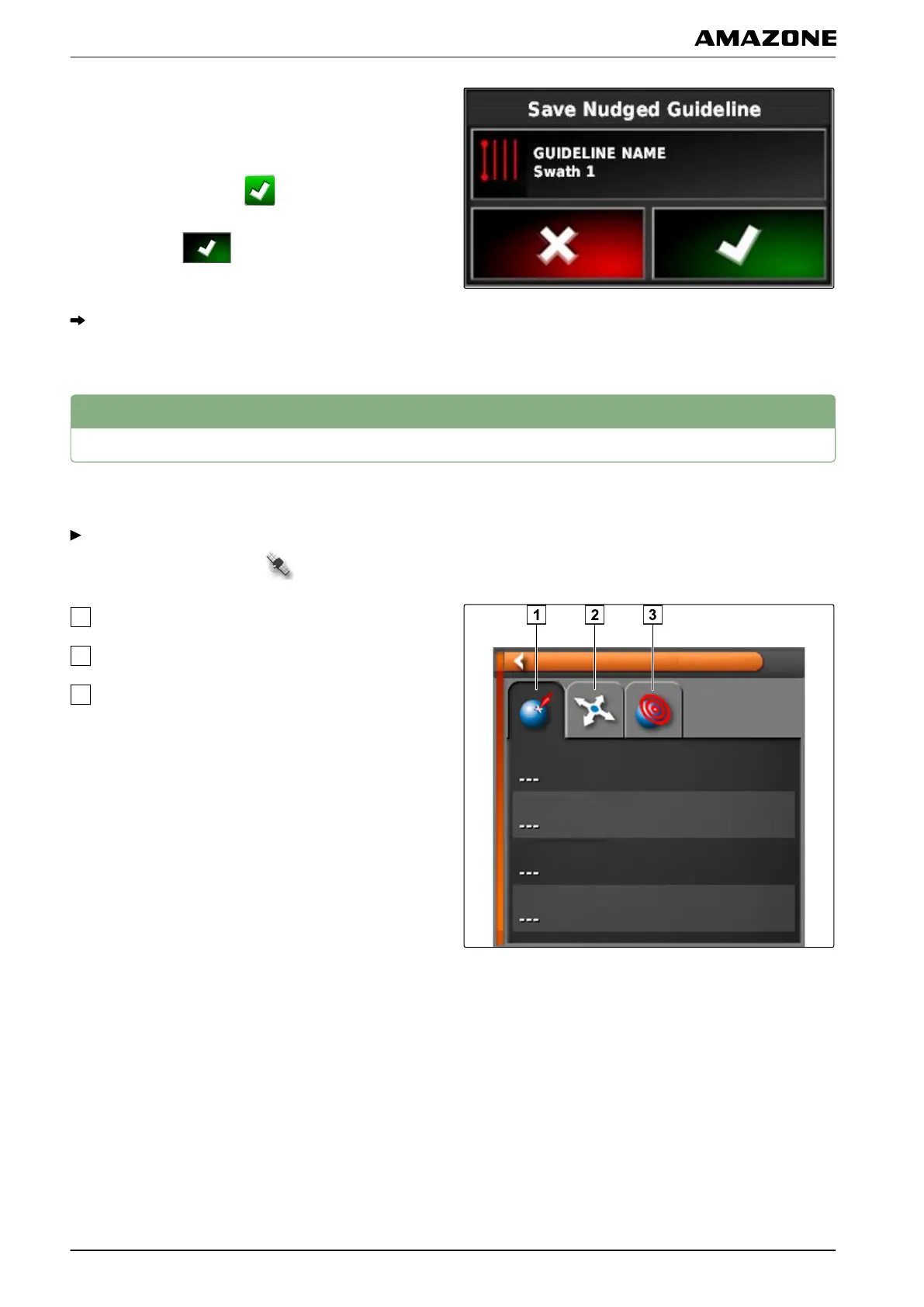
GPS information can be called up in the function menu.
In the function menu, call up the miniature view of
the GPS information with .
GPS position
Vehicle orientation
GPS precision
002574
L | Correcting the GPS reception| Calling up GPS information
MG5574-EN-II | B.1 | 25.10.2016
164



 To Next Page