The miniature view for the Universal Terminal will be
opened.
2. Enlarge the miniature view.
NOTE
To configure the Universal Terminal, see page 63.
2
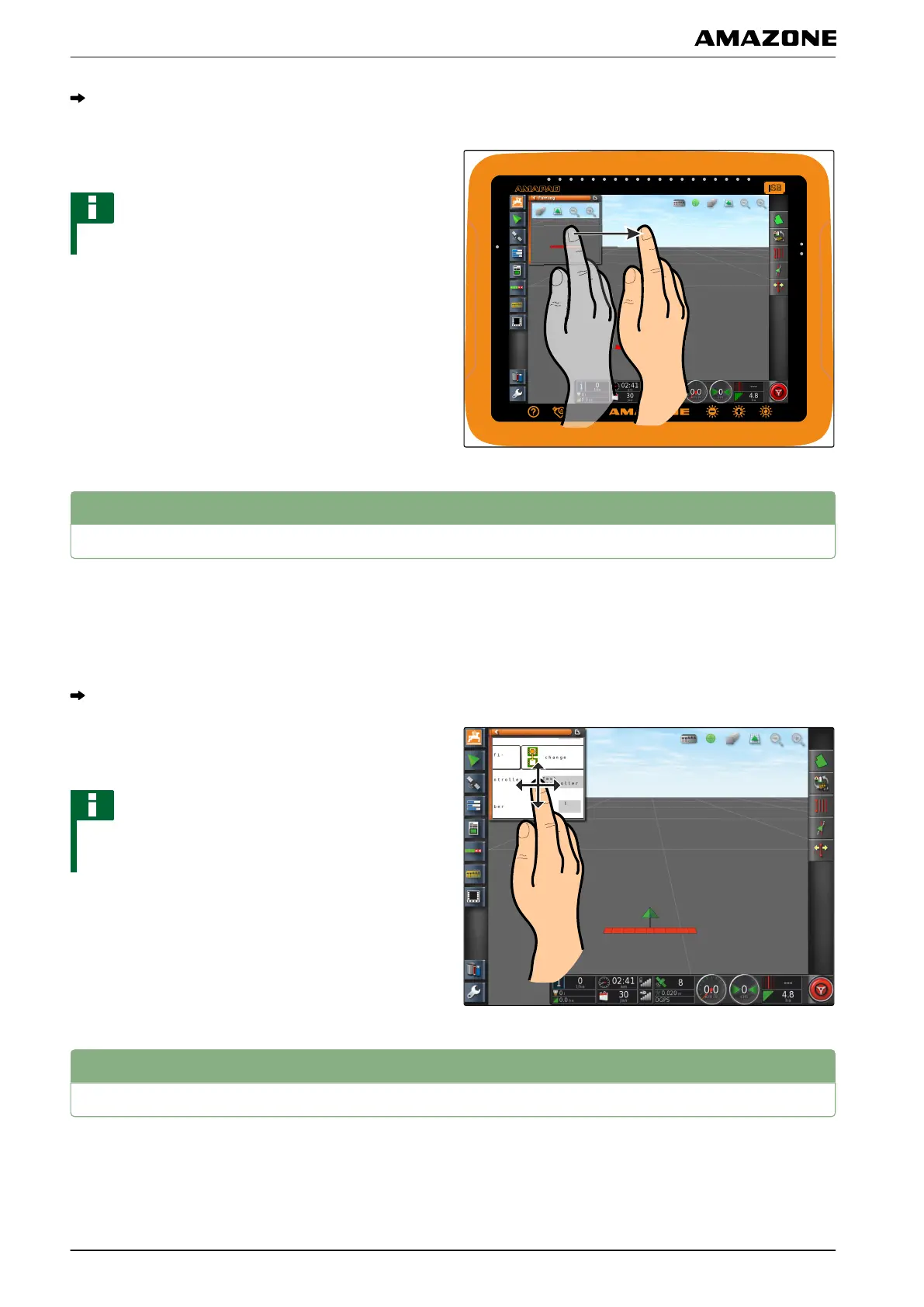
Enlarging the section in the miniature view
The display of the Universal Terminal within the
miniature
view can be enlarged.
1. Double-tap on the miniature view.
The selected area will be enlarged
2. T
o move the section,
swipe with your finger over the miniature view.
NOTE
The Universal Terminal cannot be operated using the
miniature
view.
3
Using automatic AUX-N assignments
When an implement or an external input device is
connected
to the AMAPAD, the implement or the
external input device automatically sends an AUX-N
assignment for specific functions to the AMAPAD.
004523
012253
N | Using the Universal Terminal| Enlarging the section in the miniature view
MG5574-EN-II | B.1 | 25.10.2016
176



 To Next Page