7. Confirm with .
NOTE
Please observe the instructions on the display.
8. If t
he implement should be loaded,
confirm with .
5.2 Creating a new work implement
NOTE
This operating manual only describes implements with
ISOBUS. For information
on non-ISOBUS
implements, see page 227.
REQUIREMENTS
Implement is properly connected
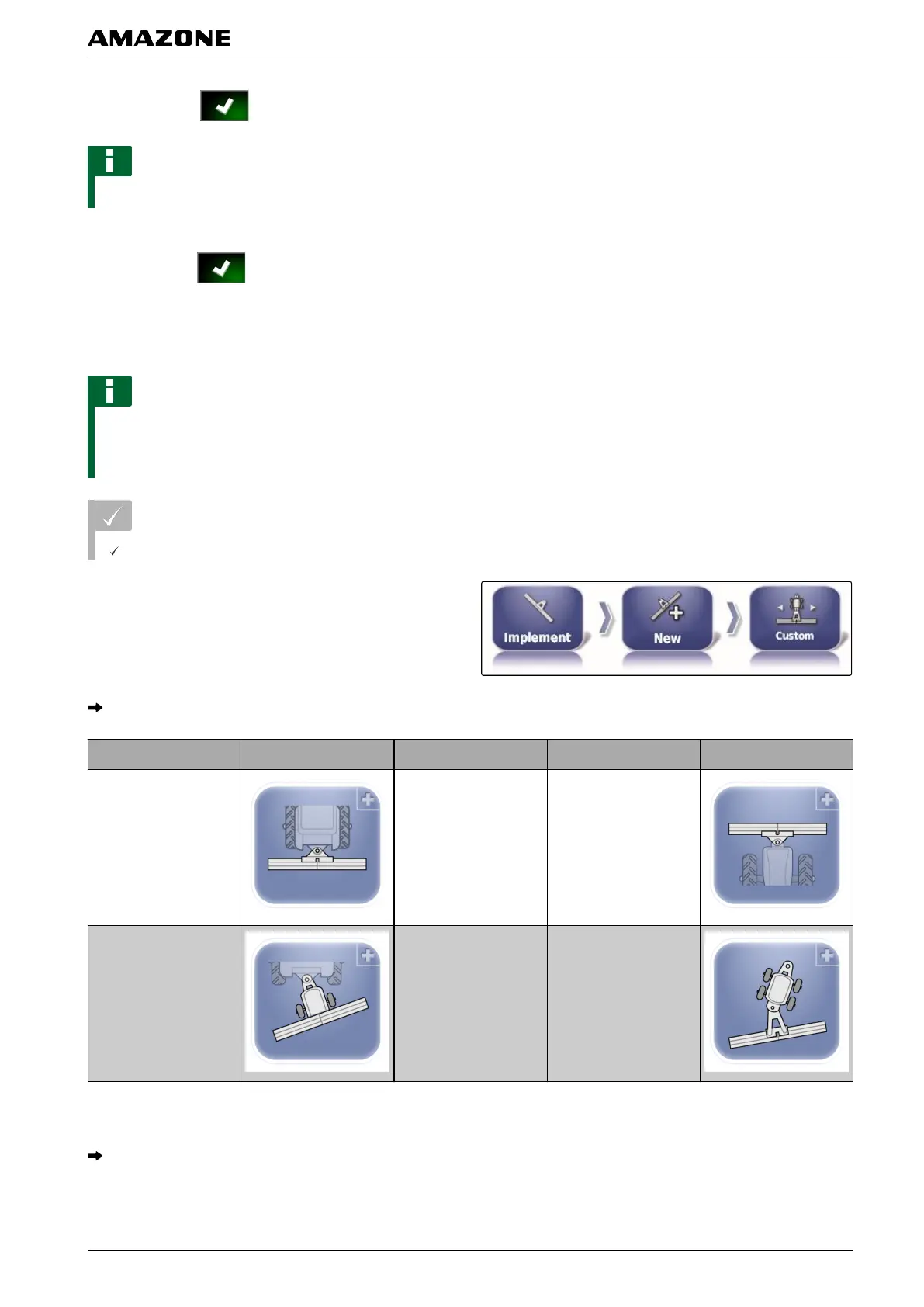
1. In the setup menu, tap on "Implement" > "New" >
"Custom".
Four implement types are displayed.
Implement type Button Implement type Button
Rigid
Front-mounted
implement
Towed 2 pivot points
2. Select the desired implement type.
The AMAPAD has to be restarted after the
implement has been created.
001581
F | Configuring the AMAPAD | Configuring an implement
MG5574-EN-II | B.1 | 25.10.2016
85



 To Next Page