2. Tap on " Automatic steering status window ".
Possible settings:
Disabled: The window for the steering status can only
be called up through the job menu.
Opens automatically: If the automatic steering cannot
be started, the window for the steering status will be
shown. The window remains open until it is closed
with .
Open and close automatically: If the automatic
steering cannot be started, the window for the
steering status will be shown. The window remains
open until all of the conditions for starting the
automatic steering system are fulfilled.
Size of the buttons on the toolbar
The size of the buttons in the function menu and in the
job menu can be
adjusted.
1. In the setup menu, tap on "User" > "Environment".
2. Tap on " T
oolbar button size ".
3. Select the desired size.
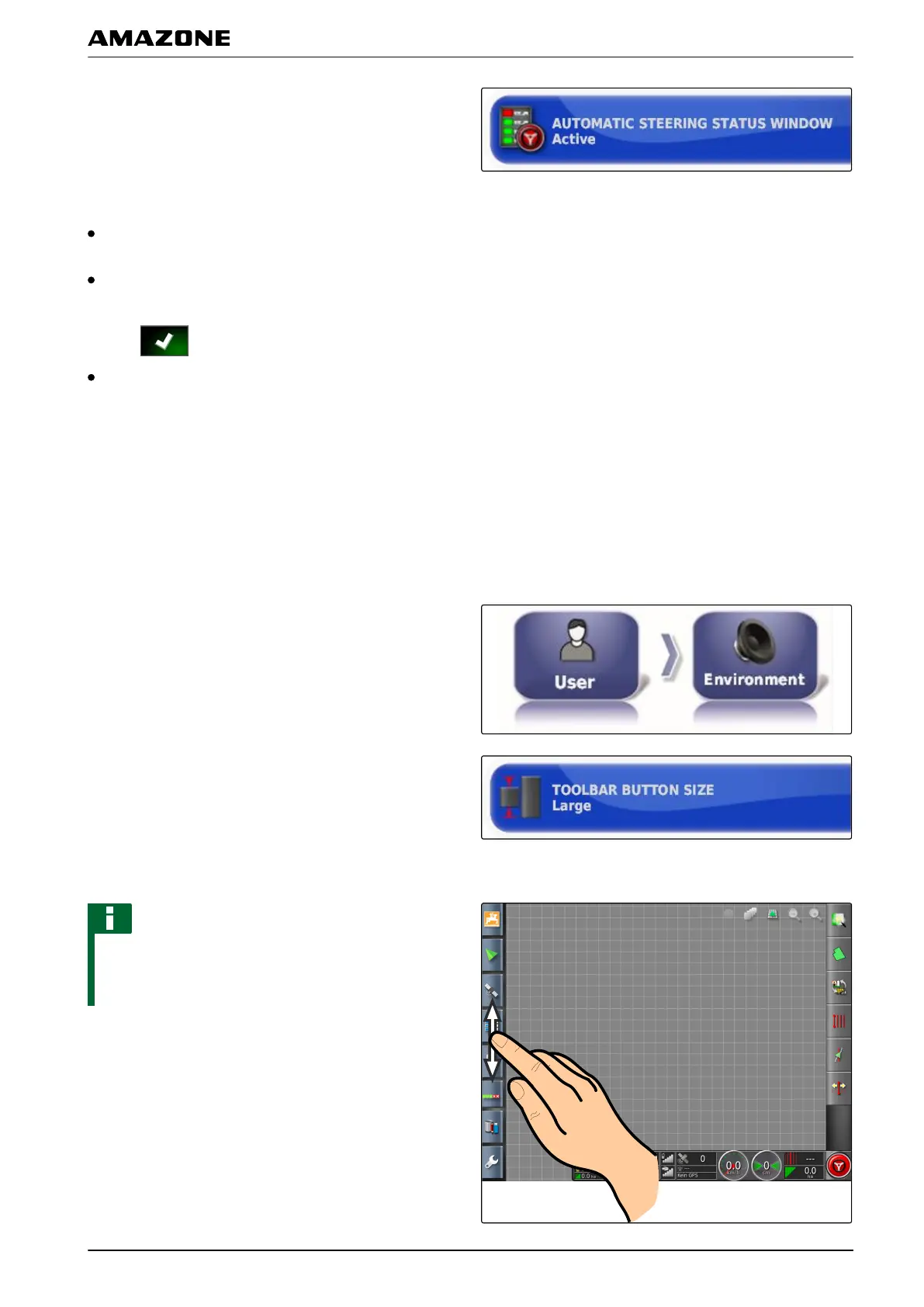
NOTE
When large buttons are selected, the function bar and
the job menu must be moved by swiping to be able to
use all of the buttons.
005345
F | Configuring the AMAPAD | Entering the user settings
MG5574-EN-II | B.1 | 25.10.2016
37



 To Next Page