3.2.1 Configuring the receiver
Selecting the GPS receiver
The AMAPAD can process GPS signals from an external
receiver
. To do so, the connected GPS receiver must be
selected.
NOTE
The AMAPAD can only process GPS signals from an
external GPS receiver if the GPS receiver is capable
of emitting the signals in the required format.
Required GPS signals:
GGA (at least 5 Hz)
VTG (at least 1 Hz)
ZDA (at least 1 Hz)
T
o obtain more information on the configuration of the
GPS receiver, contact the manufacturer.
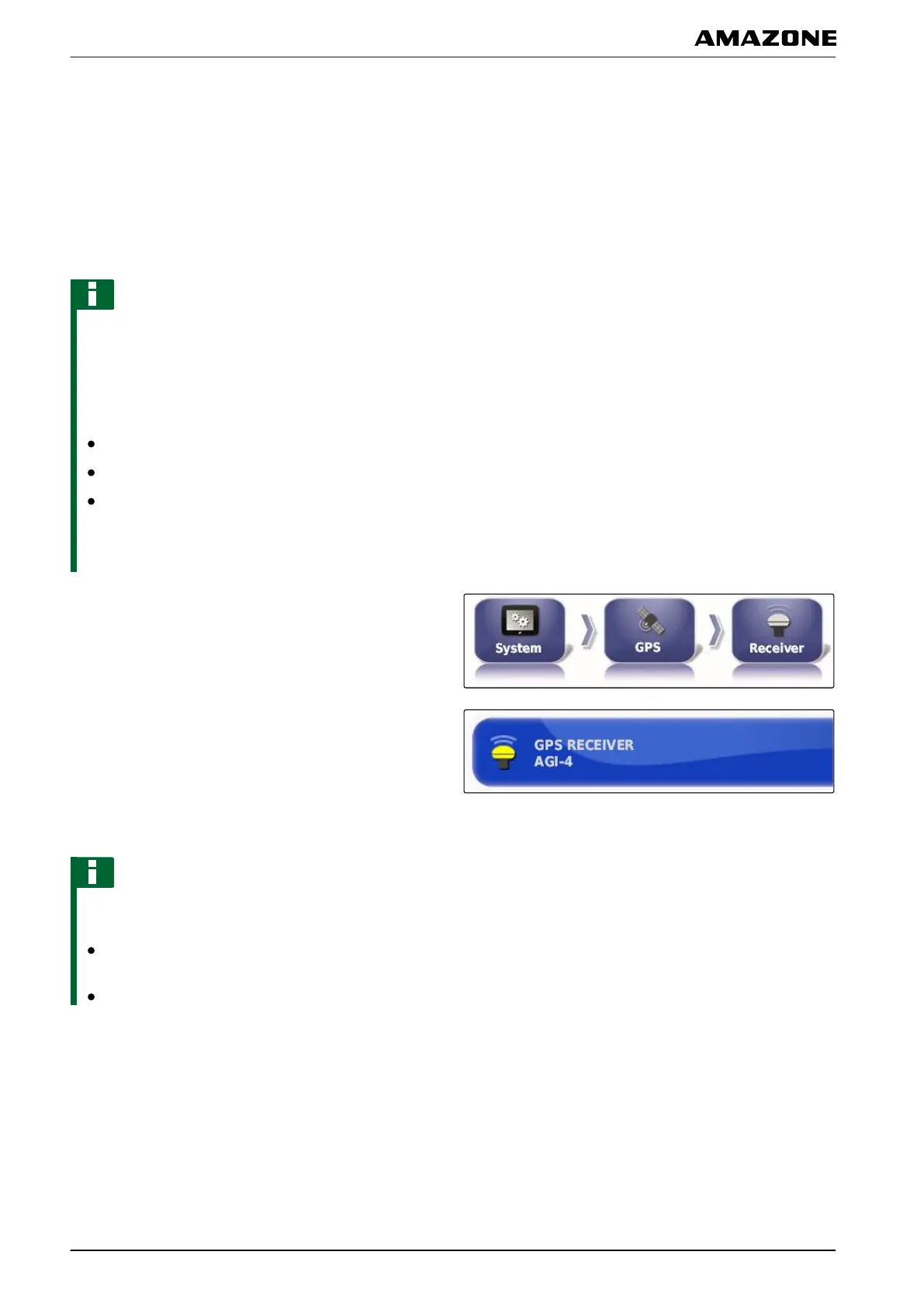
1. In the setup menu, tap on "System" > "GPS" >
"Receiver".
2. Tap on "GPS receiver".
3. Select the connected GPS receiver from the list.
NOTE
Recommended setting:
For AMAZONE Pantera with automatic steering:
"AGI-4" or "AGI-3"
For other AMAZONE GPS receivers: "Other"
Updating the firmware
The firmware for the connected GPS receiver can be
updated. The update
is loaded onto the terminal together
with the update for the AMAPAD software using the USB
stick.
005369
005388
001486
F | Configuring the AMAPAD | Entering the system settings
MG5574-EN-II | B.1 | 25.10.2016
52



 To Next Page