NOTE
The job data includes the following data:
Vehicle data
Implement data
Working times
Worked area
Total application rate
Field data
Master data
When job
data is exported, it will be deleted on the
AMAPAD. The inventory data and master data will be
copied.
A job data backup will be created in the inventory
manager. If the job data have been lost, see
page 216.
1. Insert the USB stick into the AMAPAD.
2. In the job menu, tap on
.
3. Tap on
.
4. Tap on .
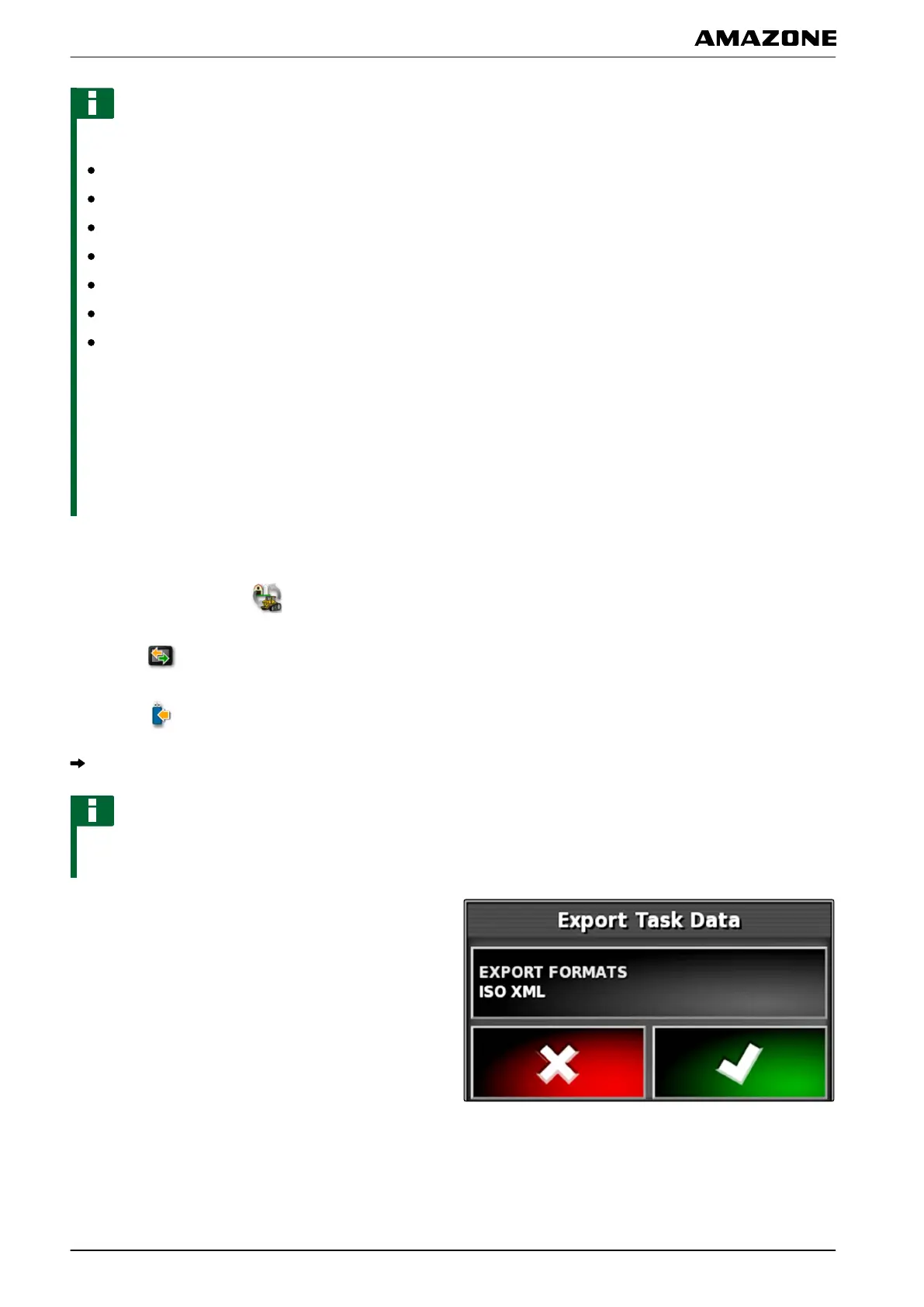
The "Export job data" menu will be opened.
NOTE
In addition to the ISO-XML format, the file formats
CSV
and shape file can be selected.
5. Tap on "Export formats".
I | Managing jobs | Exporting task data
MG5574-EN-II | B.1 | 25.10.2016
120



 To Next Page