NOTE
The current data cannot be set manually. The date is
only
available if there is a GPS signal.
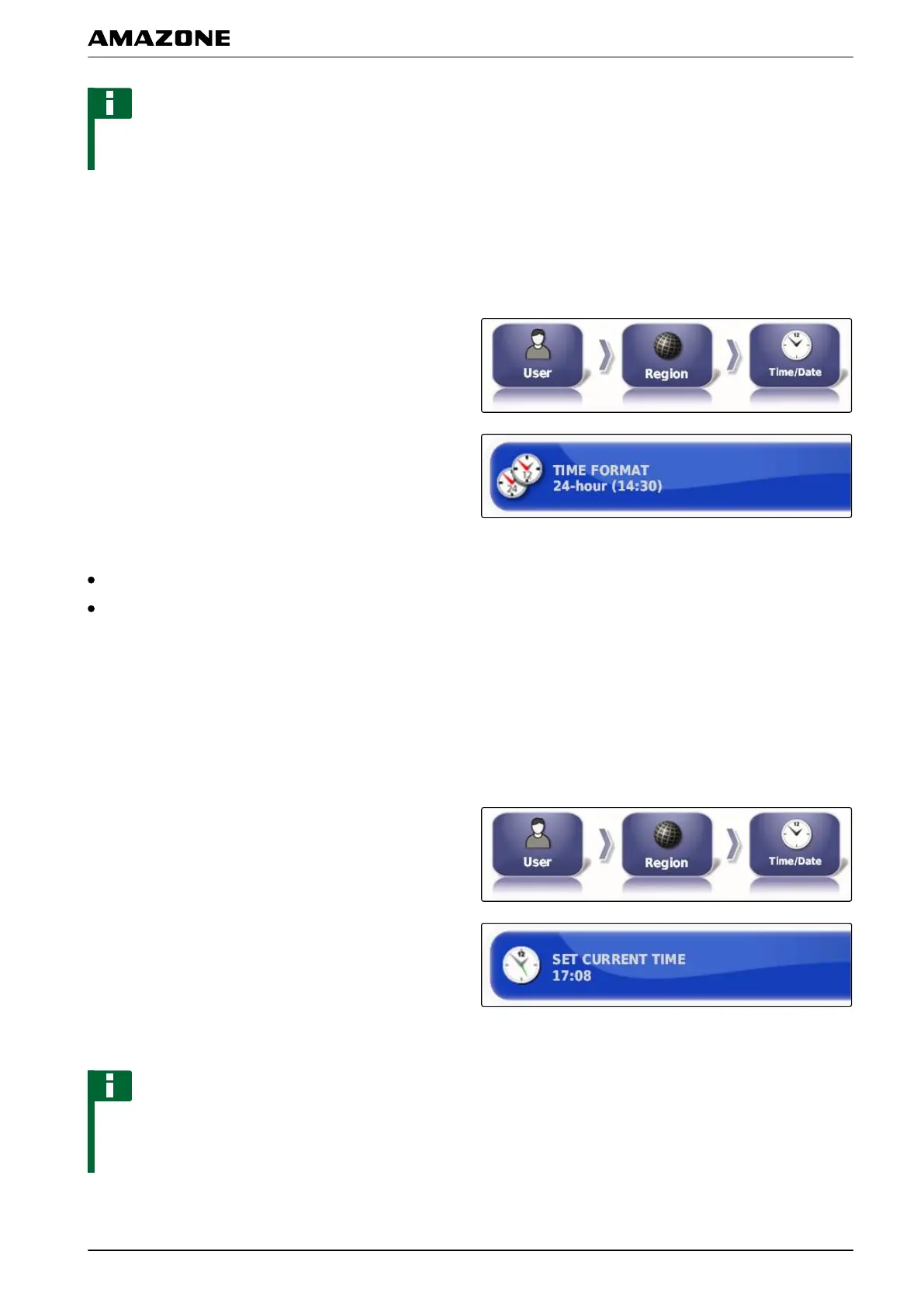
Changing the time format
The date specification is used for the job data and for
created files.
1. In the setup menu, tap on "User" > "Region" >
"T
ime/Date".
2. Tap on "T
ime format".
Available time formats:
12 hours (2:30 PM)
24 hours (14:30)
3. Select the format.
Setting the time
The date specification is used for the job data and for
created files.
1. In the setup menu, tap on "User" > "Region"
>
"Time/Date".
2. Tap on " Set current time ".
3. Set the time.
NOTE
The current time is called up through the GPS signal.
The
time must be manually adjusted for daylight
savings time.
005329
005330
F | Configuring the AMAPAD | Entering the user settings
MG5574-EN-II | B.1 | 25.10.2016
27



 To Next Page