Enabling ISO ground speed
When this function is enabled, the speed is transmitted
to the implement
through the ISOBUS protocol.
NOTE
The ISO forward speed can be used if the tractor
does
not send a speed.
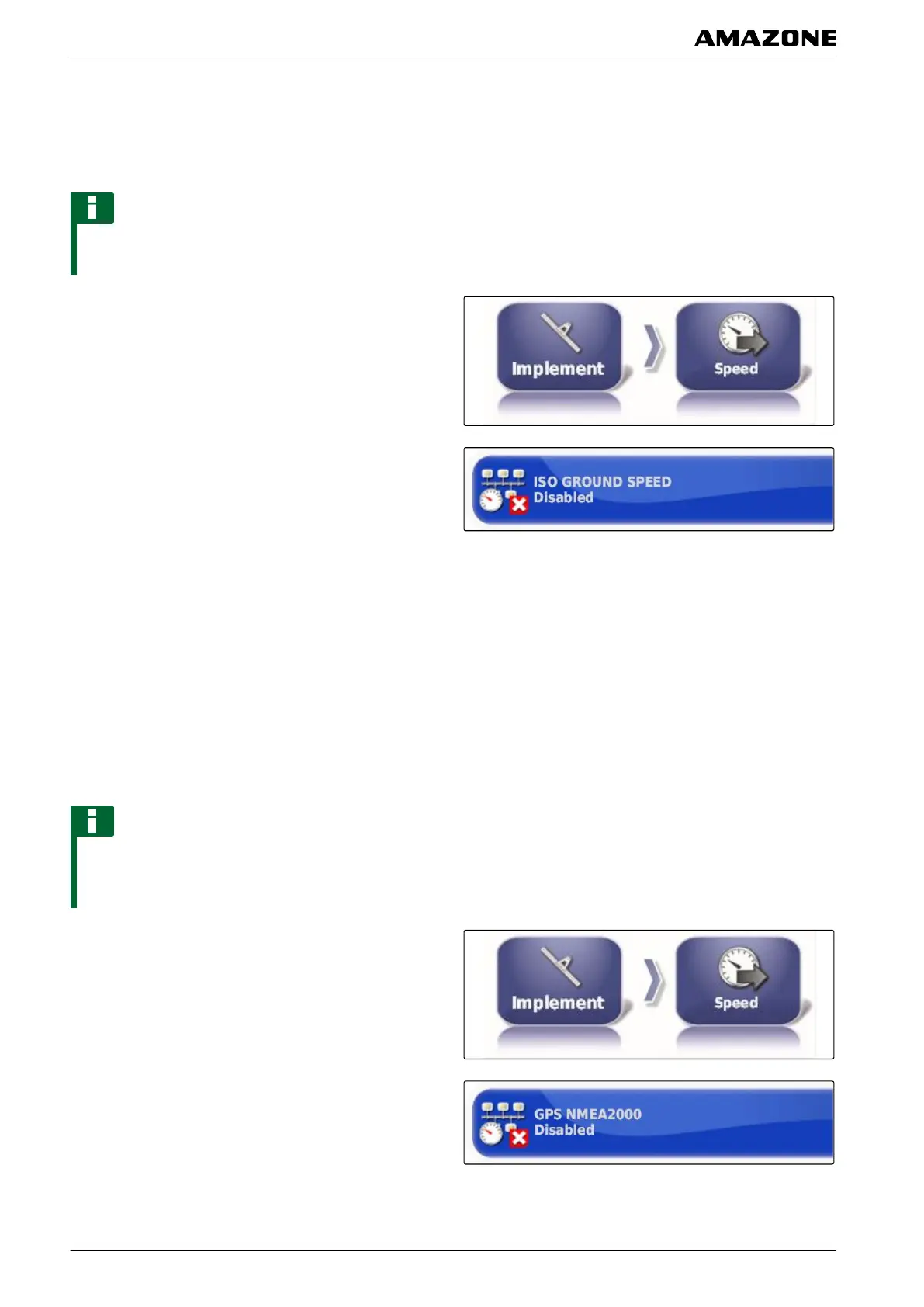
1. In the setup menu, tap on "Implement" > "Speed".
2. Tap on "ISO ground speed".
3. Enable the speed simulation
or
disable.
Enabling GPS NMEA2000
When this function is enabled, the speed is transmitted
to the implement
through the GPS NMEA2000 protocol.
NOTE
The GPS NMEA200 protocol can be enabled if the
tractor sends
a signal, but the GPS speed signal
should still be used.
1. In the setup menu, tap on "Implement" > "Speed".
2. Tap on "GPS NMEA2000".
3. Enable the speed simulation
005419
005423
F | Configuring the AMAPAD | Configuring an implement
MG5574-EN-II | B.1 | 25.10.2016
96



 To Next Page