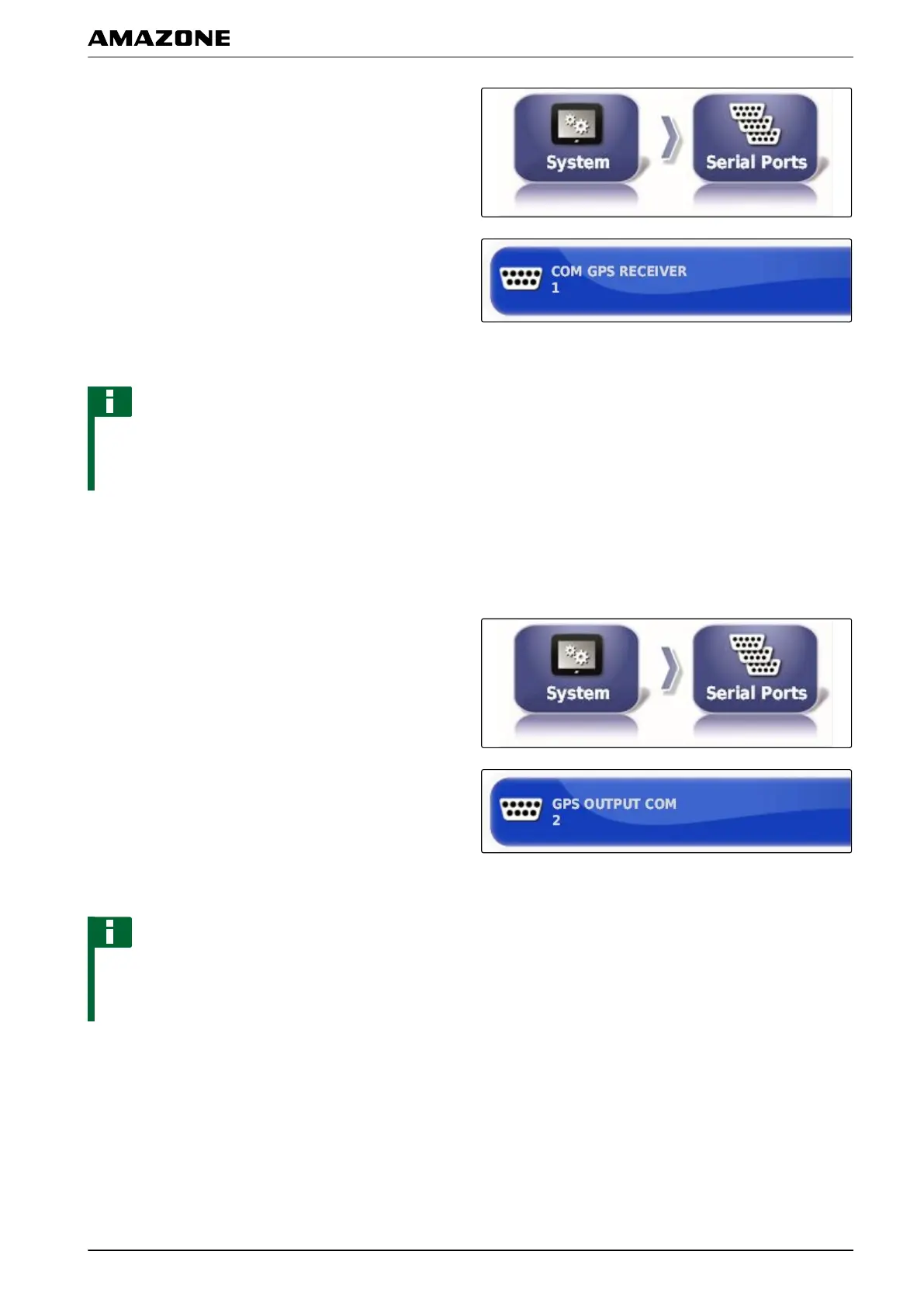
1. In the setup menu, tap on "System" > "GPS" >
"Output".
2. Select "GPS receiver COM".
3. Select the COM port.
NOTE
Setting for supplied AMAZONE wiring harness:
1
Defining the COM port for the GPS output
Selection of the COM port for the GPS output.
1. In the setup menu, tap on "System" > "GPS" >
"Output".
2. Select "GPS output COM".
3. Select the COM port.
NOTE
Setting for supplied AMAZONE wiring harness:
2
005376
F | Configuring the AMAPAD | Entering the system settings
MG5574-EN-II | B.1 | 25.10.2016
59



 To Next Page