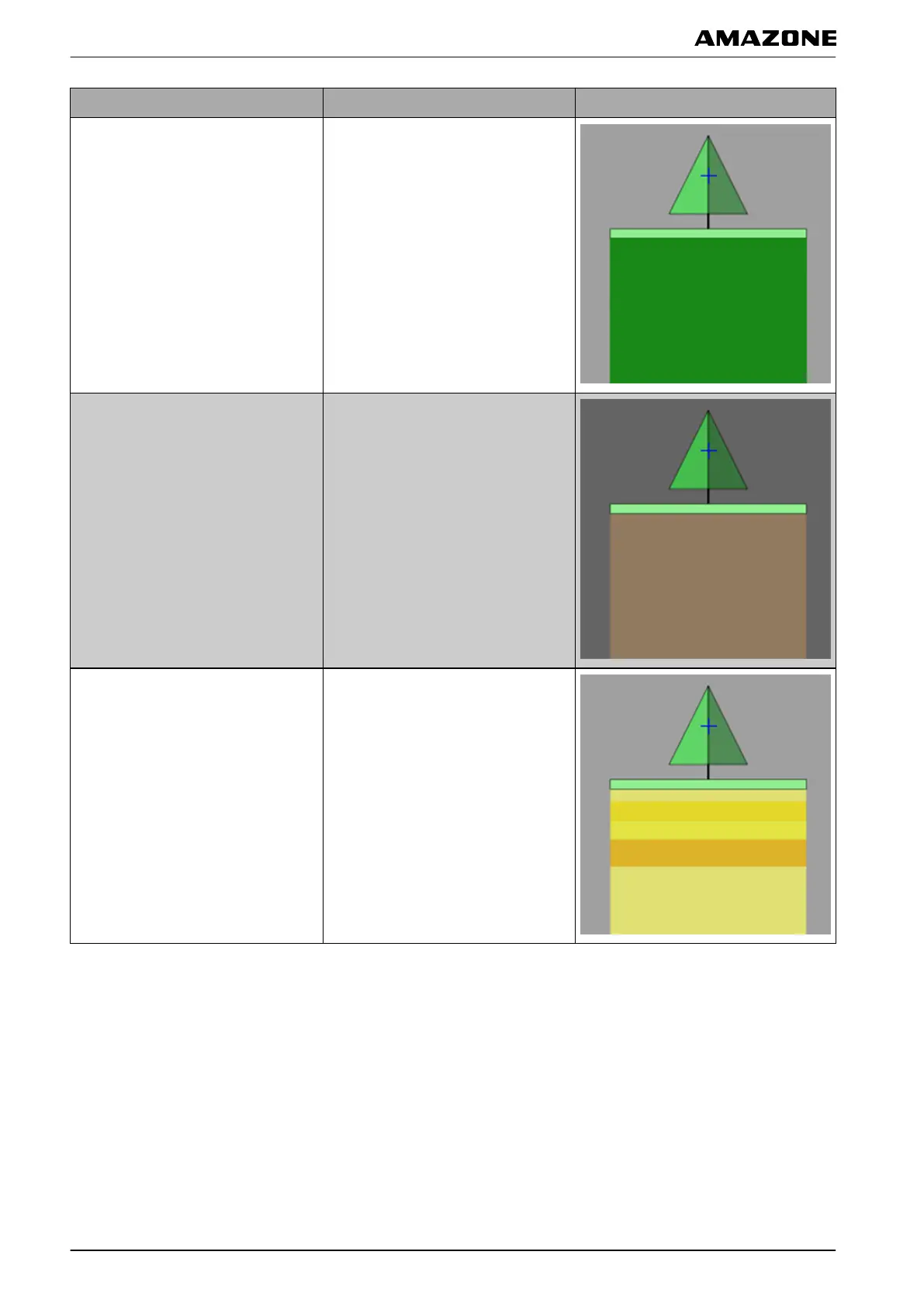
Coverage map Description Figure
Cover
Default setting. The worked area is
shown
in green.
GPS quality
Depending on the GPS quality, the
worked area
is shown in an orange
tone. For this setting, a scale is
shown on the map; see page 212.
Application map or name of the
implement
control target
For this setting, variable rate control
(VRC)
must be configured; see
page 194. The coverage is then
shown in different colours depending
on the previously defined values.
The implement control target is used
as the name for this coverage map.
For this setting, a scale is shown on
the map; see page 212.
Q | Using rate control| Selecting the coverage map
MG5574-EN-II | B.1 | 25.10.2016
210



 To Next Page