Setting the button tones
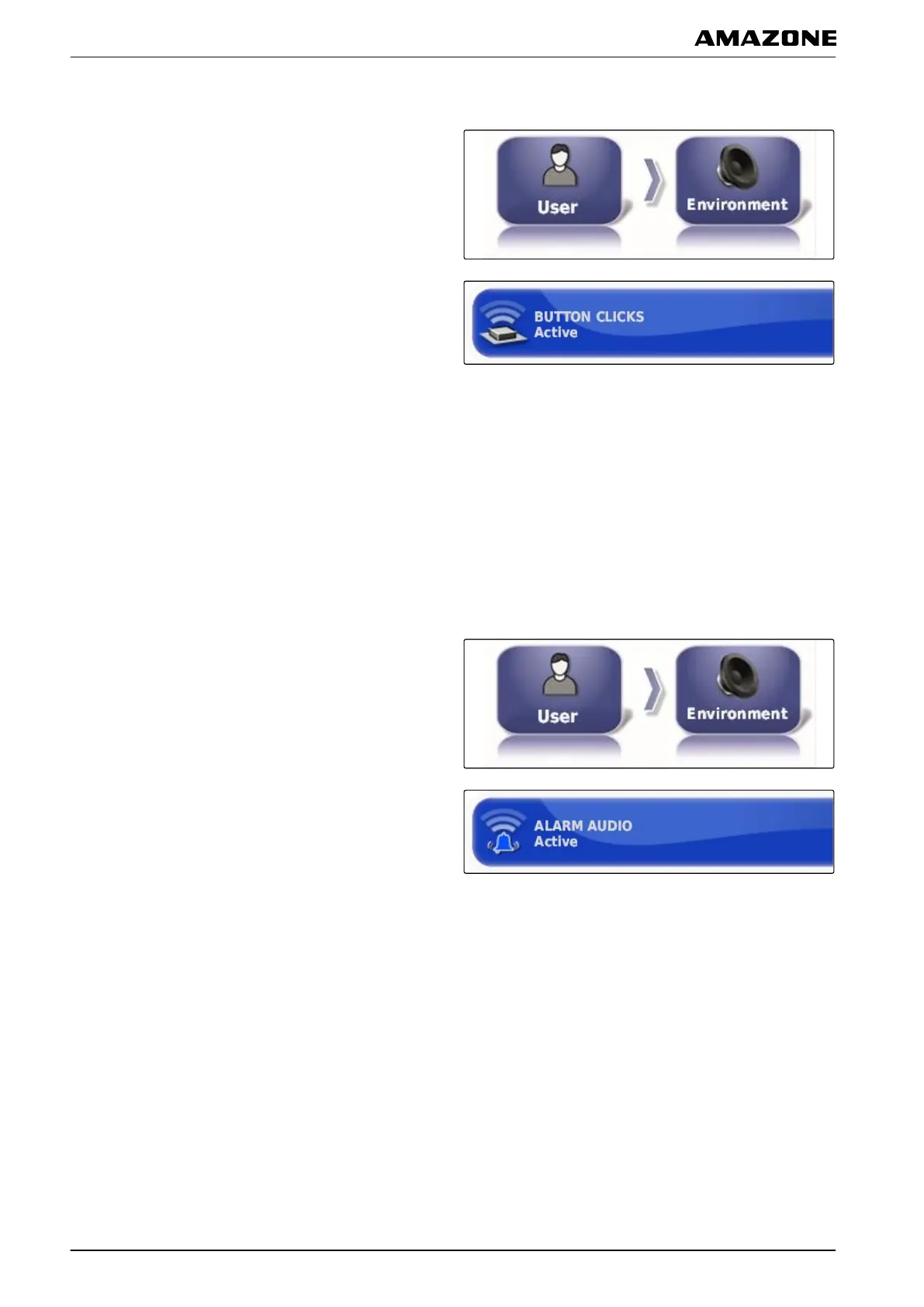
1. In the setup menu, tap on "User" > "Environment".
2. Tap on "Button clicks".
3. Enable the function
or
disable.
Setting the audio alarm
The AMAPAD can issue various alarms. Here, you can
set whether a signal tone is issued.
1. In the setup menu, tap on "User" > "Environment".
2. Tap on "Audio alarm".
3. Enable the function
or
disable.
005343
005338
F | Configuring the AMAPAD | Entering the user settings
MG5574-EN-II | B.1 | 25.10.2016
32



 To Next Page