Recalibrating the touchscreen
NOTE
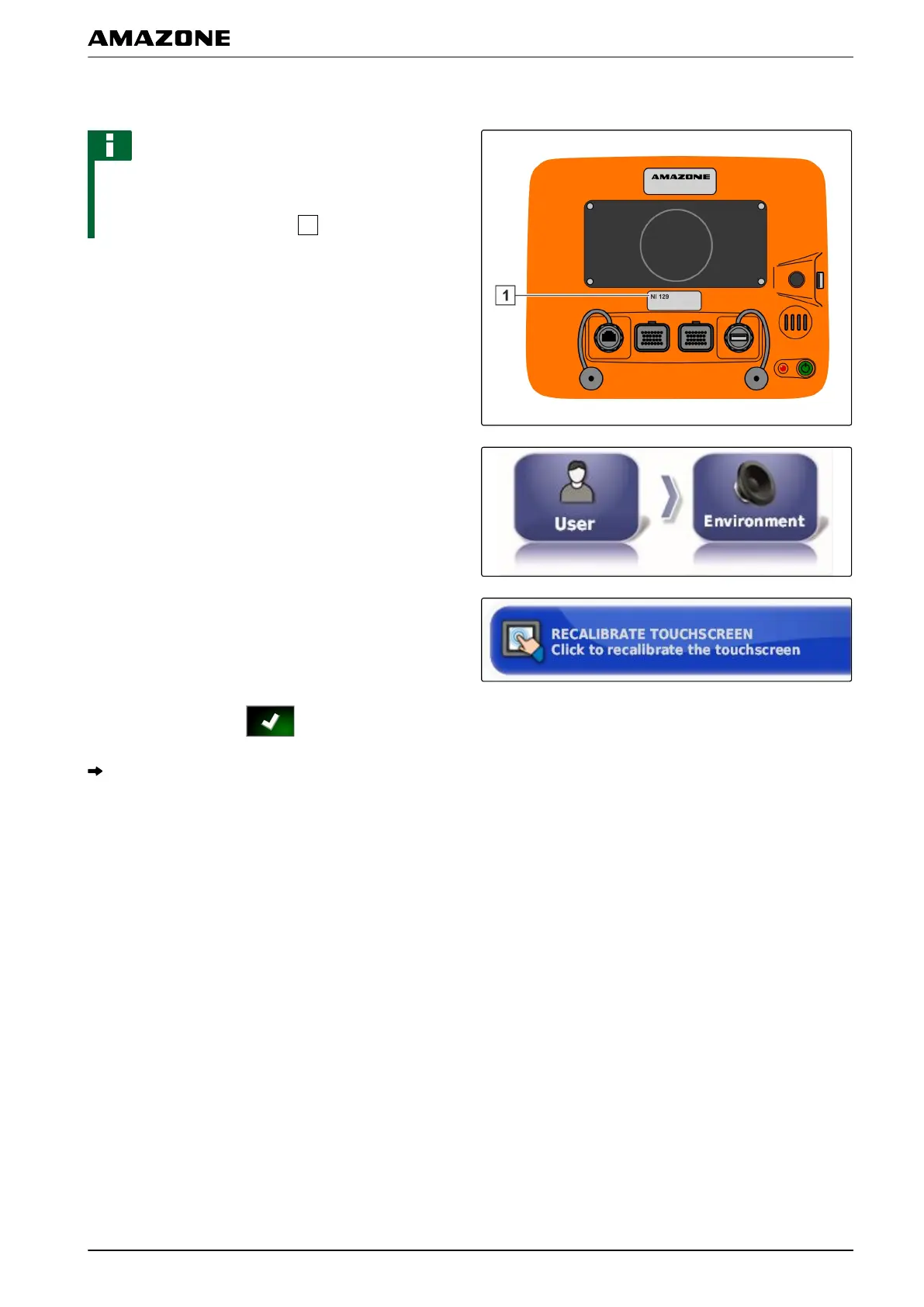
This function is only available for AMAPADs with the
model
number NI129. The model number is written on
the rear side of the AMAPAD
.
The touchscreen can be calibrated if it is not working
properly
.
1. In the setup menu, tap on "User" > "Environment".
2. Tap on " Recalibrate touchscreen ".
3. Confirm restart with .
The AMAPAD switches to calibration mode.
4. Touch the touchscreen at any spot.
5. Tap precisely on the red cross.
6. Confirm the calibration with "Commit Calibration "
or
W
ait until the calibration can be repeated.
7. Select high sensitivity for the touchscreen ("HIGH").
8. Check the sensitivity with "TEST".
9. Adjust the sensitivity
or
Confirm the settings with "APPL
Y".
001449
F | Configuring the AMAPAD | Entering the user settings
MG5574-EN-II | B.1 | 25.10.2016
33



 To Next Page