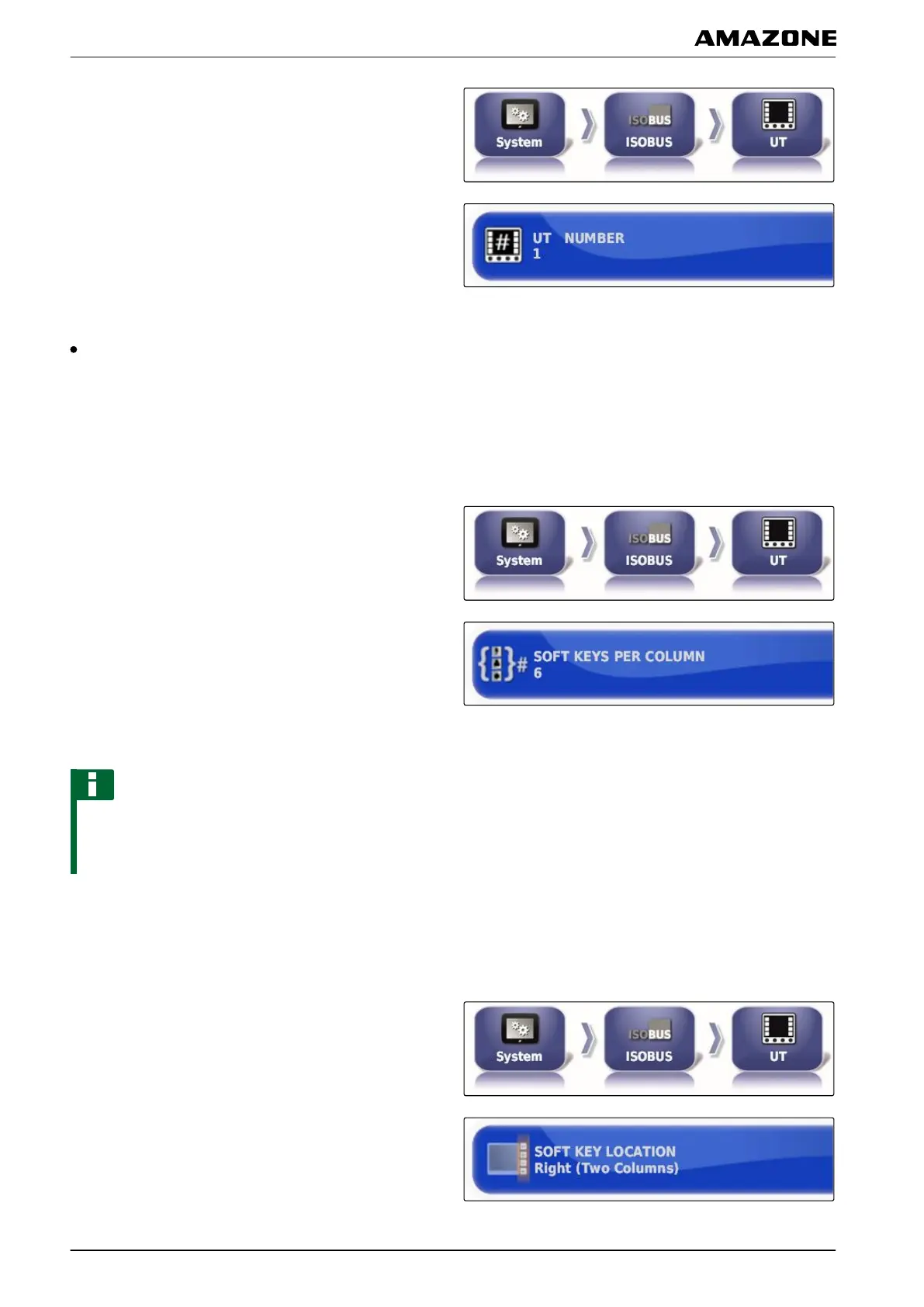
1. In the setup menu, tap on "System" > "ISOBUS">
"UT".
2. Tap on "UT number".
Possible settings:
Number between 1 and 32
Defining the soft keys per column
Setting for how many soft keys are displayed in each
column on
the Universal Terminal.
1. In the setup menu, tap on "System" > "ISOBUS">
"UT".
2. Tap on "Soft keys per column".
3. Select the number.
NOTE
Recommended setting:
6
Defining the location of the soft keys
Location of the soft keys on the Universal Terminal.
1. In the setup menu, tap on "System" > "ISOBUS">
"UT".
2. Tap on "Soft key location".
005386
005368
F | Configuring the AMAPAD | Entering the system settings
MG5574-EN-II | B.1 | 25.10.2016
64



 To Next Page