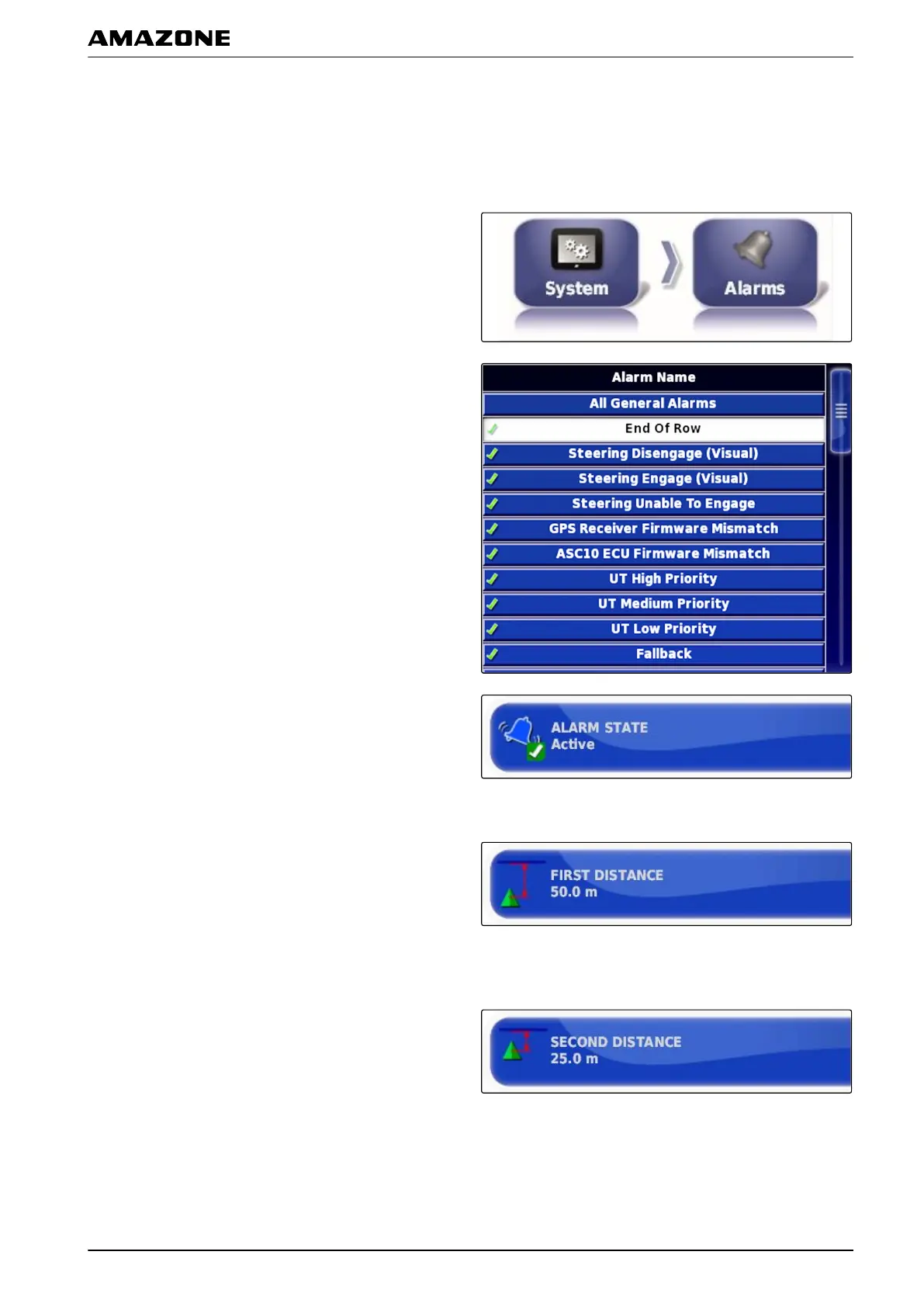
Configuring the end of row alarm
When the vehicle approaches the boundary line, an
alarm
can be issued at a certain distance from the
boundary.
1. In the setup menu, tap on "System"
> "Alarms".
2. In the alarm list, select "End of row".
3. Tap on "Alarm state".
4. Enable the alarm.
5. Tap on "First distance".
6. Enter the distance from the boundary line at which
the first alarm should be issued.
7. Tap on "Second distance".
8. Enter the distance from the boundary line at which
the second alarm should be issued.
005373
F | Configuring the AMAPAD | Entering the system settings
MG5574-EN-II | B.1 | 25.10.2016
61



 To Next Page