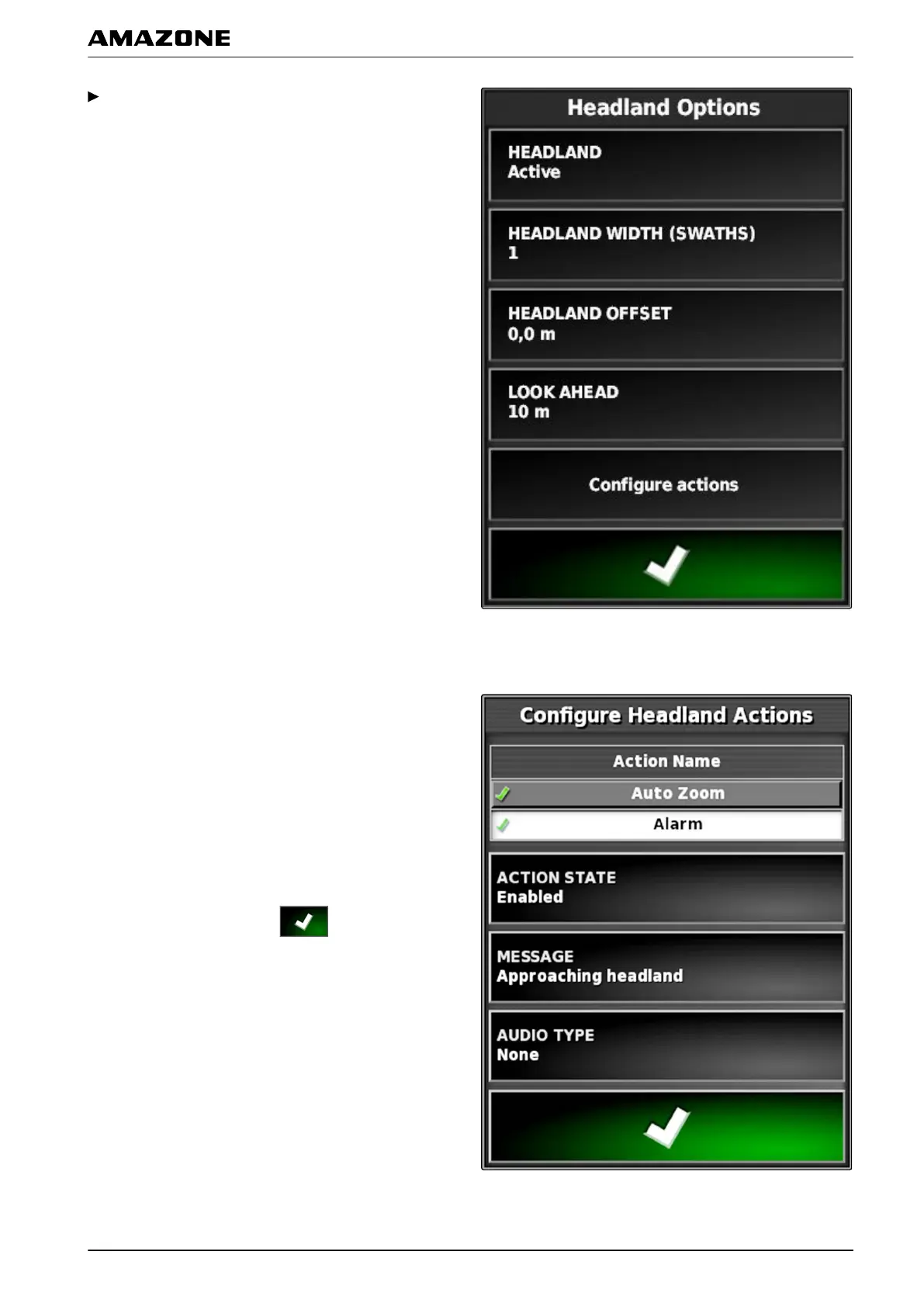
In the "Headland options" menu, tap on "Configure
actions".
Configuring the alarm
1. Under "Action name", select "Alarm".
2.
Under "Action state", enable the action.
3. Under "Message", enter a text for the alarm
message.
4. Under " Audio type", select whether an alarm tone
should be issued.
5. Confirm the settings with
.
005675
J | Managing fields | Configuring the headlands
MG5574-EN-II | B.1 | 25.10.2016
139



 To Next Page