REQUIREMENTS
Button on the dashboard for AUX input is
enabled;
see page 67
NOTE
The button for the AUX input is only shown on the
dashboard
when an assignment is edited or
assignments are already available.
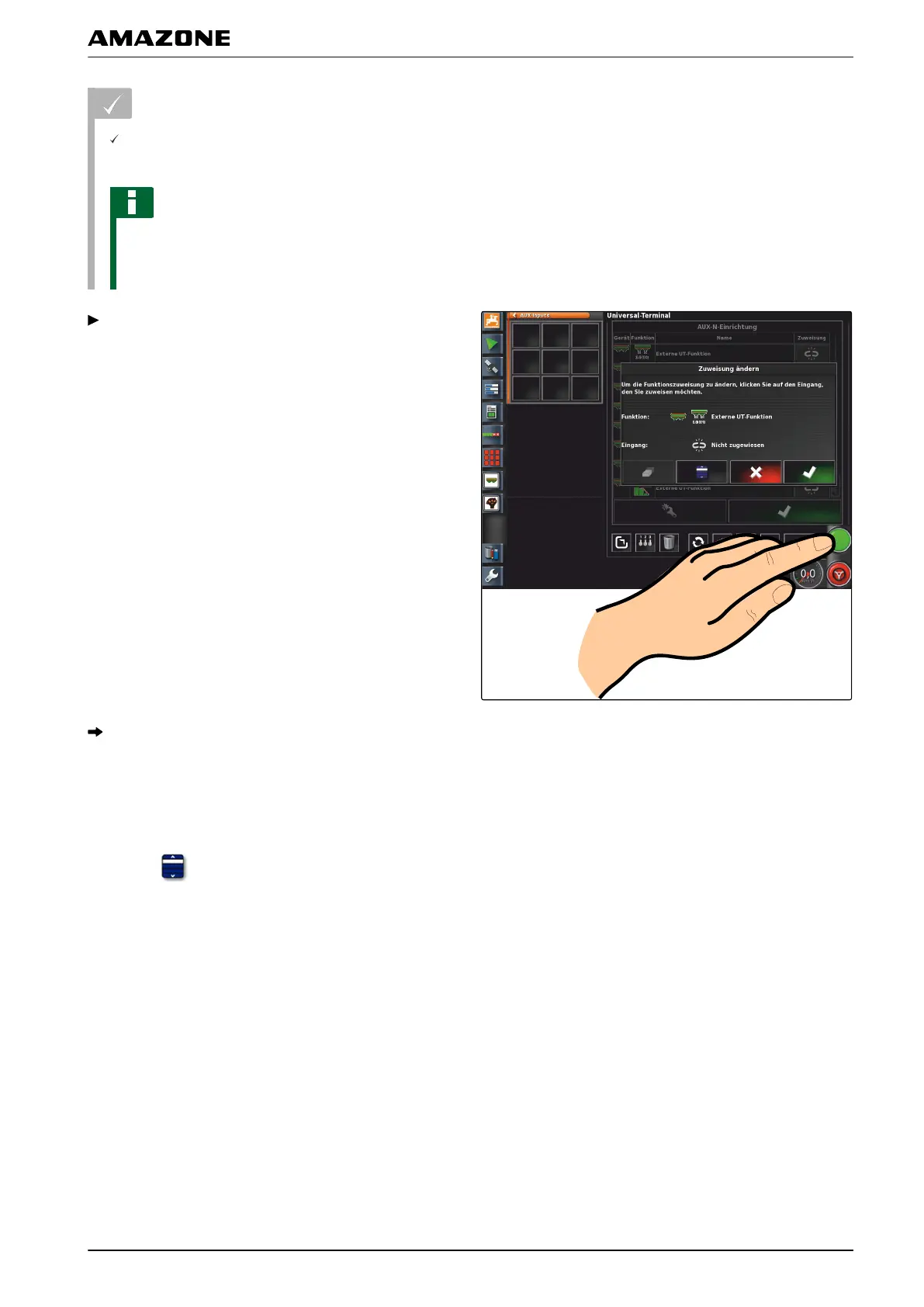
Select button on the dashboard.
The function is assigned to the button.
Assignment using selection list
1. T
o open a list with the input options,
select
.
007337
N | Using the Universal Terminal| Managing AUX-N functions
MG5574-EN-II | B.1 | 25.10.2016
181



 To Next Page