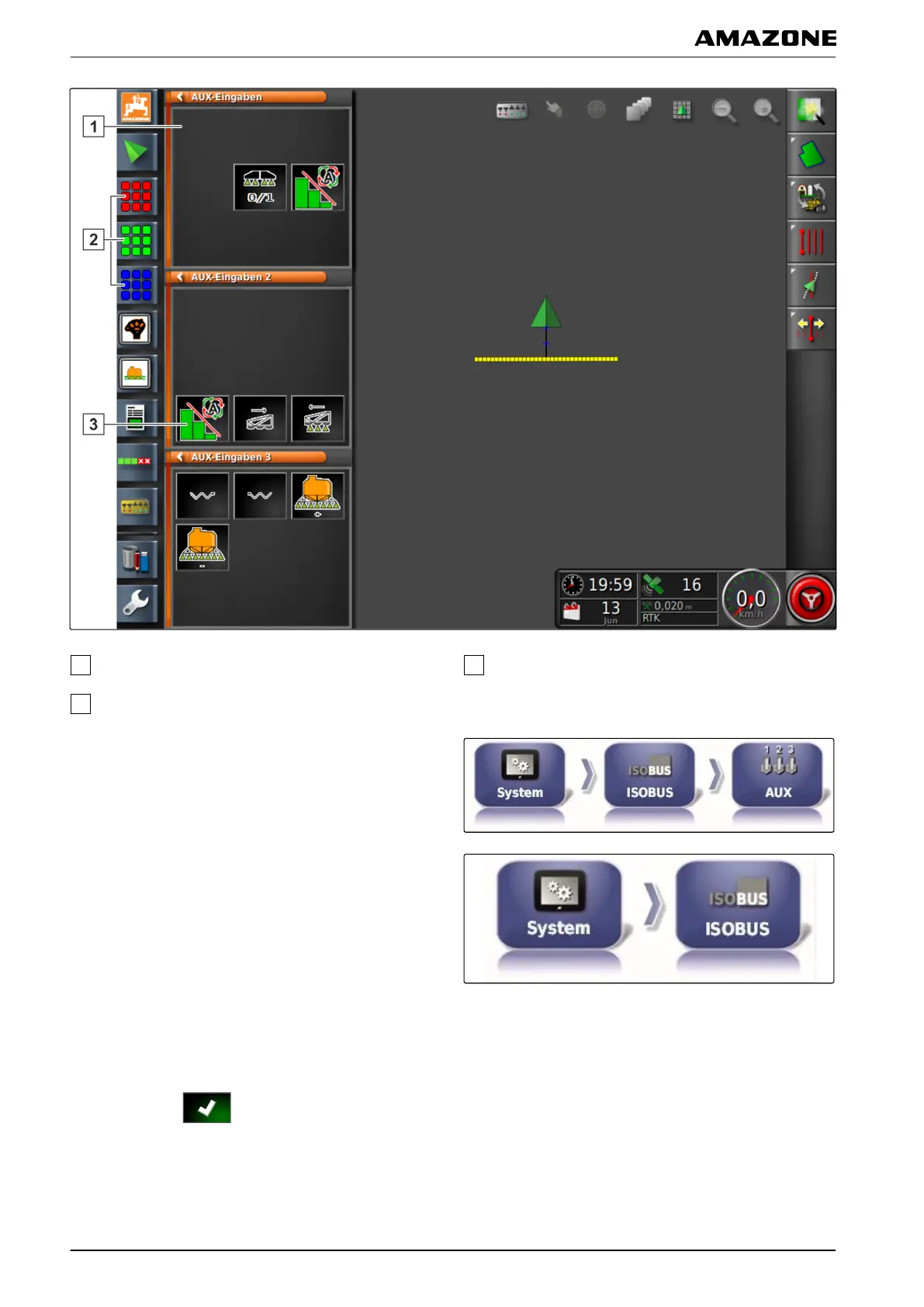
Quick access in the miniature view
Button for opening the miniature views
Function button for quick access
1. Select "Setup menu" > "System"
> "ISOBUS" >
"AUX".
or
Select "Setup menu" > "System"
> "ISOBUS".
2. Select "Miniature views for AUX input".
3. Select "Enabled".
4. Confirm with
.
5. Select " Number of miniature views for AUX input".
F | Configuring the AMAPAD | Entering the system settings
MG5574-EN-II | B.1 | 25.10.2016
68



 To Next Page