NOTE
For the AMAZONE Pantera self-propelled sprayer, the
implement
must be configured at this point; see
page 85, " Create new implement ", Step 7.
4.1.2 Creating a custom vehicle
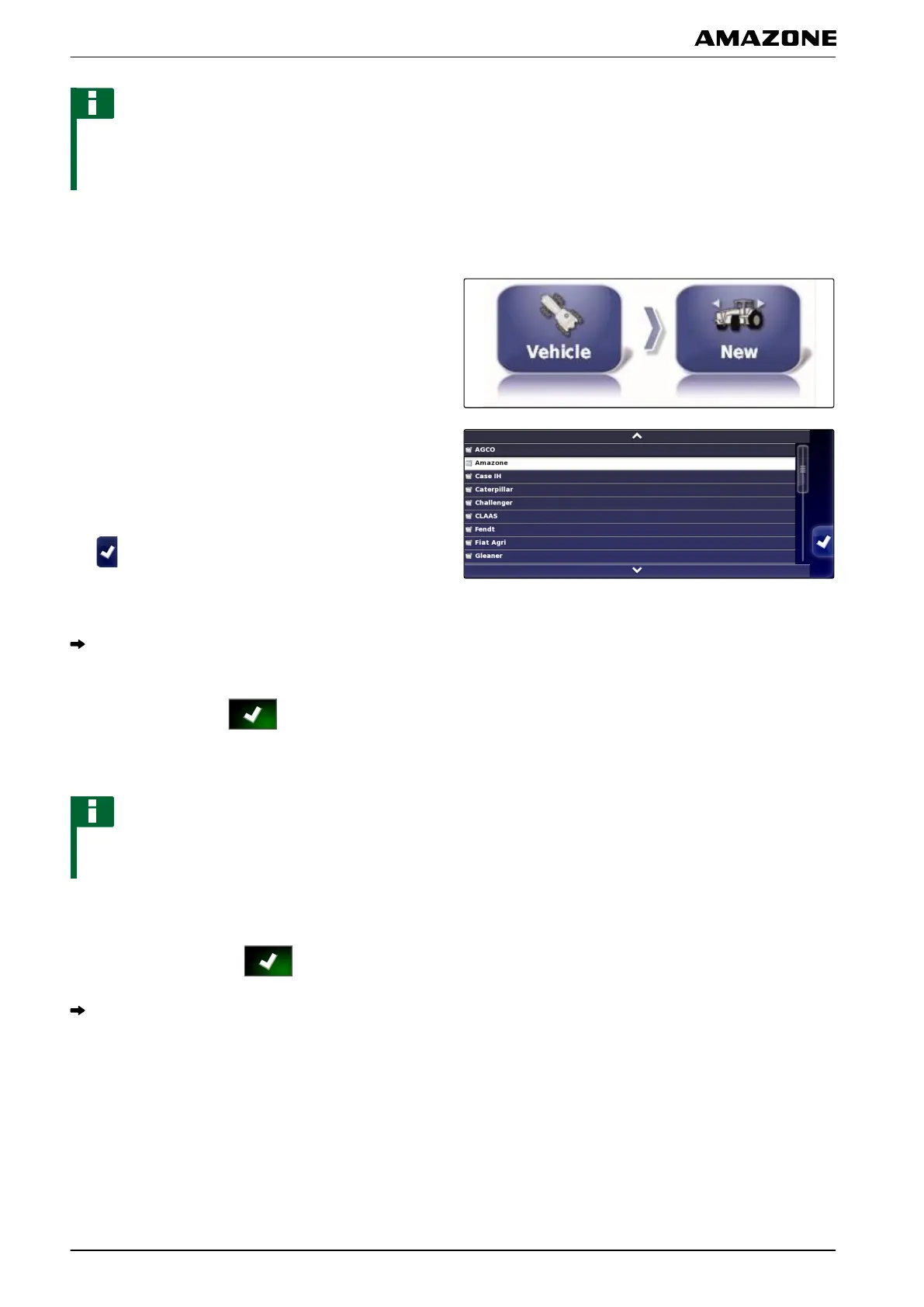
1. In the setup menu, tap on "V
ehicle" > "New".
2. Select "Other" in the manufacturer list.
3.
Select the steering controller of the vehicle.
4. Confirm the selection of the steering controller with
.
5.
Select the vehicle type.
For some vehicle models, the AMAPAD must be
restarted.
6. Confirm restart with .
7. Tap on "V
ehicle name".
NOTE
Sensible vehicle names should be assigned to make it
easier to manage the vehicles.
8. Enter the vehicle name.
9. Confirm the entry with .
The vehicle geometry menu will be shown. To define
the vehicle geometry
, see page 73.
001492
F | Configuring the AMAPAD | Configuring a vehicle
MG5574-EN-II | B.1 | 25.10.2016
72



 To Next Page