General
132 MC4 User Guide
You can pause a calibration run whenever you want by pressing
F3/
Menu
. As long as the menu is open, the calibration is paused.
You may also view the calibration window and still keep the cali-
bration paused by selecting the
Pause
option. Then the calibra-
tion starts by pressing F3/
Continue
. In the menu, you also have
the possibility to, e.g.
Undo
a point or
Skip
a point. More of the
menu available in the calibration window can be found in chapter
Calibration Window Menu on page 145.
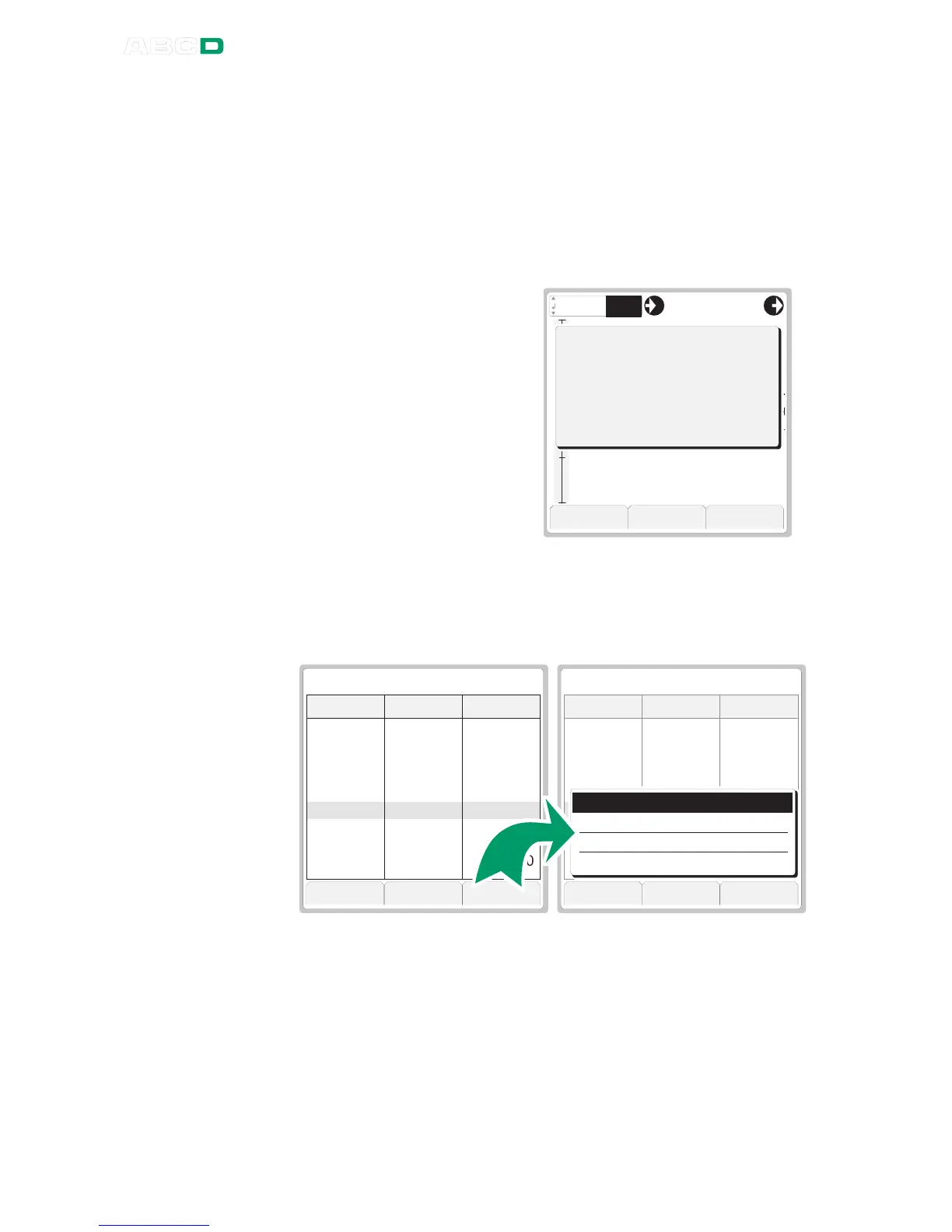
3. When the calibration run is
ready, MC4 opens a win-
dow telling whether the cal-
ibration was Passed or
Failed. The found Maxi-
mum error and the Reject
limit for the calibrated in-
strument are also shown.
Press F3/
Ok
to view the re-
sults of the current calibra-
tion .
O k
4 . 0 8 0 20 . 0 0
E r r :
0 . 5 0
5
0
+
-
C a l i b r a t i o n F i n i s h e d
M a x i m u m e r r o r : 0 . 5 1 .
R e j e c t l i m i t : 1 . 0 0 % ( O u t p u t )
P A S S E D
4. The result window always opens with the numeric result page open
(see leftmost picture below). To see more calibration result related
data, press F2/
More
. The second of all in all 3 result pages is the
Calibration Info
page where you are able to enter
Calibrated By
and environment data. See also notes later on in this chapter.
C a n c e l M o r e S a v e . . .
P A S S E D
0 . 0 0
2 5 . 0 0
5 0 . 0 0
7 5 . 0 0
1 0 0 . 0 0
7 5 . 0 0
5 0 . 0 0
2 5 . 0 0
0 . 0 0
4 . 0 8 1 8
8 . 0 7 4 8
1 2 . 0 6 0 7
1 6 . 0 5 0 8
2 0 . 0 4 7 1
1 6 . 0 5 1 7
1 2 . 0 6 1 3
8 . 0 7 6 1
4 . 0 8 0 2
0 . 5 1
0 . 4 7
0 . 3 8
0 . 3 2
0 . 2 9
0 . 3 2
0 . 3 8
0 . 4 8
0 . 5 0
I n p u t O u t p u t E r r o r
C a n c e l B o t t o m S e l e c t
P A S S E D
0 . 0 0
2 5 . 0 0
5 0 . 0 0
7 5 . 0 0
1 0 0 . 0 0
7 5 . 0 0
5 0 . 0 0
2 5 . 0 0
0 . 0 0
4 . 0 8 1 8
8 . 0 7 4 8
1 2 . 0 6 0 7
1 6 . 0 5 0 8
2 0 . 0 4 7 1
1 6 . 0 5 1 7
1 2 . 0 6 1 3
8 . 0 7 6 1
4 . 0 8 0 2
0 . 5 1
0 . 4 7
0 . 3 8
0 . 3 2
0 . 2 9
0 . 3 2
0 . 3 8
0 . 4 8
0 . 5 0
I n p u t O u t p u t E r r o r
S a v e A s F o u n d R e s u l t s
S a v e A s L e f t R e s u l t s
S a v e a s B o t h R e s u l t s
R e j e c t / C a n c e l C a l i b r a t i o n
5. Save/reject the results by pressing F3/
Save
. Select one of the
options in the rightmost picture above.
6. After the results are saved/rejected, here are some possibilities
of how you may continue:
• Start another calibration run by pressing F3/
Start
.
• Adjust the instrument by selecting F1/
Menu
,
Adjust Instru-
ment
.
• End the calibration selecting F1/
Menu
,
Close
.



 To Next Page