To specify reply-to address
To specify priority
Press to start sending.
Scanning starts.
If you want to cancel sending, press
<Yes> .
1
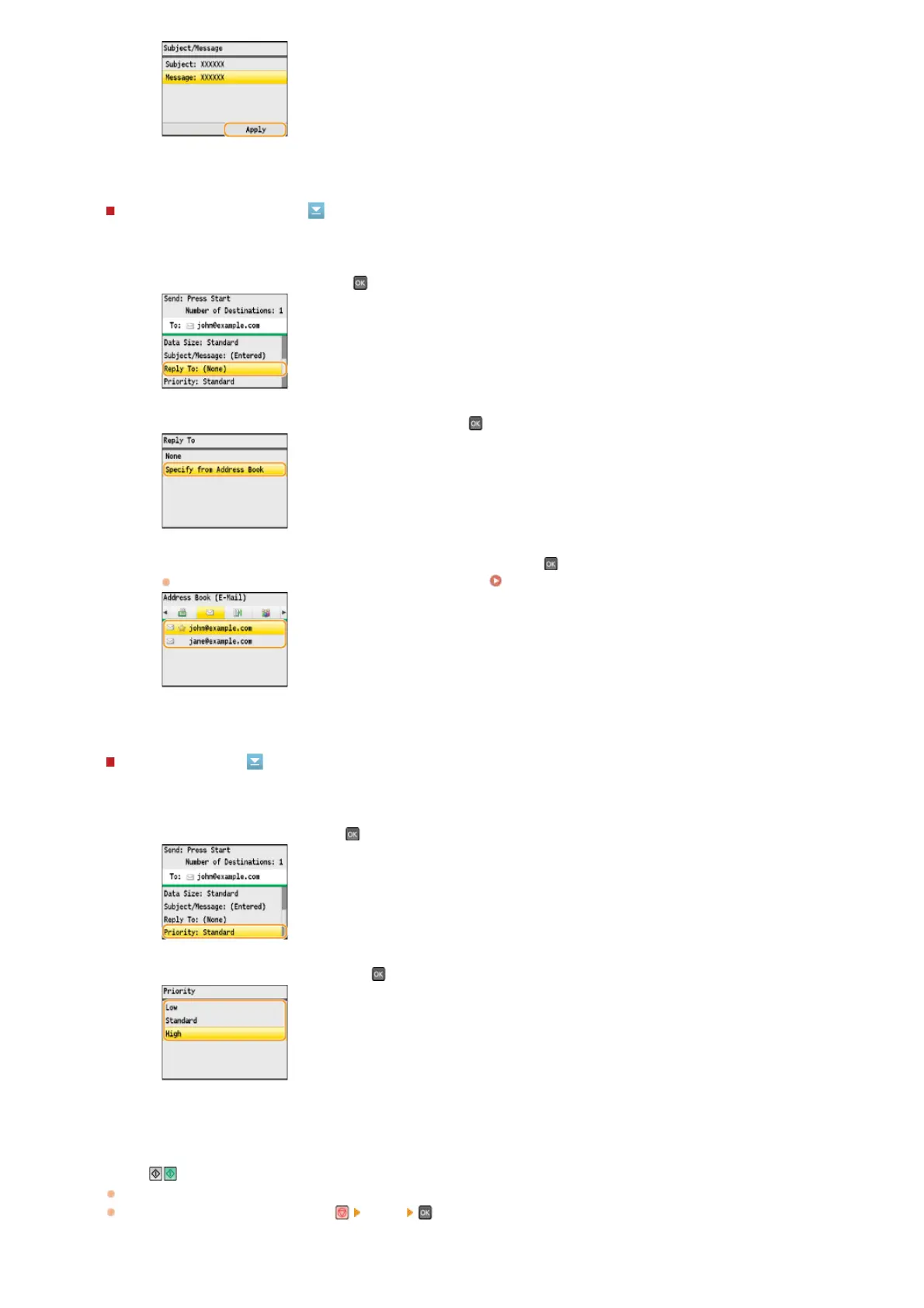
Select <Reply To>, and press .
2
Select <Specify from Address Book>, and press .
3
Select a reply-to address from the Address Book, and press .
For instructions on how to use the Address Book, see
Specifying from Address Book.
1
Select <Priority>, and press .
2
Select a priority level, and press .
8
㻞㻥㻜㻌㻛㻌㻢㻣㻢











 To Next Page