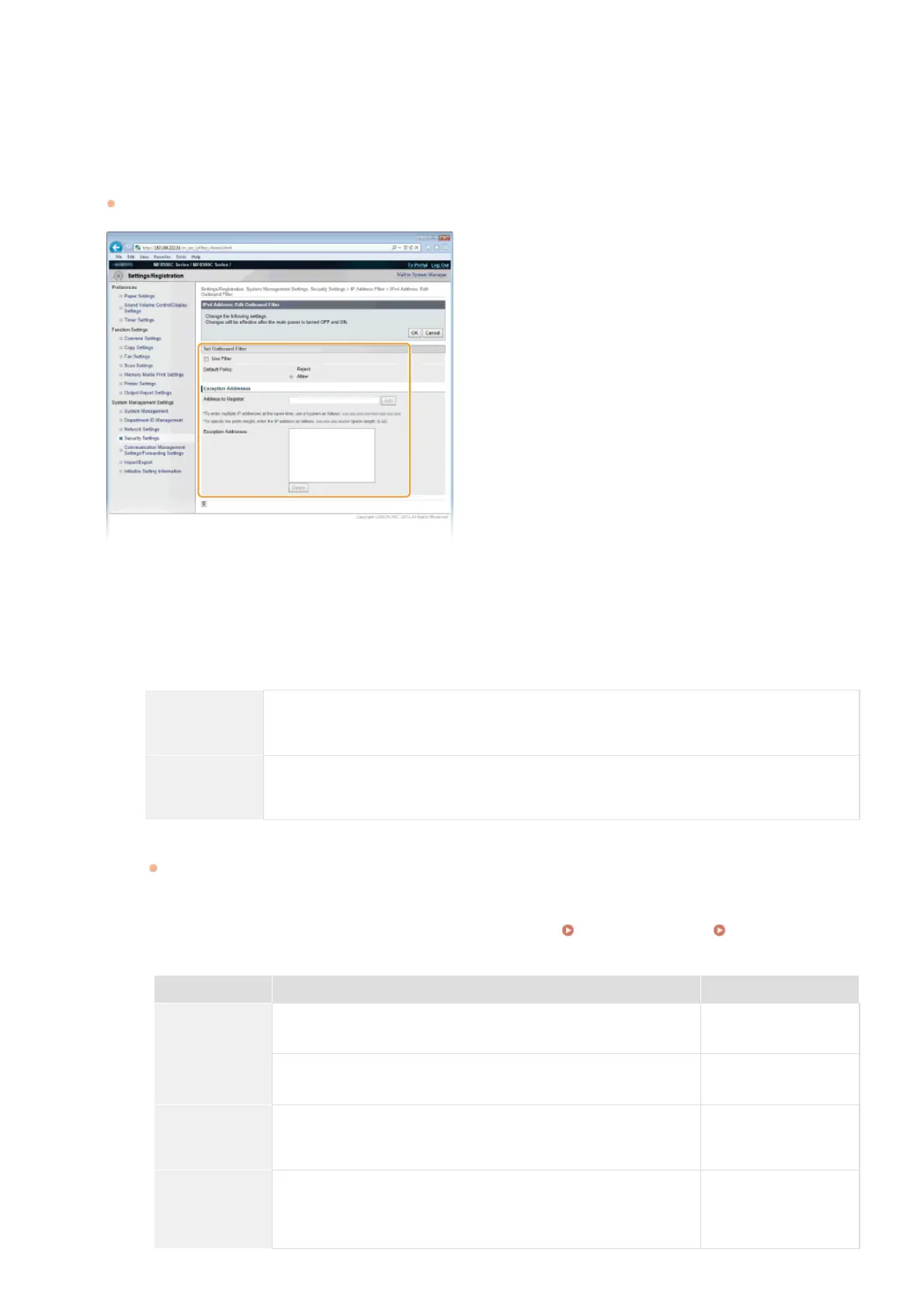
[IPv4 Address: Inbound Filter]
Select to restrict receiving data from the machine to a computer by specifying IPv4 addresses.
[IPv6 Address: Outbound Filter]
Select to restrict sending data from the machine to a computer by specifying IPv6 addresses.
[IPv6 Address: Inbound Filter]
Select to restrict receiving data from the machine to a computer by specifying IPv6 addresses.
Specify the settings for packet filtering.
Select the default policy to allow or reject the communication of other devices with the machine, and then specify IP addresses
for exceptions.
1
Select the [Use Filter] check box and click the [Reject] or [Allow] radio button for the [Default Policy].
[Use Filter]
Select the check box to restrict communication. Clear the check box to disable the restriction.
[Default Policy]
Select the precondition to allow or reject the communication of other devices with the machine.
[Reject]
Select to pass communication packets only when they are sent to or received from devices whose
IP addresses are entered in [Exception Addresses]. Communications with other devices are
prohibited.
[Allow]
Select to block communication packets when they are sent to or received from devices whose IP
addresses are entered in [Exception Addresses]. Communications with other devices are
permitted.
2
Specify address exceptions.
Enter the IP address (or the range of IP addresses) in the [Address to Register] text box and click [Add].
IMPORTANT:
Check for entry errors
If IP addresses are incorrectly entered, you may be unable to access the machine from the Remote UI, in which case you
need to set <IPv4 Address Filter> or <IPv6 Address Filter> to <Off>.
IPv4 Address Filter IPv6 Address Filter
NOTE:
Entry form for IP addresses
Description Example
Entering a
single address
IPv4:
Delimit numbers with periods.
192.168.0.10
IPv6:
Delimit alphanumeric characters with colons.
fe80::10
Specifying a
range of
addresses
Insert a hyphen between the addresses.
192.168.0.10-
192.168.0.20
Specifying a
range of
addresses with
a prefix
Enter the address, followed by a slash and a number indicating the
prefix length.
192.168.0.32/27
fe80::1234/64
5
㻠㻜㻥㻌㻛㻌㻢㻣㻢











 To Next Page