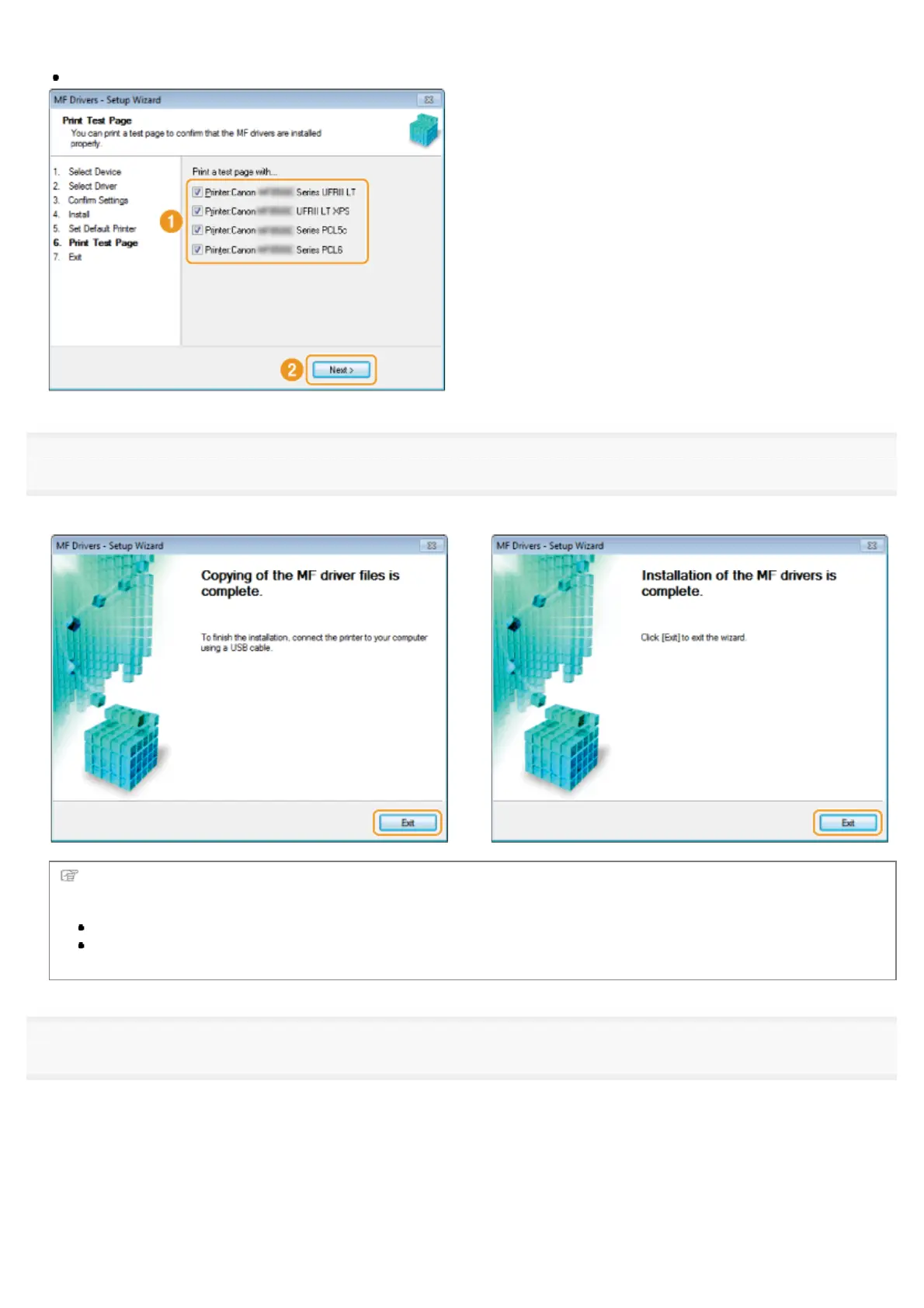
(2) Click [Next].
This screen appears only when installing the printer driver and fax driver.
13
Click [Exit].
For USB Connection:
For Network Connection:
Next, installation of MF Toolbox starts.
In any of the following cases, MF Toolbox is not installed. Proceed to step 17.
If you are using Windows Server 2003/Server 2008/Server 2012
If you cleared the [MF Toolbox] check box in step 4
14
Click [Next].
㻞㻠㻌㻛㻌㻣㻠











 To Next Page