4
FI002K0018v1100UK – THS/21 Instruction manual for installation, use and maintenance
USE OF THE DEVICE
124 ORIGINAL INSTRUCTIONS
4.3 Programming access
When the Metal Detector is started for the first time, it is configured for 6 users with permissions
defined in the Programming Manual, including the Administrator user.
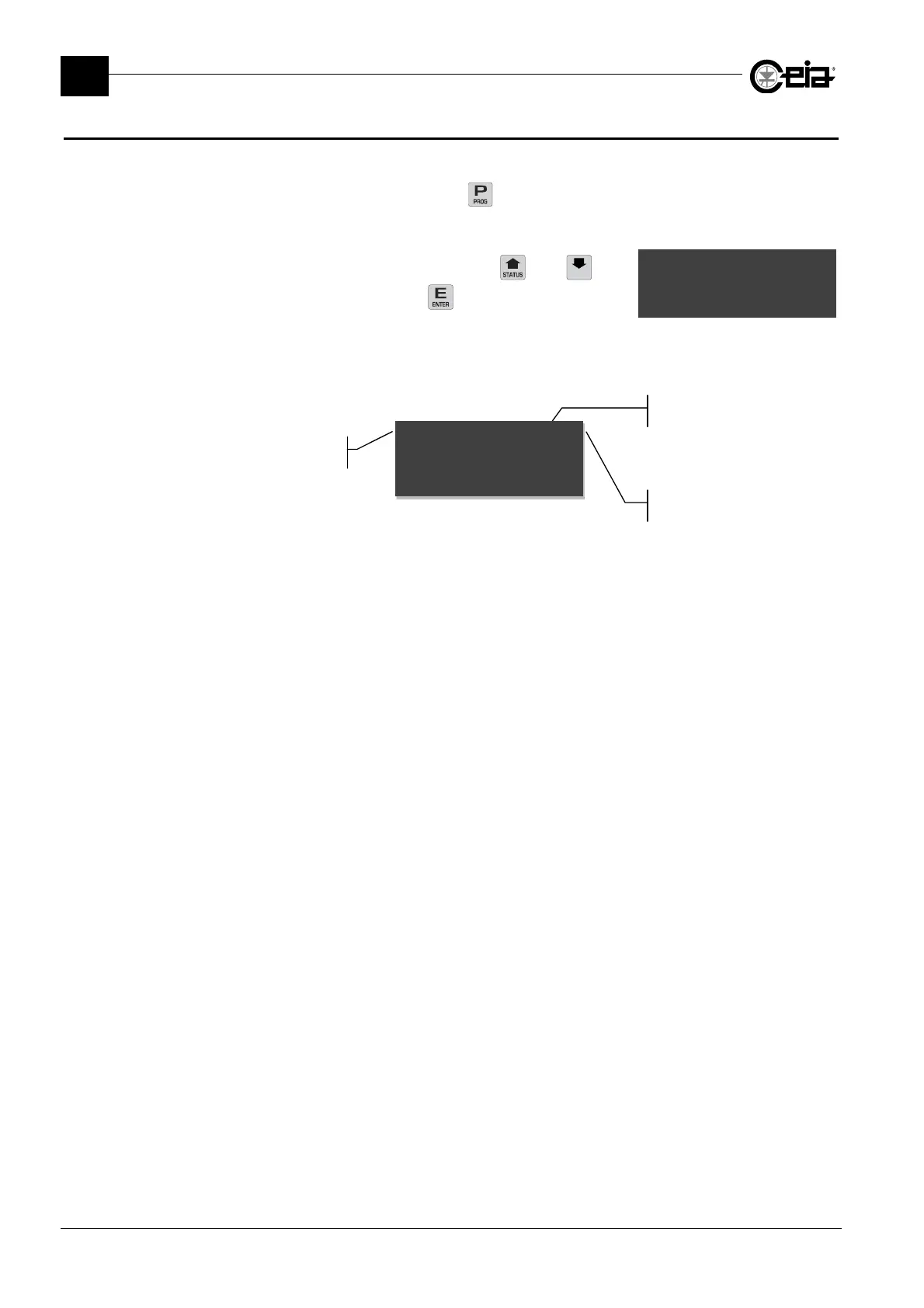
To enter the Programming mode press the key. The Metal Detector will ask you to enter a
username and a password:
They are entered using the keypad or using the and keys
and confirming each character with the key.
Password
***#__
After the password has been entered, the Metal Detector is inhibited, access to programming is
given, and the display shows the parameters available for the programming level in question:
Parameter
name
Parameter
value
Cursor
Sensitivity~~~~~~265@
Products
Example of display output during operator-level programming







 To Next Page