4
FI002K0018v1100UK – THS/21 Instruction manual for installation, use and maintenance
USE OF THE DEVICE
134 ORIGINAL INSTRUCTIONS
4.8 Sensitivity check with reference sample
It is important to check at regular intervals that the Metal Detector is operating efficiently. This is
done by running a detection and ejection test using test reference samples.
- Depending on product characteristics and/or internal quality procedures, customers can use
samples they have defined themselves or request specific samples from CEIA.
- The tests can be carried out at any time deemed necessary (e.g. at the shift changeover)
and/or pre-programmed. In the latter case, the Metal Detector will automatically request the
test.
It is possible to test the detection capability of the Metal Detector by selecting the DEFAULT product mode and using the
reference samples indicated in the Factory Acceptance test (FAT).
4.8.1 Programming the request frequency of the periodic tests
- Select the time between the system power-on and the first test request, through the
1st test
delay
parameter (
FTD
, see
Q-C setup
menu).
- Select the time between one test and another, through the
Test period
parameter (
TE
, see
Q-C setup
menu).
Example: Setting a test period of 2 hours and a 1
st
test delay of 5 minutes, switching on the system at 08:22, the first test
will be requested at 08:27 and subsequent tests will be requested at 10:27, 12:27, 14:27 and so on.
At each Metal Detector start-up, the first test will be requested after 5 minutes and the subsequent tests every 2 hours,
starting from the first request.
To disable periodic test requests, set the parameter Test period = 00:00.
- Set the waiting period for carrying out the test via the
Test delay
parameter (
TD
, see
Q-C
setup
).
- Where required you can set the other parameters involved in the test (
TMD
,
SAC
,
STM
).
4.8.2 Performing tests
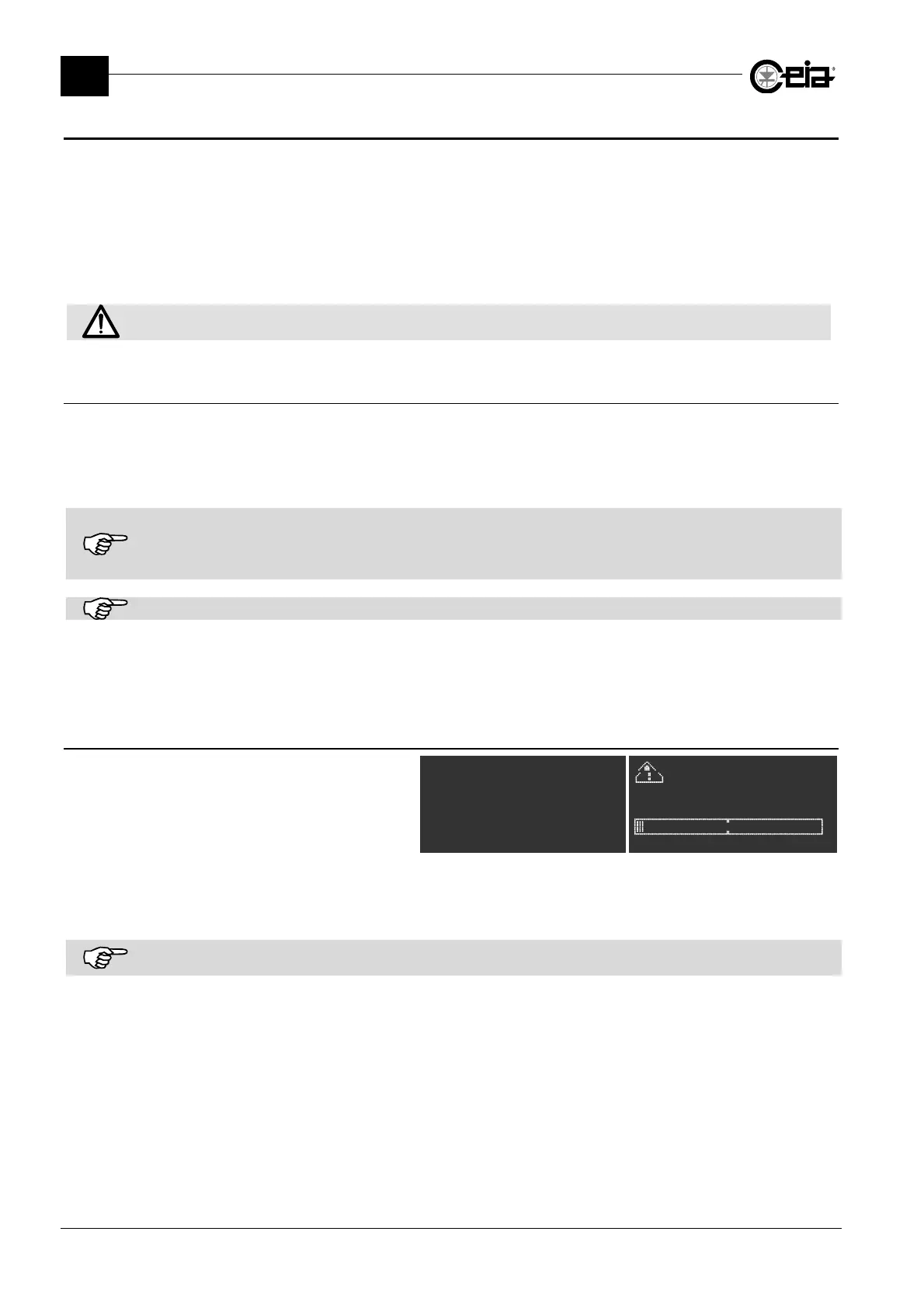
For the programmed tests, at the end
of the Test period, a message
requesting a test is displayed. At the
same time the external blue lamp is
activated (BLUE LAMP output).
TEST
Prod. PROD01
^
** TEST **
Product:PROD01
The test can be started by the Quality Control Operator or the Quality Control Supervisor (and in
any case by an authorized user).
If the periodic test is started beyond the maximum time TD since it was requested, the TEST TIME OUT message is
displayed. The diagnostics status may be activated in accordance with the FT parameter (see the Programming Manual).







 To Next Page