FI002K0018v1100UK – THS/21 Instruction manual for installation, use and maintenance
4
USE OF THE DEVICE
ORIGINAL INSTRUCTIONS 133
4.5.7 Automatic stop
This function is only available on the Conveyor Control System.
The conveyor belt is automatically stopped in the following cases:
Self-diagnosis status
If there are self-diagnosis messages, the conveyor belt stops automatically.
It is possible to disable the belt stop if there are self-diagnosis messages. However, the READY relay is
deactivated. See the Programming Manual (SF parameter).
Pressing an emergency button
There are several emergency buttons on the conveyor belt and if one of them is pressed the
conveyor belt stops immediately. The external optical signalling device shows the amber light
flashing slowly.
If necessary, the main system switch can also be used for this purpose.
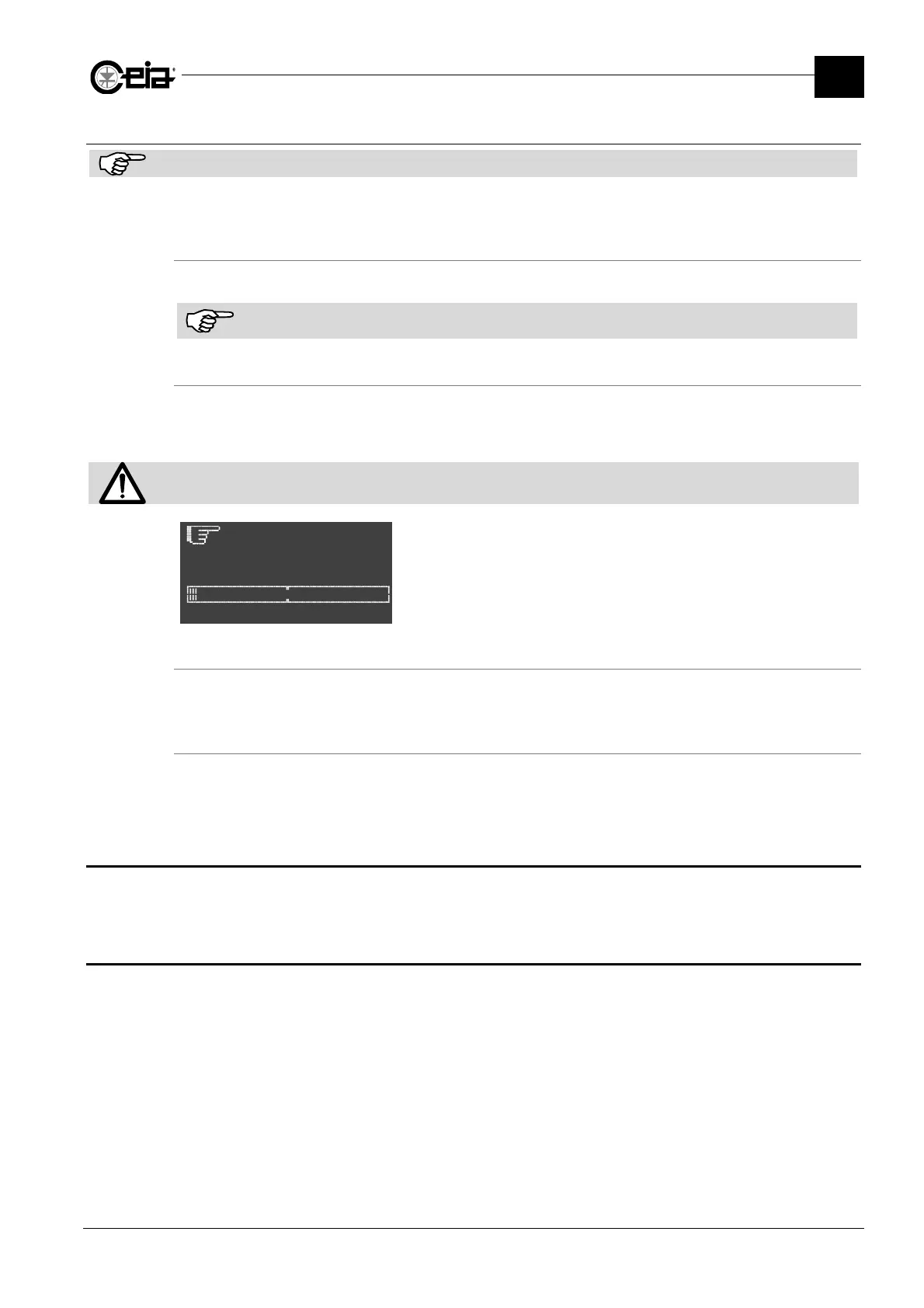
press
u
on
Product:PROD01
Trace and remove the cause of the emergency stop and then
reset the system by pressing the Emergency Reset key
Disabling from an external machine
Activation of the FOLLOWING CONVEYOR input from an external machine connected to it, causes
the conveyor belt to stop immediately.
Automatic stop due to absence of product in transit
On systems fitted with a synchronizing photocell, it is possible to set the conveyor belt to stop
automatically if nothing passes through the Metal Detector for a certain length of time. See
parameter ST on Programming Manual.
4.6 Programming
For all programming operations, modifications of installation parameters, local and remote control,
see the Programming Manual, shipped with the present manual.
4.7 Programming the Metal Detector according to the product type
See paragraph 2.8 of the Programming Manual.







 To Next Page