FI002K0018v1100UK – THS/21 Instruction manual for installation, use and maintenance
4
USE OF THE DEVICE
ORIGINAL INSTRUCTIONS 129
4.5 Use of the device
4.5.1 Sensitivity check with reference sample
It is important to check the efficiency (sensitivity and ejection of material) of the Metal Detector at
regular intervals. To do this, perform a sensitivity test with a reference sample.
See section 4.8 for the procedure.
4.5.2 Starting/stopping the conveyor belt
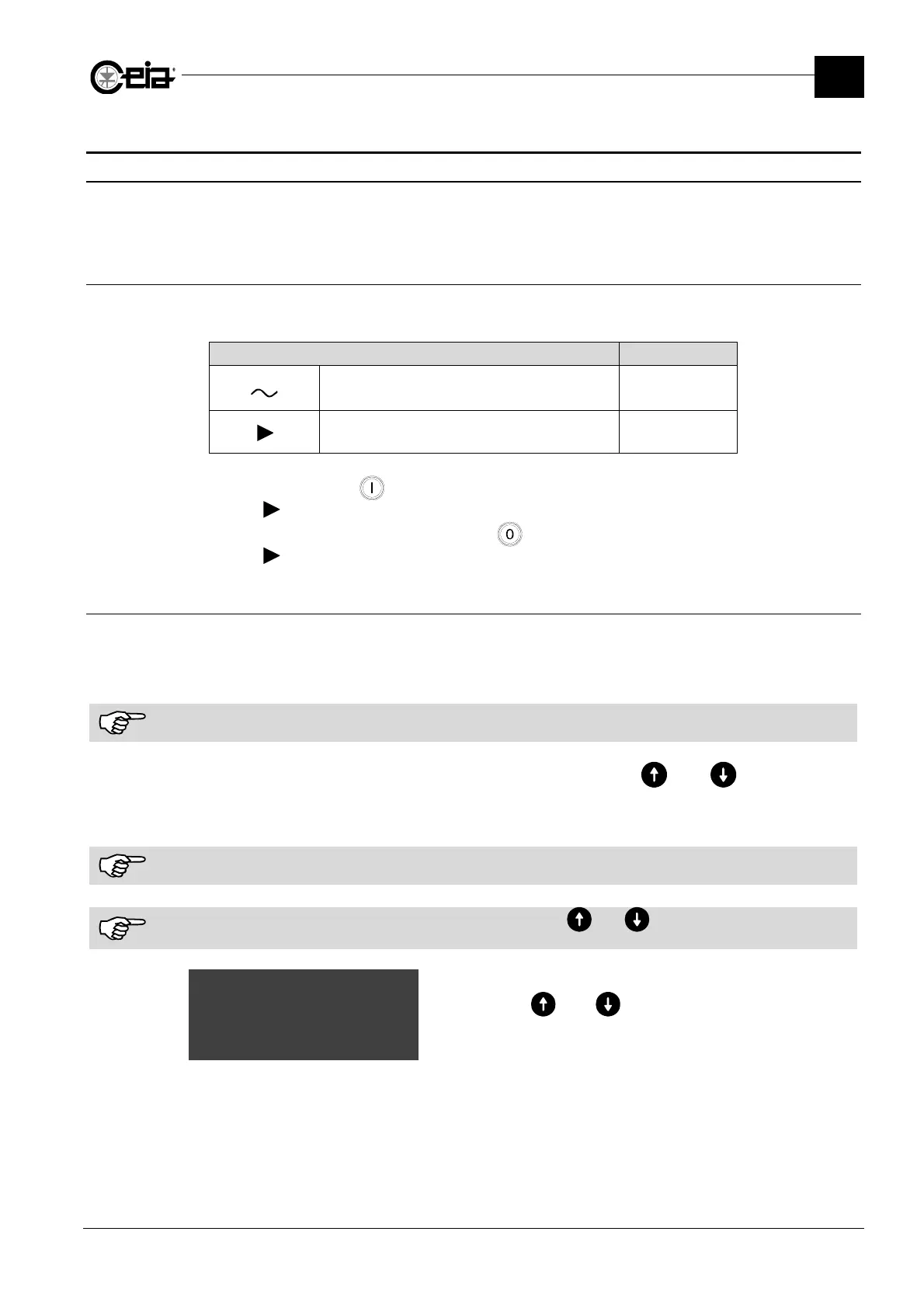
With the power supply on and with the motor stopped, check that the LED are ON or OFF as
shown in the following table:
Indicator Status
Mains voltage ON
Motor running OFF
Press the
Start
button
to start the motor: check that it starts up, and that the “Motor on”
indicator comes on.
To stop the motor, press the
Stop
button : check that it stops, and that the “motor on”
indicator goes off.
4.5.3 Adjustment of the belt speed
The speed of the conveyor belt can be adjusted by:
programming the
BS
parameter on the Metal Detector
simply pushing the keys located on the Conveyor Control System.
The manual forward/reverse controls are only enabled when the belt is stopped.
For systems which allow inversion of the direction of travel, the and
buttons can be
programmed for the forward and reverse movement of the belt, respectively. In this case, the
speed can be set only by going in to programming.
The increase/decrease speed controls are enabled both when the belt is stopped and the belt is running.
During programming of the Metal Detector, speed adjustment using the and
keys is disabled.
When the Conveyor Control System keys are being used, the Metal Detector programming is disabled.
Minimum~speed~~~~~~~20@
Speed 40
Maximum speed 60
The “Speed” reading indicates the speed set, and varies in real
time when the and
keys are pressed. Any variation in
speed is stored to memory as a parameter specific to the
current product type.







 To Next Page