4
FI002K0018v1100UK – THS/21 Instruction manual for installation, use and maintenance
USE OF THE DEVICE
128 ORIGINAL INSTRUCTIONS
4.4.4.2 Display messages
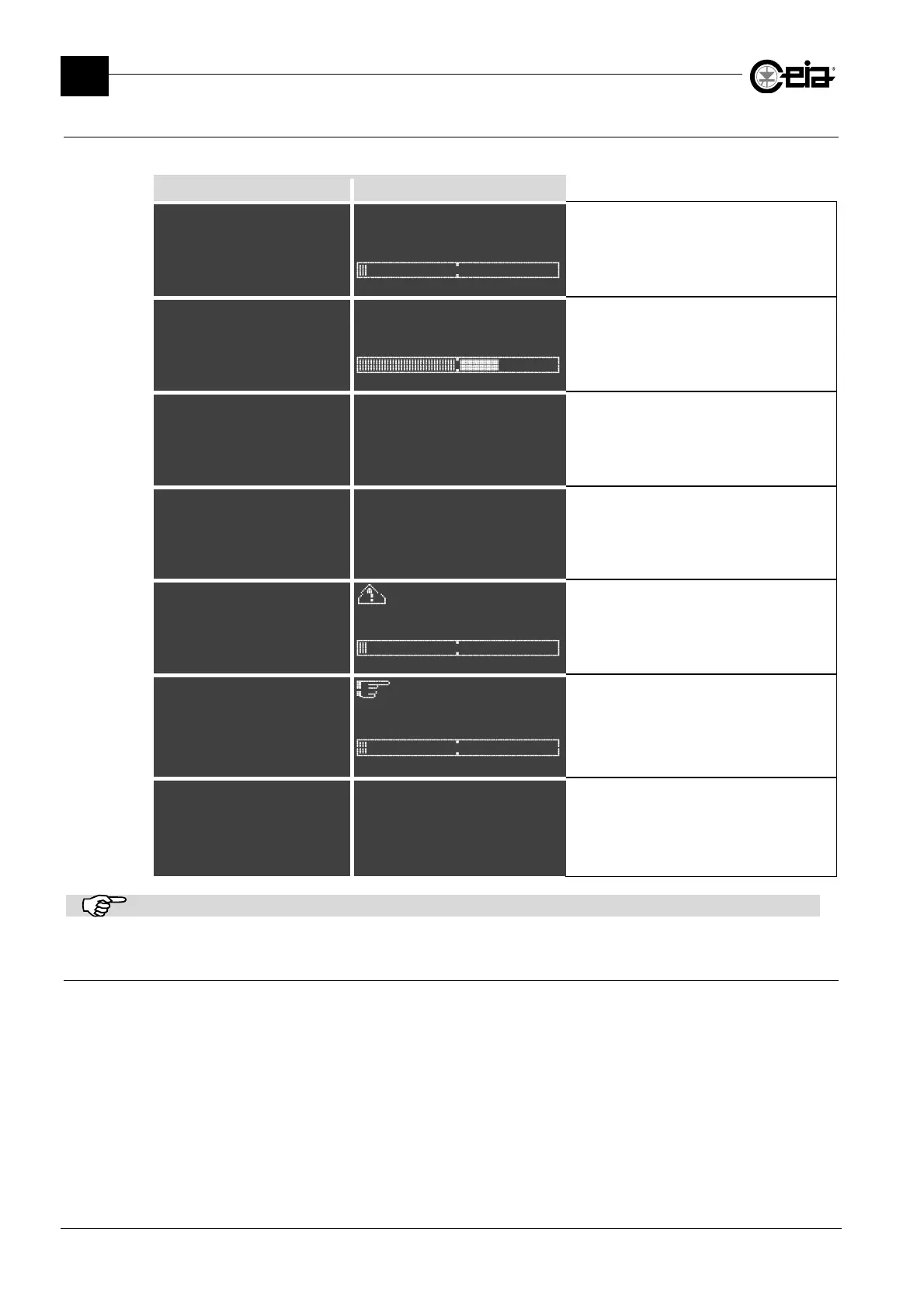
The Metal Detector display shows messages relating to its current mode of operation:
THS/xx21E THS/xx21
THS/xx21E V5.xxx
Prod. PROD01
^
/xx
ALM V5.xxx THS V5.xxx
Product:PROD01
The Metal Detector is in normal operating
mode.
THS/xx21E V5.xxx
Prod. PROD01
A: 4.0dB
^^^^^^^^^^***
/
ALM V5.xxx THS V5.xxx
A: 4.0dB
Product:PROD01
The Metal Detector is in normal operating
mode: it has just detected a metal object and
has activated connected slave devices.
Password
#_____
Password
#_____
Programming access step. The Metal
Detector requests a password.
Reset @
Products
Autolearn
Detection
ese
~~~~~~~~~~~~~~~@
Products
Autolearn
Detection
Ejection
The Metal Detector has been set to
programming mode: accessible parameters
can be modified.
TEST
Prod. PROD01
^
Product:PROD01
The Metal Detector requests a functional test
(see paragraph 4.8).
RESET EMERGENCY
(press R button)
^^
(press R button)
Product:PROD01
The Metal Detector requires an intervention.
====== STATUS ======
Sensitivity 265
TX program 0
Band HIGH
Sensitivity 265
Detection mode 4
FE diameter 0.80
NFE diameter 1.00
SS diameter 1.20
Prd.alarms 10
{|| & Scroll down ||}
Press the STATUS key from the normal
screen, to obtain a list of information about
device status. Use the arrow keys to scroll
through the list. Press P to return to the
standard screen.
The screens shown here are purely indicative.
4.4.5 Signals given during self-diagnosis
The THS/21 Metal Detector has an embedded self-diagnosis system. The messages shown on the
display are given in section 5.5.







 To Next Page