4
FI002K0018v1100UK – THS/21 Instruction manual for installation, use and maintenance
USE OF THE DEVICE
130 ORIGINAL INSTRUCTIONS
4.5.4 Alarm reset
In the event of an alarm due to metal contamination, the contaminated product is ejected from the
product conveyor according to the type of ejection which has been selected:
in operation with automatic ejection of the contaminated material, the belt is not stopped and
the contaminated product is sent into a reject bin which should be emptied at regular
intervals by the operator. In this case, the detector resets automatically.
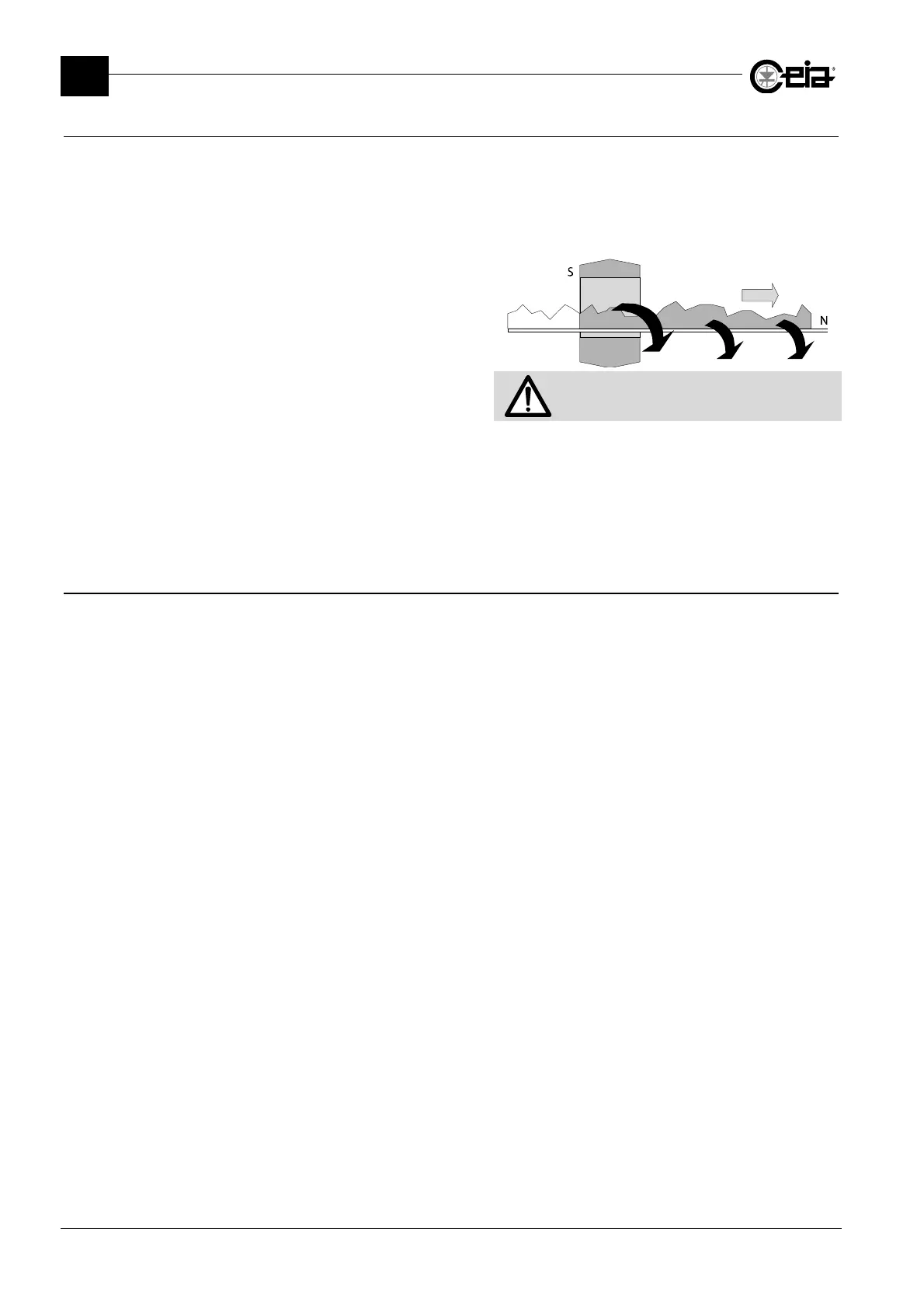
in operation where the conveyor belt is
blocked, the belt is stopped and the
contaminated product is positioned in the
exit area of the Metal Detector for manual
removal by the operator.
All material between the probe and the stop
line must be removed
A manual reset and restart of the belt is required. To reset an alarm manually:
- Press key E on the front panel (if enabled).
- Activate the RESET input (through external button connected to this input).
- Enter the programming mode and select the Reset command.
- Press the
Detector Reset
pushbutton (on the Conveyor Control System only).
4.5.5 Fault reset
For faults which require a manual reset, trace and remove the cause of the fault and then:
- Press key E on the front panel (if enabled).
- Activate the RESET input (through external button connected to this input).
- Enter the programming mode and select the Reset command.
- Press the yellow Reset pushbutton (only on Conveyor Control System if enabled).







 To Next Page