SLM-5650B Satellite Modem
Revision 2
Base Modem HTTP/HTTPS Interface 7–2 MN-SLM-5650B
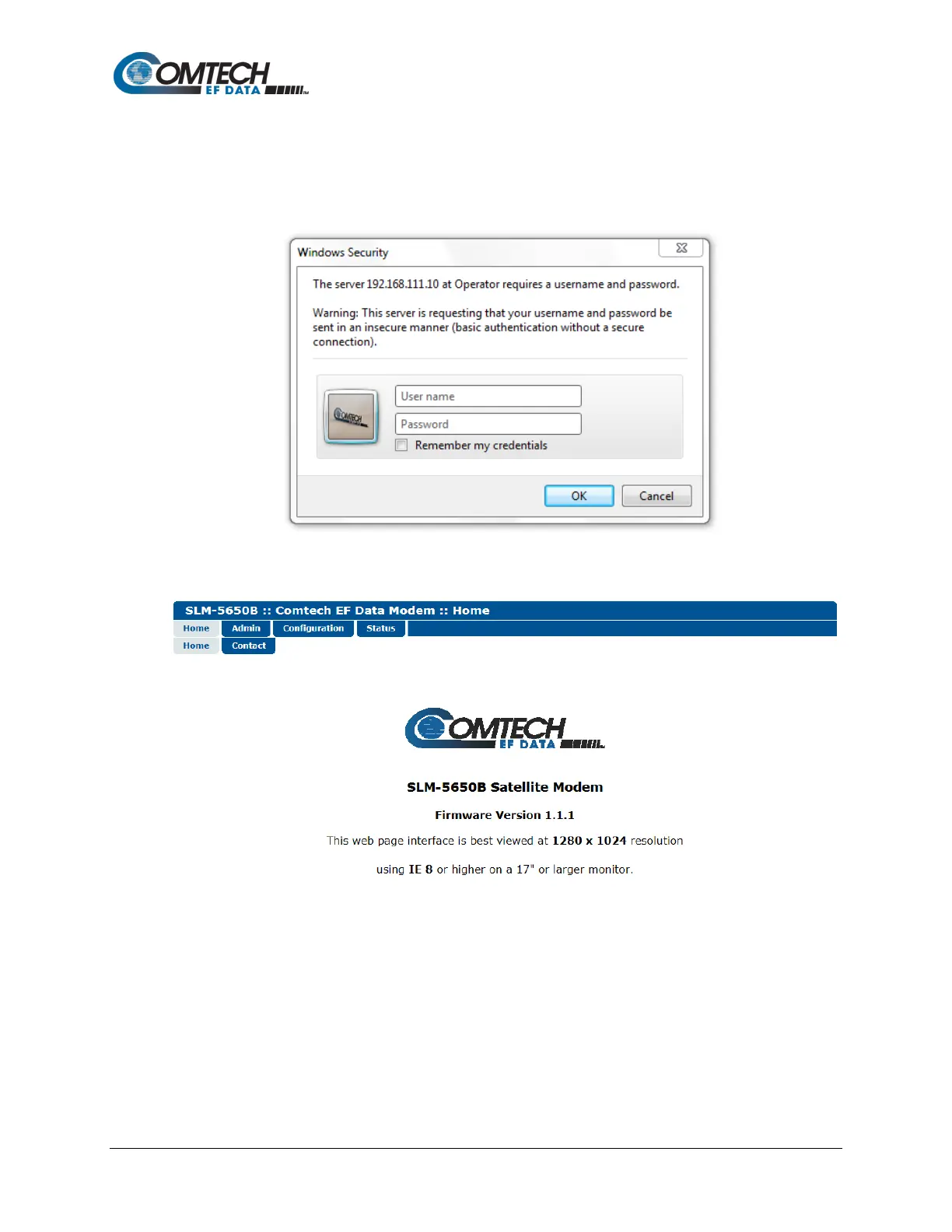
For all interfaces, the user is prompted to type in a valid User name and Password, whether via
an integrated Web page or a dialog box similar to the one shown to the right. For all interfaces, the
default for both is comtech.
Once the valid User name and Password is accepted, the browser window displays the SLM-
5650B Base Modem Web Interface “splash” (Home) page:



 To Next Page