SLM-5650B Satellite Modem
Revision 2
NP Interface Telnet/SSH CLI Operation 9–2 MN-SLM-5650B
9.1.1 Telnet User Access
Telnet operation is permissible only when the IP Interface Security Mode has been set to “Low
Level Security”. See Chapter Section 8.6.5.2.3 Administration | Security (Account
Information) for instructions on setting the security level to allow for Telnet (non-secure) operation
of the CLI.
When connecting via Telnet, the user must have network connectivity to the NP Interface. This
connectivity can be via a local LAN, a remote LAN, or via a satellite link from another modem.
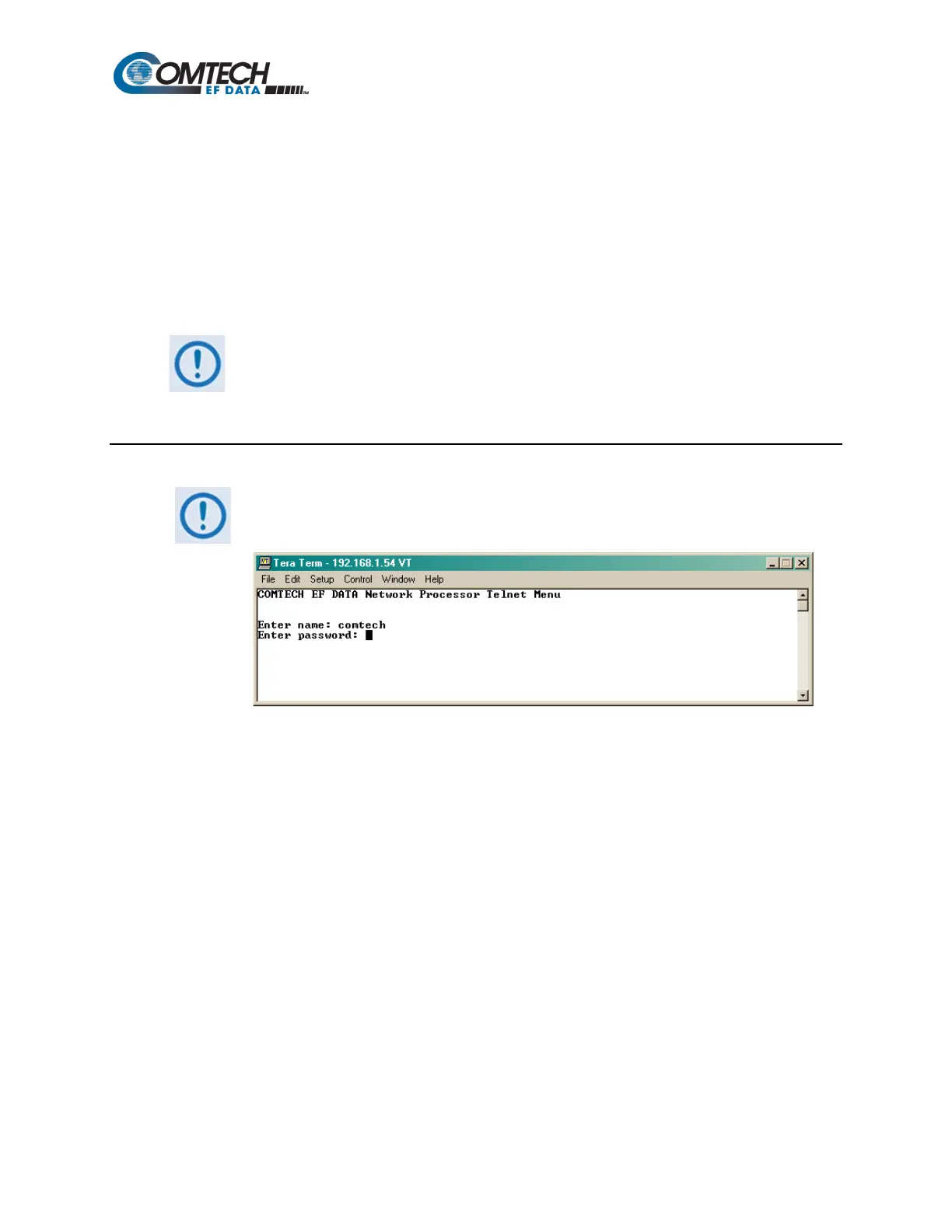
Telnet access is available on TCP Port 23. The default user name and password are both
comtech.
The user name and password are required to gain access to system through the
HTTP/HTTPS and CLI interfaces. For security reasons, the “Restore Factory
Defaults” command (see Chapter Sect. 0) does NOT reset the user name and
password.
9.1.1.1 Telnet Operational Guidelines
The CLI allows, at most, seven (7) concurrent logins to the Telnet menu via
multiple Telnet sessions. Note that the CLI user name and password are the
same as the NP HTTP/HTTPS Interface user name and password:
9.1.2 SSH (Secure Shell) User Access
SSH access and operation is permissible only when the IP Interface Security Mode has been set to
“High Level Security”. See Chapter Sect. 8.6.5.2.3 Administration | Security (Account
Information) for instructions on setting the security level to allow for SSH (secure) operation of the
CLI.
At login, note that the CLI user name and password when starting an SSH CLI session are the
same as the NP HTTP/HTTPS Interface user name and password.
See Chapter Sect. 6.6 SSH (Secure Shell) Interface for initial setup and operational examples for
using an SSH terminal emulator application for CLI operations.



 To Next Page