SLM-5650B Satellite Modem
Revision 2
NP Interface Telnet/SSH CLI Operation 9–11 MN-SLM-5650B
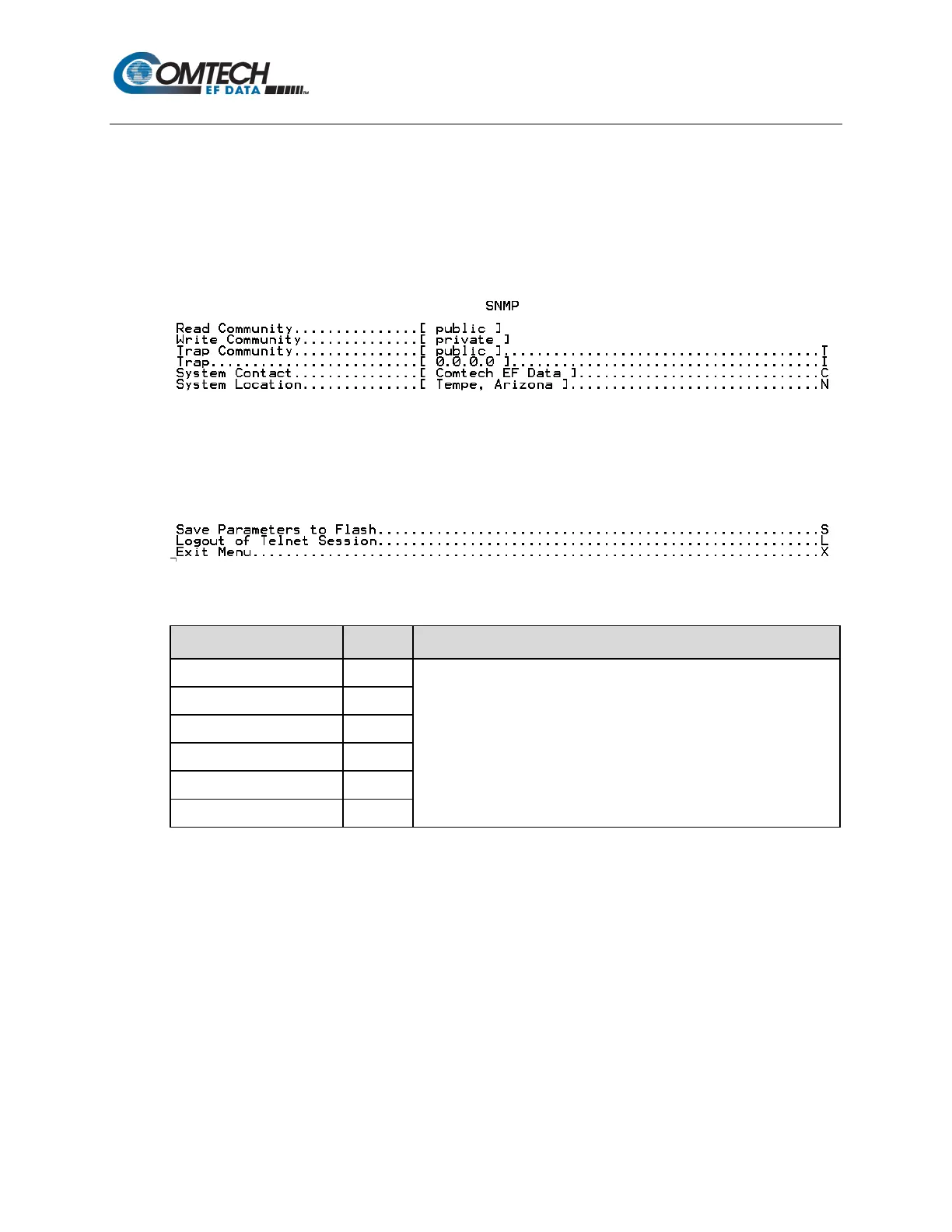
9.2.4.6 Administration Menu | SNMP (P)
When the SNMP page is opened from the Administration Menu, it allows the user to change the
parameters associated with Simple Network Management Protocol, an application-layer protocol
designed to facilitate the exchange of management information between network devices.
The modem SNMP agent supports SNMPv1, v2c and, when the IP Interface Security Level has
been set to High, SNMPv3.
The page contains the following options or fields:
Menu Options/Fields Entry Description
For complete details on SNMP and using this menu, refer to Chapter
6.4 SNMP Interface.
Once all changes have been made using this menu, in order for the configuration to take effect, the
user must press ‘S’ to save these SNMP configuration changes, then reboot the modem using the
Reboot Now prompt (press ‘R’ using the Administration Menu) as outlined in this chapter in
Section 9.2.4.10.



 To Next Page