SLM-5650B Satellite Modem
Revision 2
Network Processor (NP) Interface 8–55 MN-SLM-5650B
8.6.5.7.5 Stats | Clear All
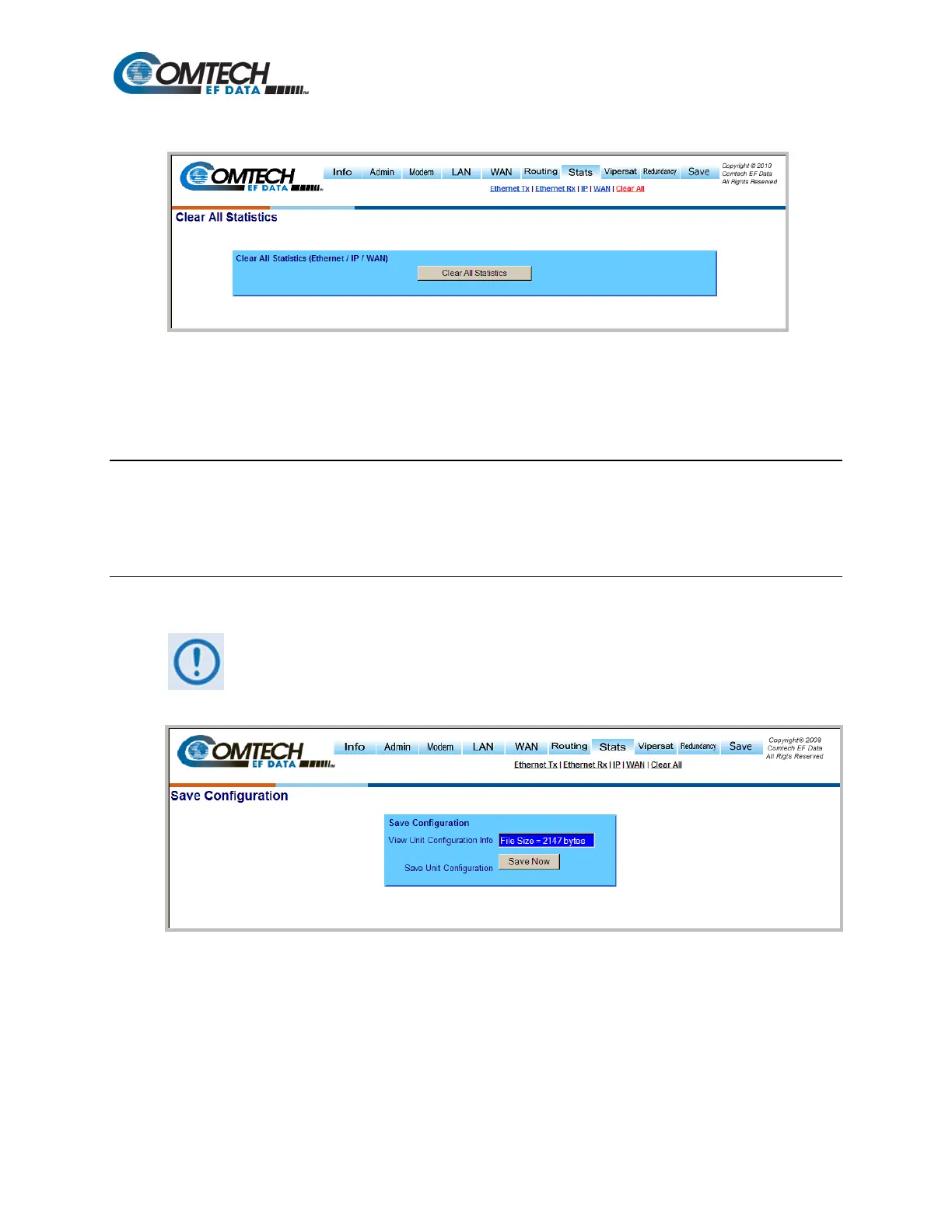
Figure 8-37. Stats | Clear All Statistics Page
Use the ‘Stats | Clear All Statistics’ page (Figure 8-37) to simultaneously clear the statistics for the
Ethernet Tx, Ethernet Rx, IP, and WAN Stats pages. Click [Clear All Statistics] to execute.
8.6.5.8 Redundancy Page
This feature is a future option and not accessible at this time.
8.6.5.9 Save Page
In order to make any Network Processor modifications permanent, the Unit
Configuration must be saved before rebooting the unit. Configurations are
retained on a firmware upgrade.
Figure 8-38. Save Page
The ‘Save’ page (Figure 8-38) saves the current Unit configurations to Flash, thereby making all
configuration changes made via the NP HTTP/HTTPS Interface permanent until either a new round
of setting updates is initiated and saved, or all settings are restored to the original factory defaults
via the Admin | Defaults page (see Chapter Section 8.6.5.2.6 for full details).



 To Next Page