SLM-5650B Satellite Modem
Revision 2
TRANSEC Module SSH CLI Operation 11–15 MN-SLM-5650B
11.2.6 Event Log [E]
See Chapter Sect. 10.4.2.3 Admin | Event for detailed information about the
operating parameters addressed by this menu.
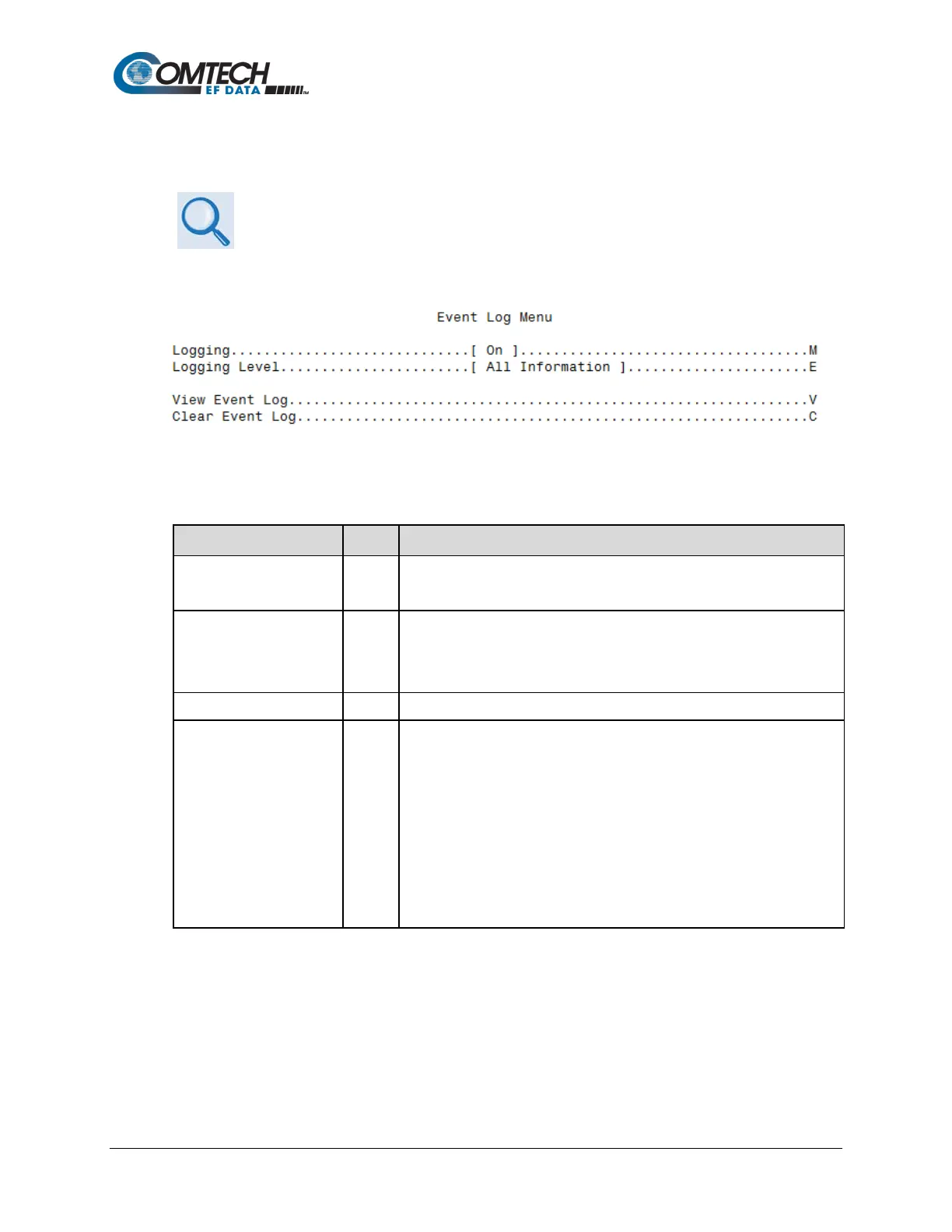
The Event Log Menu page, opened from the Main Menu, contains the following options or fields:
Menu Options/Fields Entry Description
Sets recording of events and alarms:
0 – Off 1 – On
Logging Level
Sets the level of information collected for the Events Log:
2 - All Information
Displays the tally of events logged since the last time the Log was cleared.
Clears the event log of all messages. Once selected, the user is prompted
with the following message:
This action will clear the event log.
Are you sure? (Y/N)
Enter ‘Y’ or ‘N’. If ‘Y’ is entered, the event log is reset to zero entries, and the
following message is displayed:
Event log cleared.
Press Any Character to Continue.
Pressing any key returns the user to the Event Log Menu page.



 To Next Page