SLM-5650B Satellite Modem
Revision 2
TRANSEC Module HTTPS Interface 10–2 MN-SLM-5650B
10.2 TRANSEC Module HTTPS Interface
The user can fully control and monitor operation of the TRANSEC Module from its HTTPS
(Secure HTTP) Interface.
The pages in the TRANSEC Module HTTPS Interface have been designed for optimal
performance when using Microsoft’s Internet Explorer Ver. 7.0 or higher, or Mozilla Firefox Ver.
2.0 or higher. The examples use Internet Explorer Ver. 7.0.
10.3 Open the TRANSEC Module HTTPS Interface
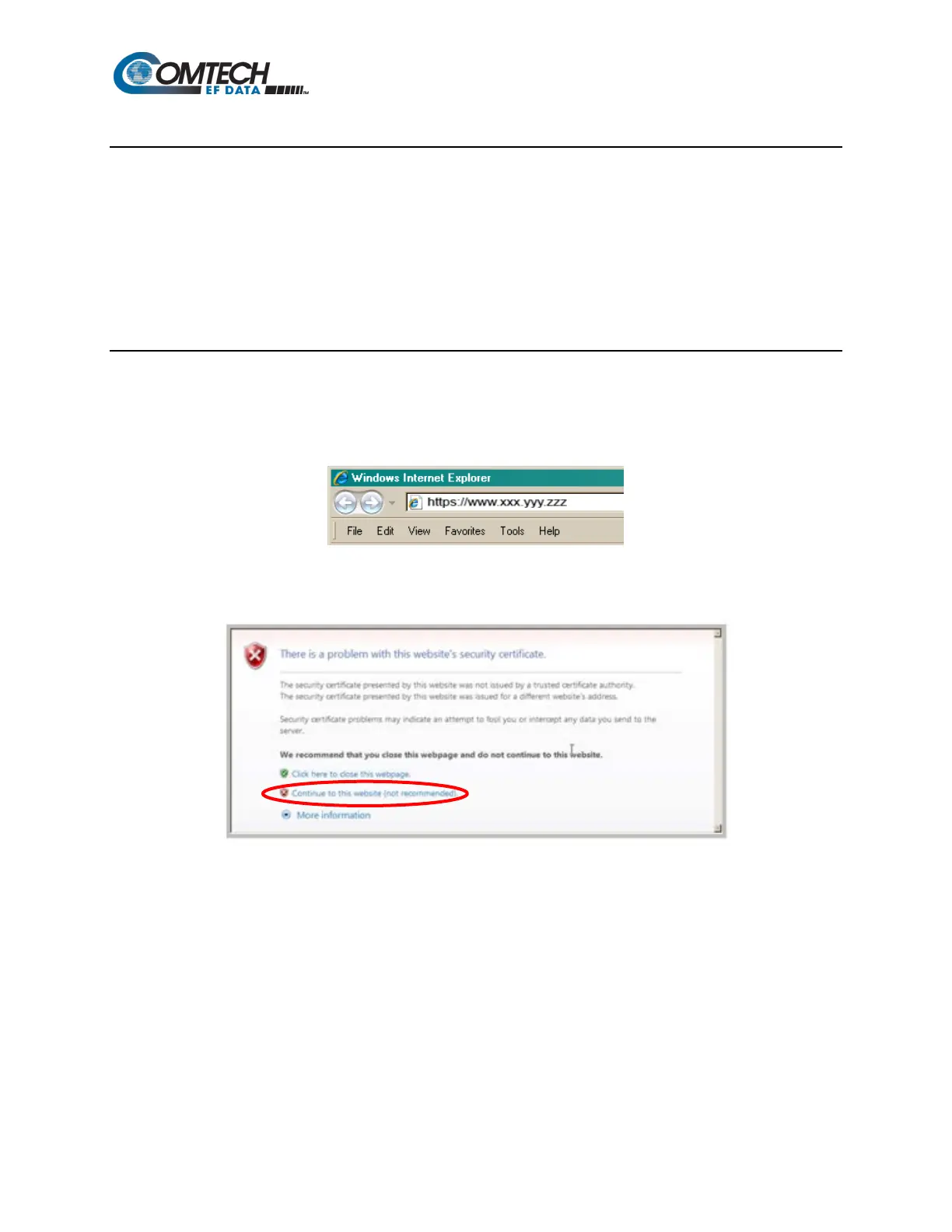
From the PC, type the IP address of the TRANSEC Module into the Address area of the Web
browser. In the example, www.xxx.yyy.zzz represents the IP address of TRANSEC Module.
If a Security Alert shows, click Continue to this website to proceed.



 To Next Page