SLM-5650B Satellite Modem
Revision 2
Network Processor (NP) Interface 8–5 MN-SLM-5650B
8.4 NP Interface Module Removal and Installation
Ensure that the unit is POWERED OFF. Serious injury or damage to the
equipment could result if the unit is powered during
module removal or
.
Care must be taken not to damage the module’s co
mponents during removal or
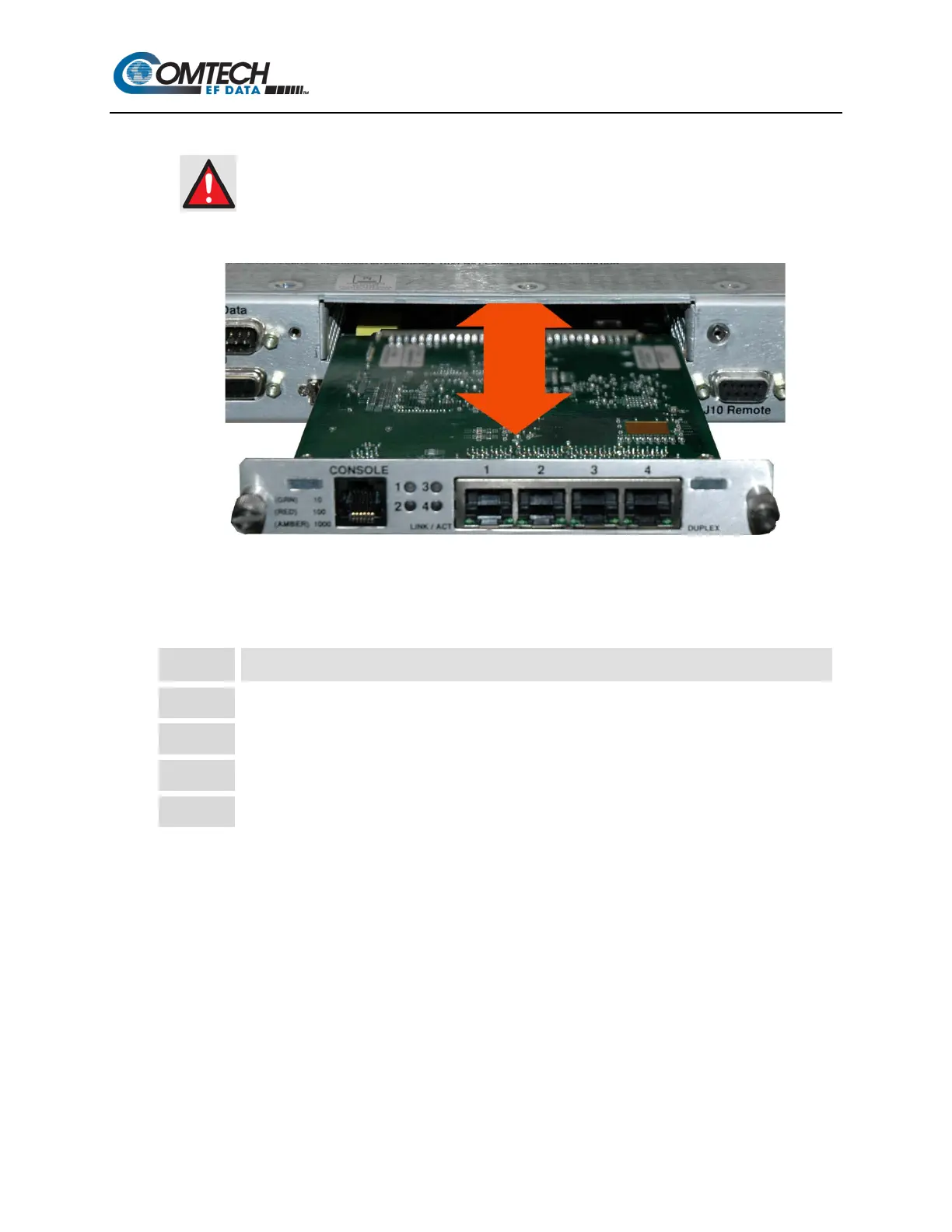
Figure 8-3. Network Processor Removal and Installation
8.4.1 NP Interface Module Removal Procedure
Step Task
1 Turn off the power to the modem.
Disconnect the RJ-45 cable(s) from the NP Interface Module.
3 Loosen the (two) captive thumb screws securing the module to the chassis.
Remove the module by pulling it
straight out
until it is clear of the chassis slot.



 To Next Page