SLM-5650B Satellite Modem
Revision 2
Network Processor (NP) Interface 8–36 MN-SLM-5650B
8.6.5.4.2 LAN | Ethernet Ports
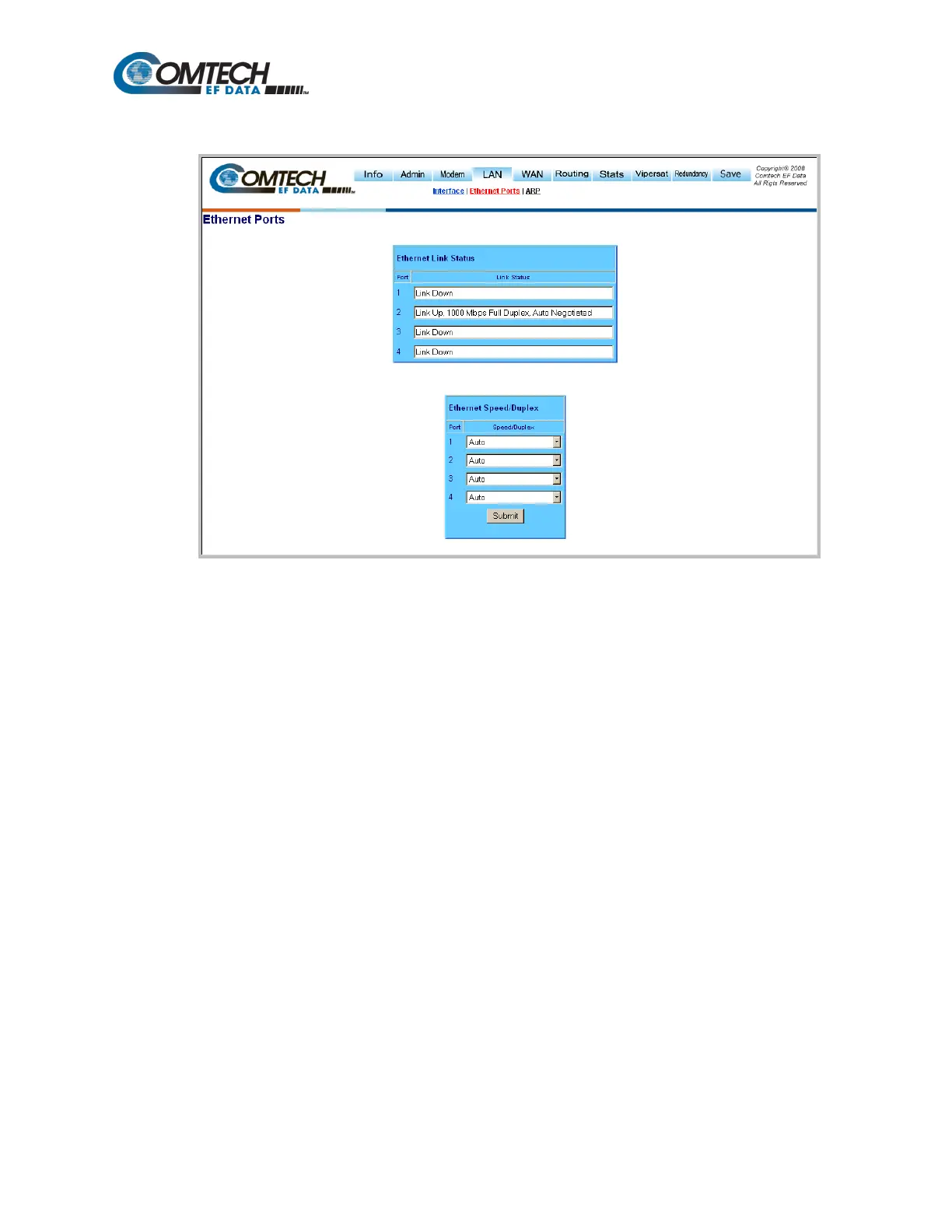
Figure 8-25. LAN | Ethernet Ports page
Use the ‘LAN | Ethernet Ports’ page (Figure 8-25) to view the current status of the Ethernet ports
and to set each port to manual or auto-negotiate configuration.
Note: Only the NP Interface Ethernet ports are represented in this screen. The base modem
Ethernet port statistics and port information are set from the modem’s front panel.
Ethernet Link Status
This read-only section displays the status for each NP Interface Ethernet port.
Ethernet Speed/Duplex
Use the drop-down menus to configure each port to one of the following states:
Click [Submit] once the Ethernet ports have been configured to suit on this page.



 To Next Page