SLM-5650B Satellite Modem
Revision 2
TRANSEC Module SSH CLI Operation 11–2 MN-SLM-5650B
11.1.1 SSH (Secure Shell) User Access
When connecting via SSH, the user must have network connectivity to the TRANSEC Module.
This connectivity can be via a local LAN, a remote LAN, or via a satellite link from another
modem.
As explained in Chapter Section 6.6 SSH (Secure Shell) Interface, this chapter
uses PuTTY, a free and open source terminal emulator application used as a
serial console client for SSH, Telnet, rlogin and raw TCP computing protocols.
While the TRANSEC Module CLI main and nested screens will be identical
across terminal emulator applications, setup may differ slightly – this chapter
assumes users’ familiarity with their preferred SSH interface.
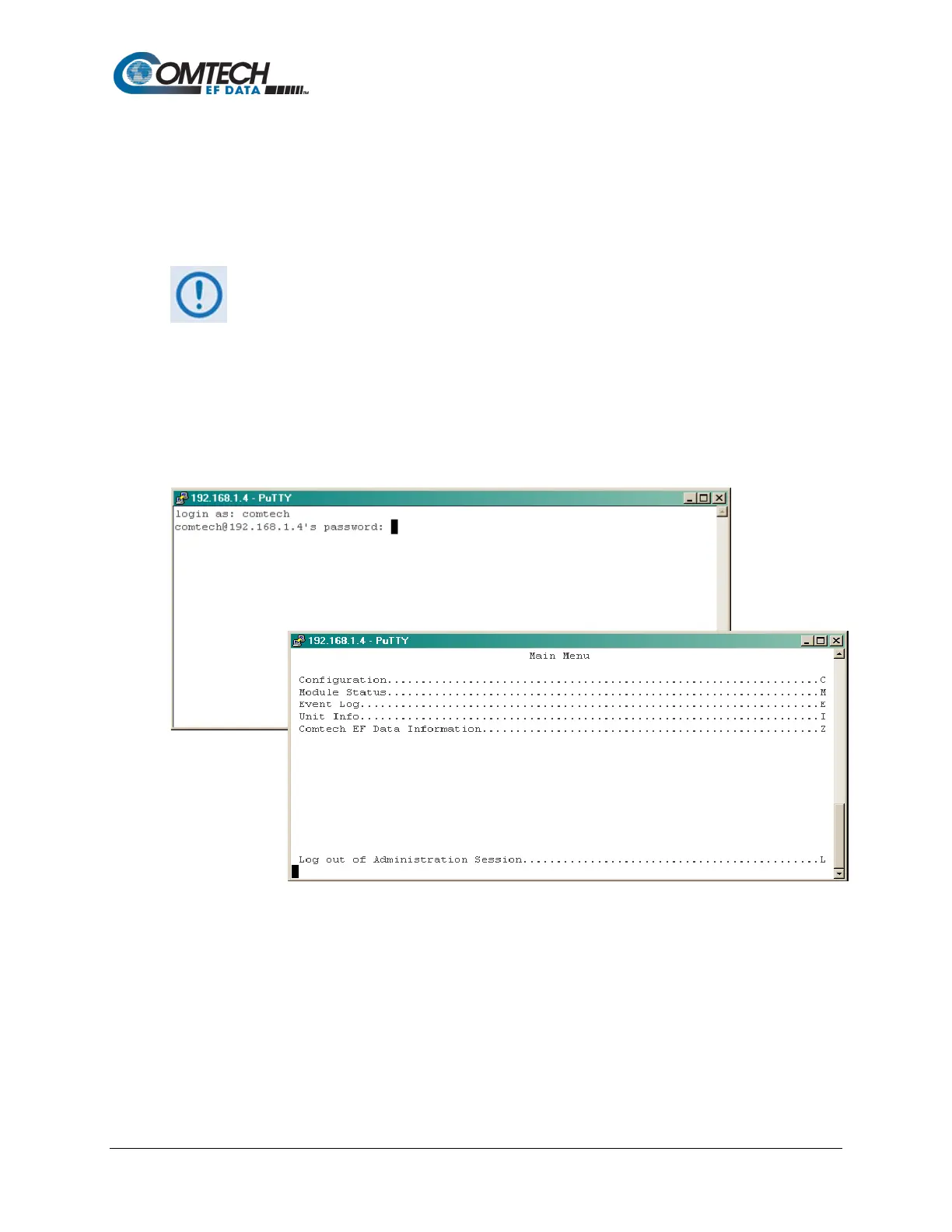
Once connected to the TRANSEC Module via the SSH interface, the user will need to provide a
login name and password (the defaults for both are comtech). When the valid login and
password are provided, the user is taken directly to the CLI Main Menu, as shown in the following
examples:



 To Next Page