SLM-5650B Satellite Modem
Revision 2
Base Modem HTTP/HTTPS Interface 7–20 MN-SLM-5650B
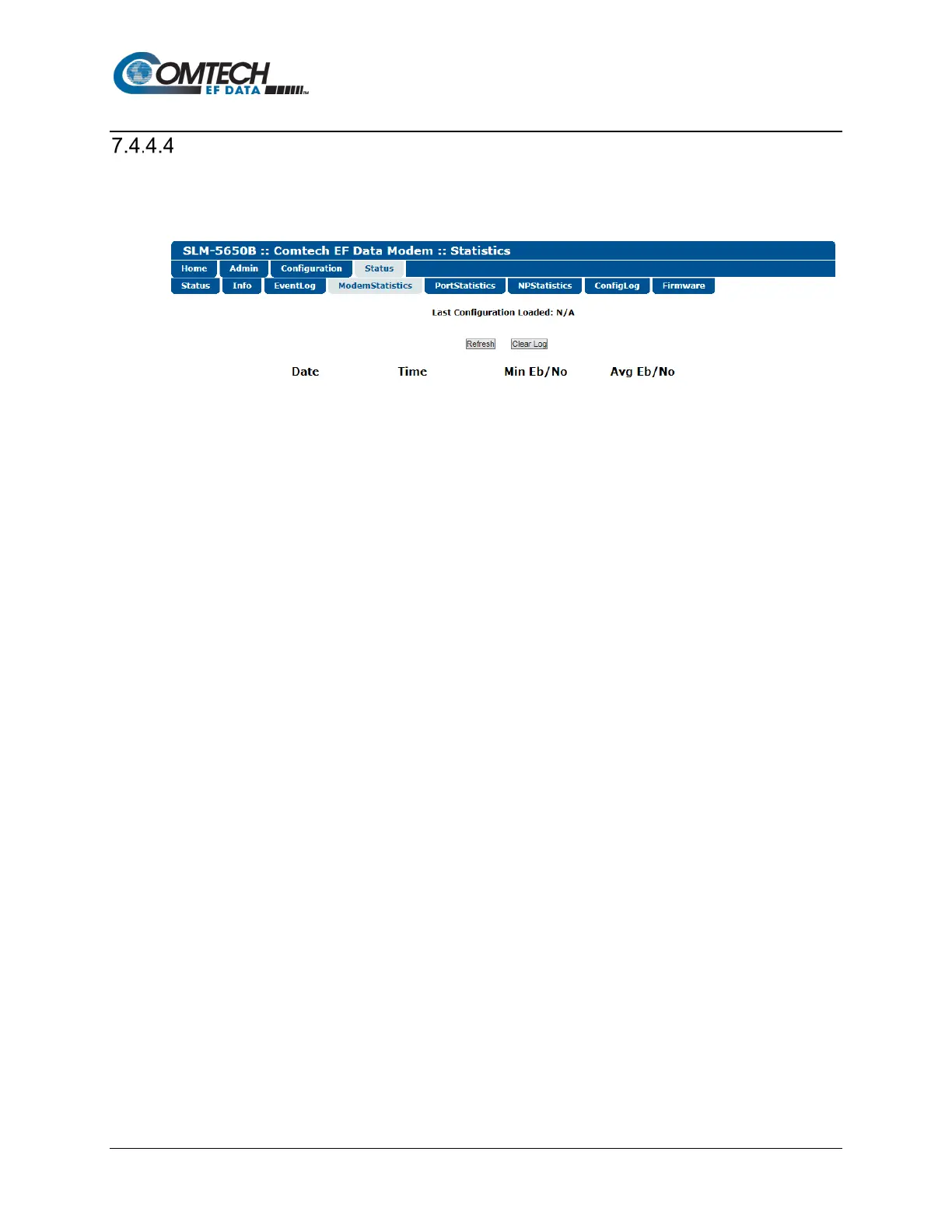
Status | Modem Statistics
Use this read-only page view a scrollable display of recorded modem statistics.
Figure 7-17. Status | Modem Statistics Page
Modem Statistics Log
• (Statistic #) Date / Time: The first three columns display the statistics by the order in which it
was logged, along with the date and time the event was recorded.
• Min Eb/No
• Avg Eb/No
Click [Refresh] to update the display with the most recently logged statistics.
Click [Clear Log] to clear the log of all visible statistics. Once the log is cleared, the next time
[Refresh] is clicked any new statistics will be logged beginning with the number ‘1’.



 To Next Page