SLM-5650B Satellite Modem
Revision 2
Base Modem HTTP/HTTPS Interface 7–1 MN-SLM-5650B
Chapter 7. BASE MODEM
HTTP/HTTPS INTERFACE
7.1 Overview
This chapter describes the functionality of the SLM-5650B’s Base Modem HTTP/HTTPS
Interface. The operational parameters available from these web pages complement the operation
of the SLM-5650B’s front panel menus.
7.2 Base Modem HTTP/HTTPS Interface Introduction
A user-supplied web browser allows the full monitor and control (M&C) of the SLM-5650B from its
Base Modem Web Interface. The SLM-5650B’s embedded web applications are designed for,
and work best with, Microsoft’s Internet Explorer Version 7.0 or higher.
See Chapter 5. FRONT PANEL OPERATION and the Remote Commands Specifications tables
found in Appendix C. REMOTE CONTROL for detailed descriptions of the configuration
parameters featured on the individual web pages shown in this chapter.
7.2.1 User Login
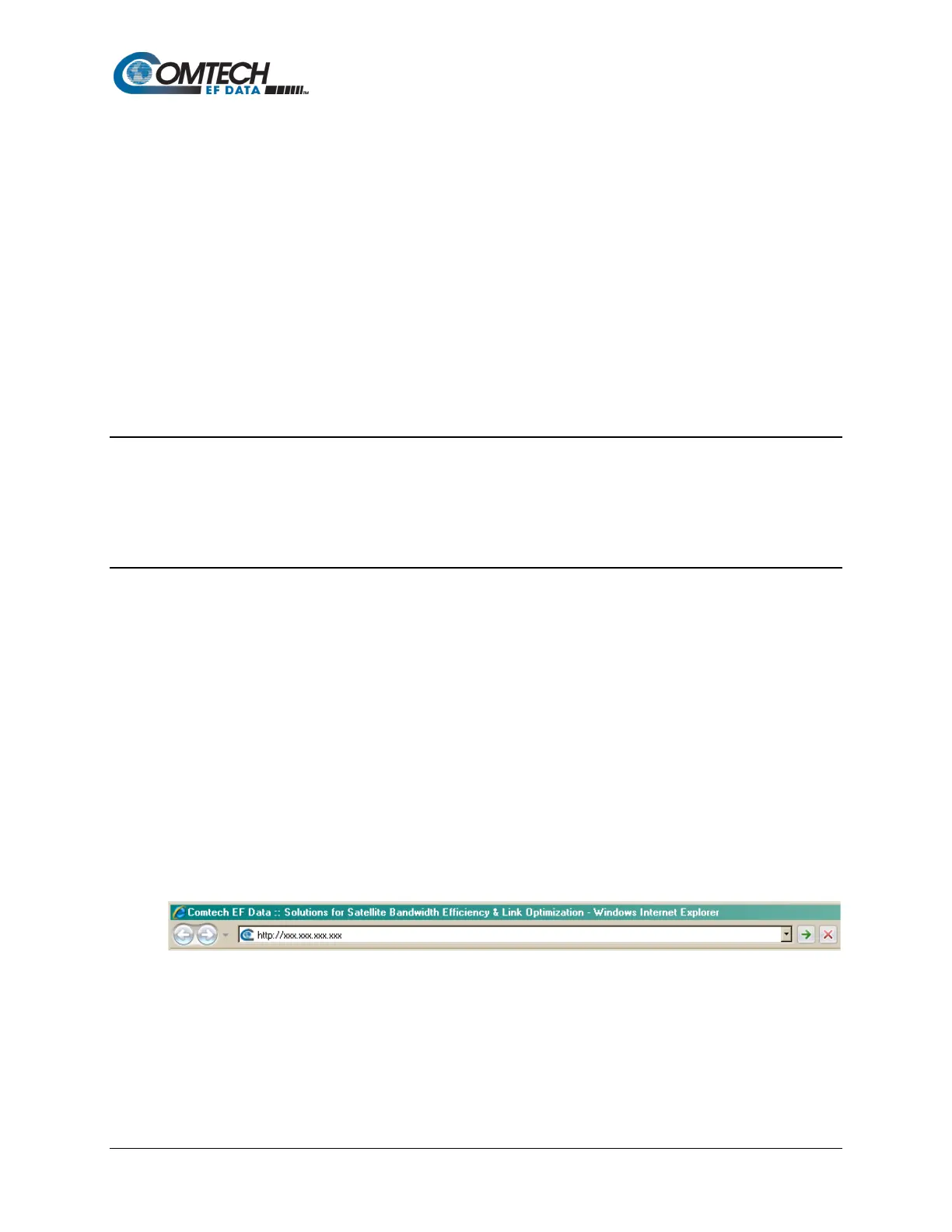
All Web Server Interfaces are accessible by typing (depending on the interface and/or
management mode) “http://xxx.xxx.xxx.xxx” or “https://xxx.xxx.xxx.xxx” into the browser’s
Address box (where “xxx.xxx.xxx.xxx” is the IP address of the modem or optional installed
interface):



 To Next Page