SLM-5650B Satellite Modem
Revision 2
NP Interface Telnet/SSH CLI Operation 9–28 MN-SLM-5650B
9.2.7 WAN Menu (W)
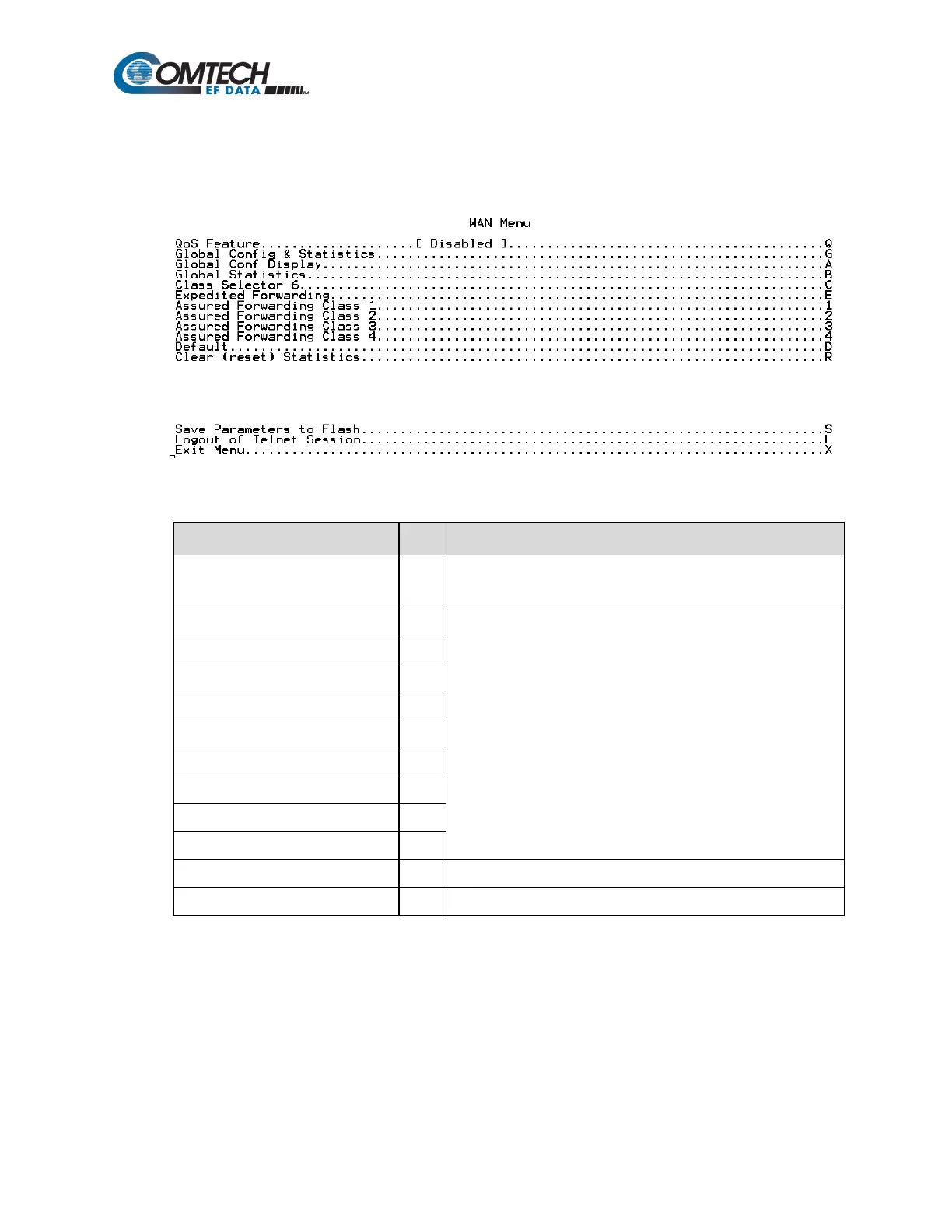
When the WAN Menu page is opened from the Main Menu, the following page appears:
The page contains the following options or fields:
Menu Options/Fields Entry Description
QoS Feature Q
Global Config & Statistics
See Chapter Section 8.6.5.5 WAN Page for an overview of
command functionality and/or information presented for these
functions.
Assured Forwarding Class 1
Assured Forwarding Class 2
Assured Forwarding Class 3
Assured Forwarding Class 4
Provides user with read-only display of the DiffServ default queue.
Allows user to reset all DiffServ statistics.



 To Next Page