SLM-5650B Satellite Modem
Revision 2
TRANSEC Module HTTPS Interface 10–21 MN-SLM-5650B
Step Task
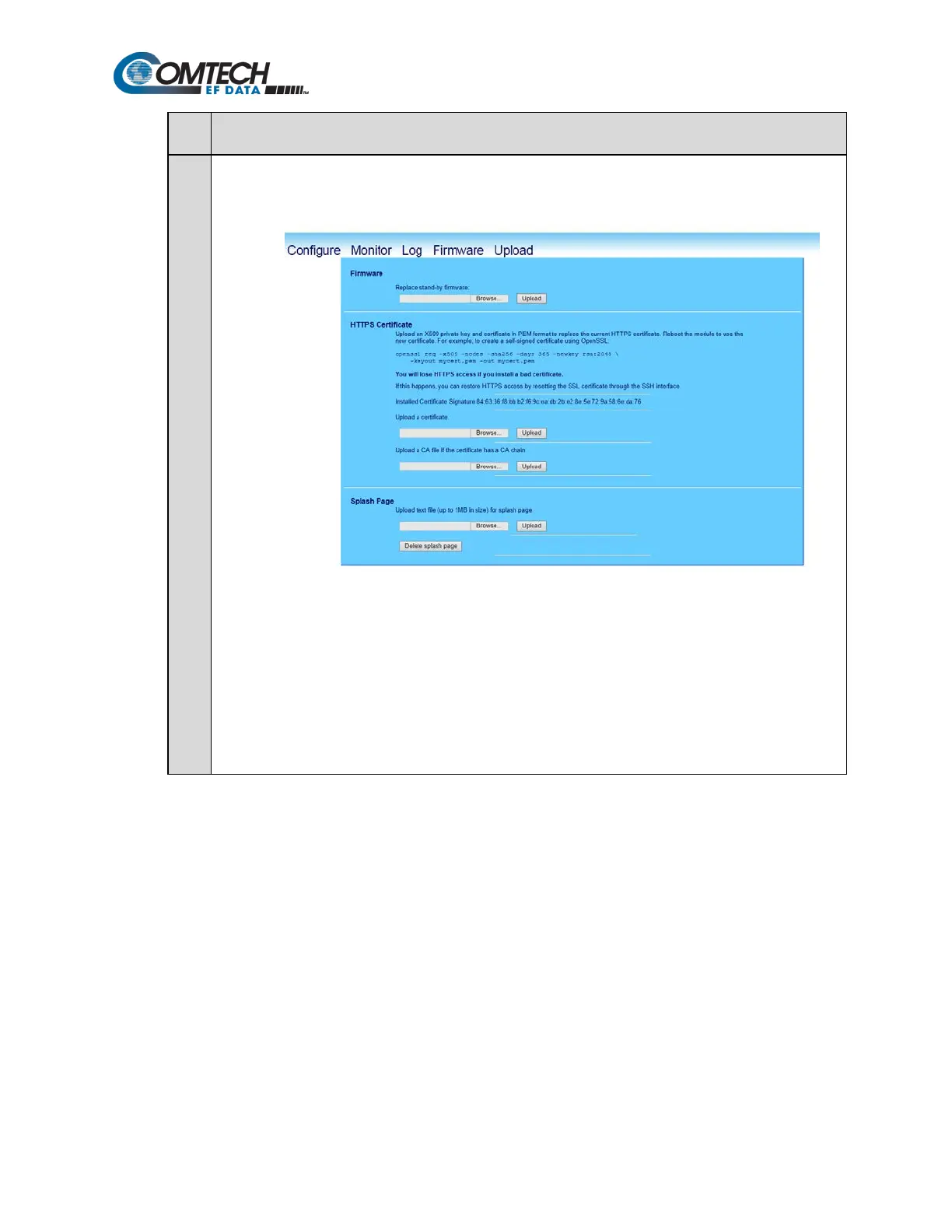
9 Update the TRANSEC Module bulk firmware:
a) Open the Upload page:
b) In the Firmware section of the page, locate the update file downloaded to the PC during Steps 2
through 4 :
• Click Browse. The Choose File dialog box will open.
• Locate the folder created for the file download; double-click on the folder name to open the
folder.
c) Select the update file, and then click Open. The filename should appear in the Replace stand-by
firmware text box.
d) Click Upload to begin the Firmware Application Process.



 To Next Page