SLM-5650B Satellite Modem
Revision 2
Updating Firmware 4–10 MN-SLM-5650B
Step Task
8
Send a “ping” command – either to the NP Module’s Traffic IP address when in single mode, or to its
Management IP address when in dual mode – to verify the connection and communication:
• If in single address mode, to determine the IP address of the NP Module, from the modem front panel go to
the SELECT: Configure
Remote
EthernetConfig
Option Card Addr
Network Proc
Traffic
IP menu, then select Yes.
• If in dual address mode, to determine the IP address of the NP Module, from the modem front panel go to the
SELECT: Configure
Remote
EthernetConfig
Option Card Addr
Network Proc
Mgmt IP
menu, then select Yes.
Then, using Command-line to “ping” the modem: At the prompt, type “ping xxx.xxx.xxx.xxx” (where
‘xxx.xxx.xxx.xxx’ is the NP Module’s IP address). The results should confirm whether or not the module is
connected and communicating.
9
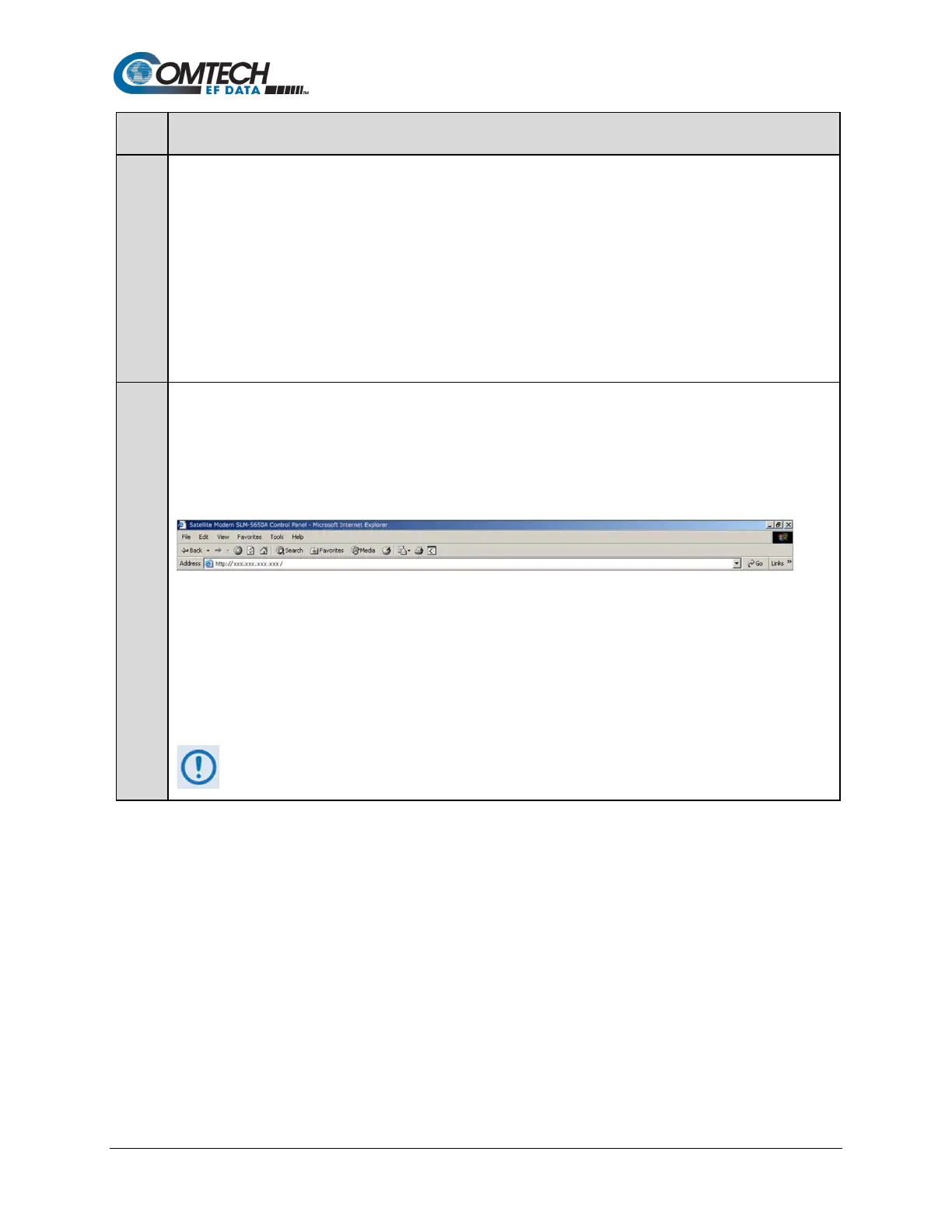
Initiate a Web session with the SLM-5650B’s NP Module using the PC and a supported Web browser.
Note the following:
1. The browser and page examples that follow use Internet Explorer Version 7.0.
2. NP HTTP/HTTPS pages are shown with optional FAST Features installed.
Type the NP Module’s IP address into the browser’s Address box (where “xxx.xxx.xxx.xxx” represents the NP
Module’s IP address).
Depending on the NP Module’s security level setting:
• Type “http://xxx.xxx.xxx.xxx” for non-secure access (Low Security Mode);
• Type “https:/xxx.xxx.xxx.xxx” for Secure access (High Security Mode). When prompted, enter the User
Name and Password to log in:
o Factory Default User Name is comtech
Factory Default Password is comtech
The Web interface is disabled in Bridge Mode.



 To Next Page