11. Soft Switch List Field Service Ver. 1.0 Aug. 2005
128
FK-503
Adjustment / Setting
NOTE
• The features with (*) are settable by users. *: Screen setting
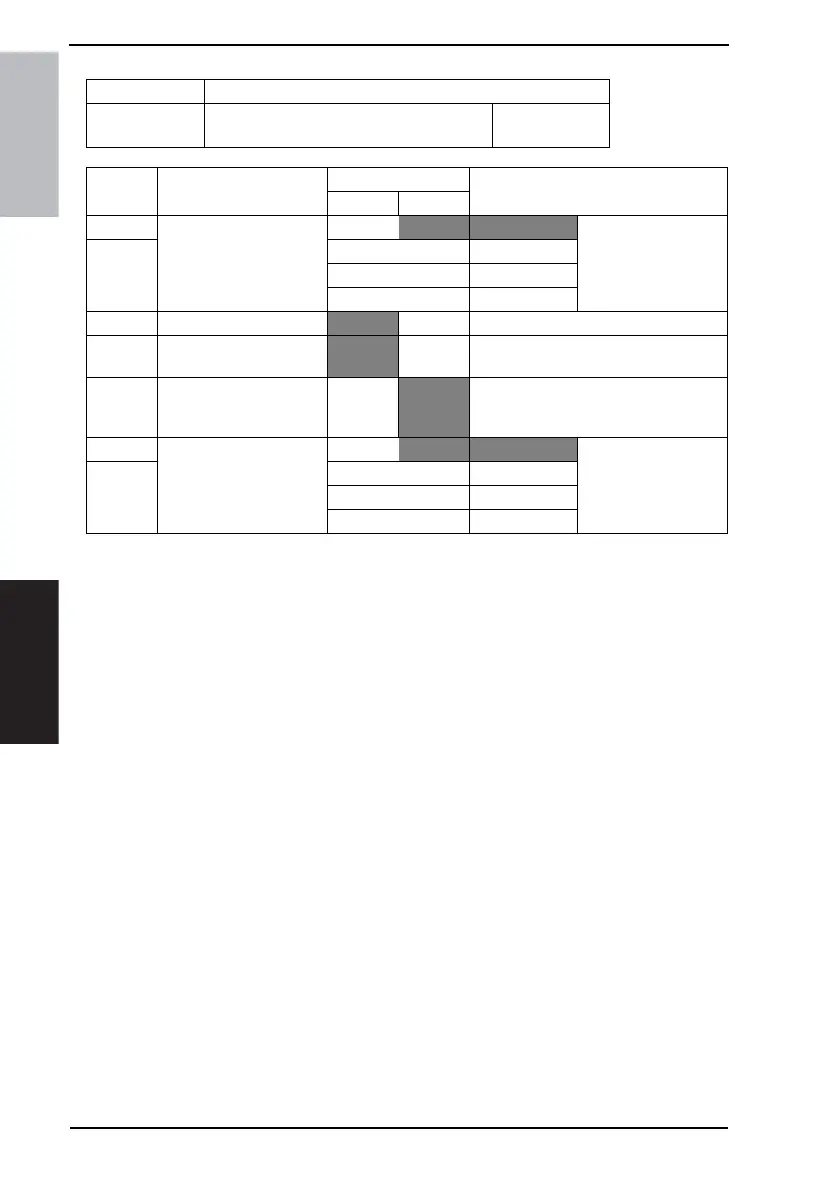
MODE Factory setting bit
412
Bit: 7654 3210
0000 1000
HEX:08
Bit Feature
Logic
Description
01
7 Select auto sort mode.
(Copy) *
Bit 7-6:
00 Sort off mode Specifies mode of
paper ejection when
ejector option is
attached.
6 01 Sort on mode
10 Not available
11 Grouping mode
5 Prohibit shifting. (Copy)
No Ye s
4 Select auto punch mode.
(Copy) *
No Yes Settable with other functions of MODE
412 Bit Nos. 7-6.
3 Select sort on/off auto
switch. (Copy) *
No
Yes Determines whether to switch “sort on
Æ sort off”or “sort off Æ sort on” accord-
ing to # of documents or the operation.
2 Select priority in staple
mode.
Bit 2-1:
00 No
1 01 Corner staple
10 2-point staple
11 Center staple









 To Next Page